Preview before you commit
See exactly what each file becomes - changed, unchanged, or needs attention - before a single name is touched.
Rename Studio takes the terror out of bulk renaming - add files or folders, build a numbering or pattern scheme, and watch a full preview flag every change, every collision, and everything left alone, so you only commit once the plan is clean.
Start the 14-day trial in the app. No payment method is required to try Foldout.
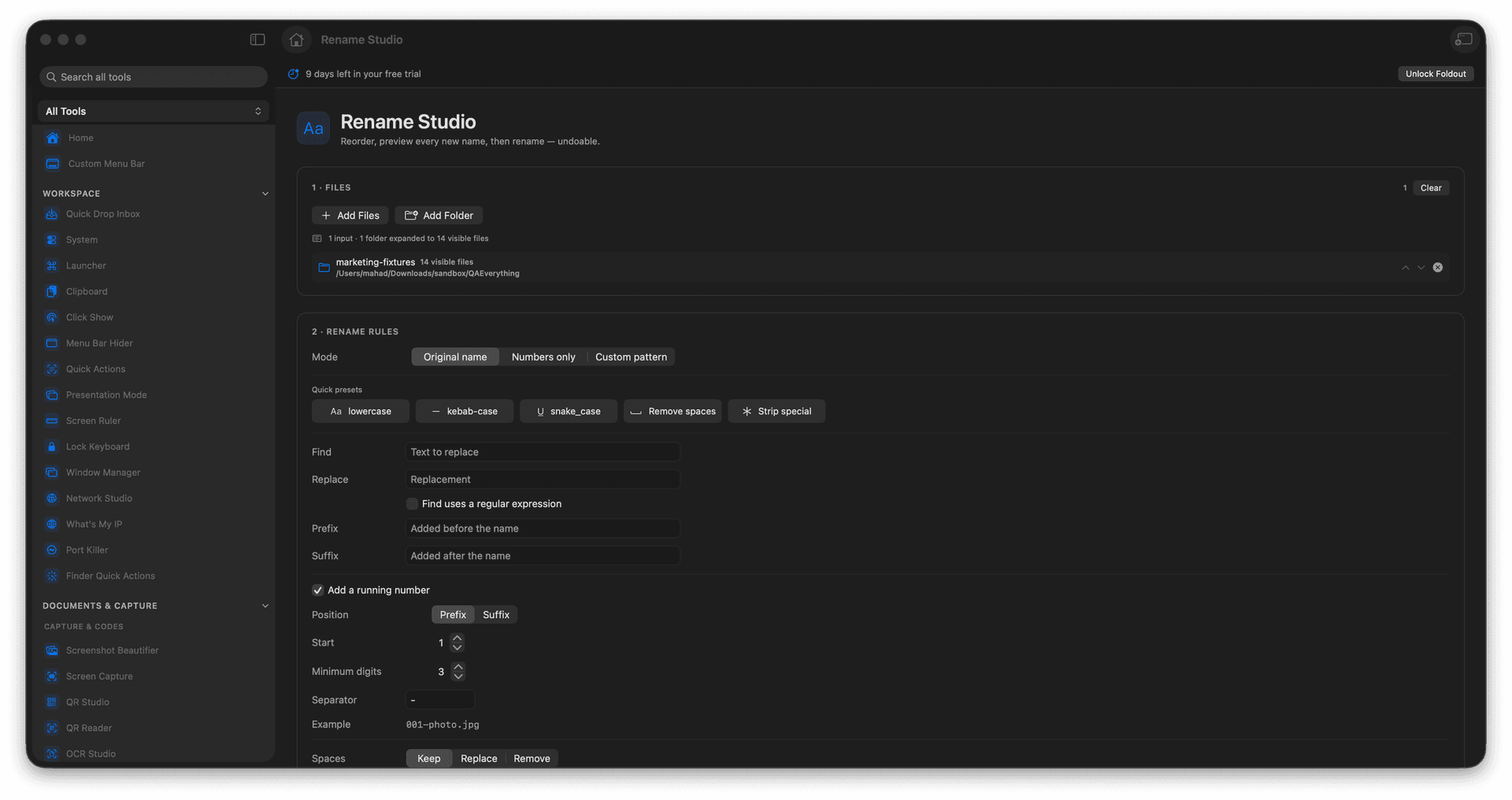
Rename by original name, numbers, or a custom pattern.
Pad numbers cleanly like 001, 002, 003.
Catch name collisions before they happen.
Apply only when the preview looks right.
Concrete features, inputs, and workflow details for this tool.
See exactly what each file becomes - changed, unchanged, or needs attention - before a single name is touched.
Build numbered or pattern-based names, with consistent digit padding so a sorted folder stays in order.
Collisions are flagged up front, so two files never quietly fight over the same name.
Add files or a folder.
Choose the rename mode and numbering options.
Review the preview and collision warnings.
Apply the rename when the preview is correct.
Yes. Numbers-only mode can start after the highest numeric filename in each selected folder.