Core capabilities
Merge, split, rotate, delete, watermark, and number PDF pages. Compress image-heavy PDFs and export pages as images. Fill forms visually, redact content, and manage passwords.
Foldout keeps common PDF jobs in one Mac app: page operations, compression, image export, text extraction, watermarking, redaction, passwords, and visual fill-and-sign.
Start the 14-day trial in the app. No payment method is required to try Foldout.
Use Foldout only with files and content you own or have permission to process.
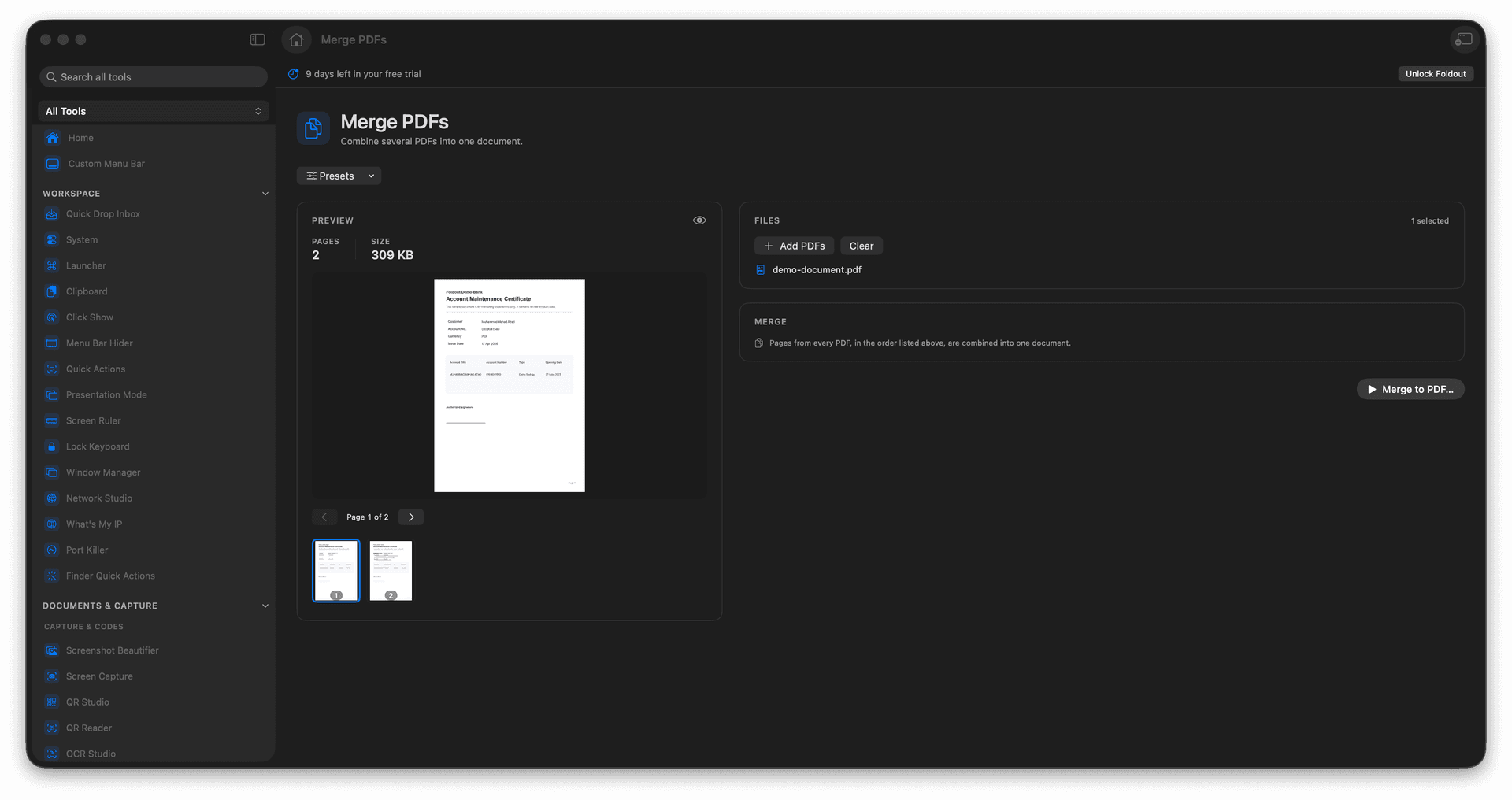
Merge, split, rotate, delete, watermark, and number PDF pages.
Compress image-heavy PDFs and export pages as images.
Fill forms visually, redact content, and manage passwords.
Concrete features, inputs, and workflow details for this tool.
Merge, split, rotate, delete, watermark, and number PDF pages. Compress image-heavy PDFs and export pages as images. Fill forms visually, redact content, and manage passwords.
Works with pDF files and image files for PDF creation.
Choose the PDF tool that matches the job. Add the PDF or images needed for that action. Review page, password, redaction, or output settings. Save the generated PDF or extracted files.
Common uses include client packets, forms, document review, and pDF exports.
Choose the PDF tool that matches the job.
Add the PDF or images needed for that action.
Review page, password, redaction, or output settings.
Save the generated PDF or extracted files.
Yes. Foldout processes PDFs on your Mac.