Plain-English explanations
Paste an expression and read exactly when it runs, so 'every Sunday at 3am' is obvious instead of a puzzle.
Cron untangles those five cryptic fields - it explains any expression in plain English, shows you the next handful of run times, and helps you build a schedule from controls so you never deploy a job that fires at the wrong hour.
Start the 14-day trial in the app. No payment method is required to try Foldout.
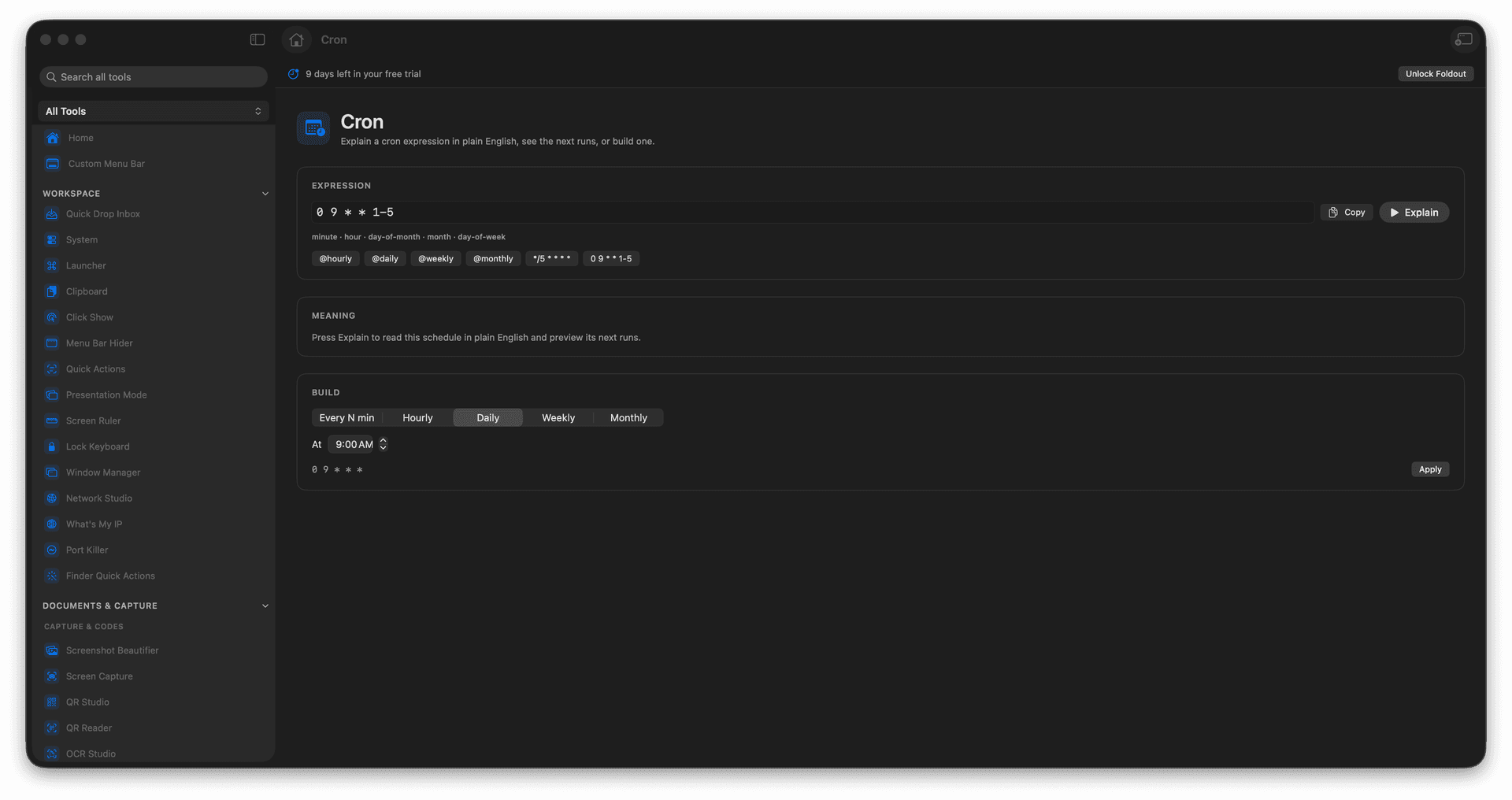
Read any cron expression in plain English.
Preview the next upcoming run times.
Build a schedule from simple controls.
Stop guessing what those five fields mean.
Concrete features, inputs, and workflow details for this tool.
Paste an expression and read exactly when it runs, so 'every Sunday at 3am' is obvious instead of a puzzle.
A preview of the next run times confirms the schedule does what you think before it ships.
Assemble a schedule from controls and get the correct expression out, no cheat sheet required.
Enter a cron expression or use the builder.
Read the plain-English explanation.
Review next run times.
Copy the expression.
No. It explains and builds cron expressions.