Numbers into real dates
Paste a Unix timestamp and read it back as a clear date and time, so a log entry stops being an inscrutable integer.
Timestamp Converter takes a raw Unix number - seconds or milliseconds - and turns it into a human date in the time zone you care about, with relative time and common formats, so a log line finally tells you when something actually happened.
Start the 14-day trial in the app. No payment method is required to try Foldout.
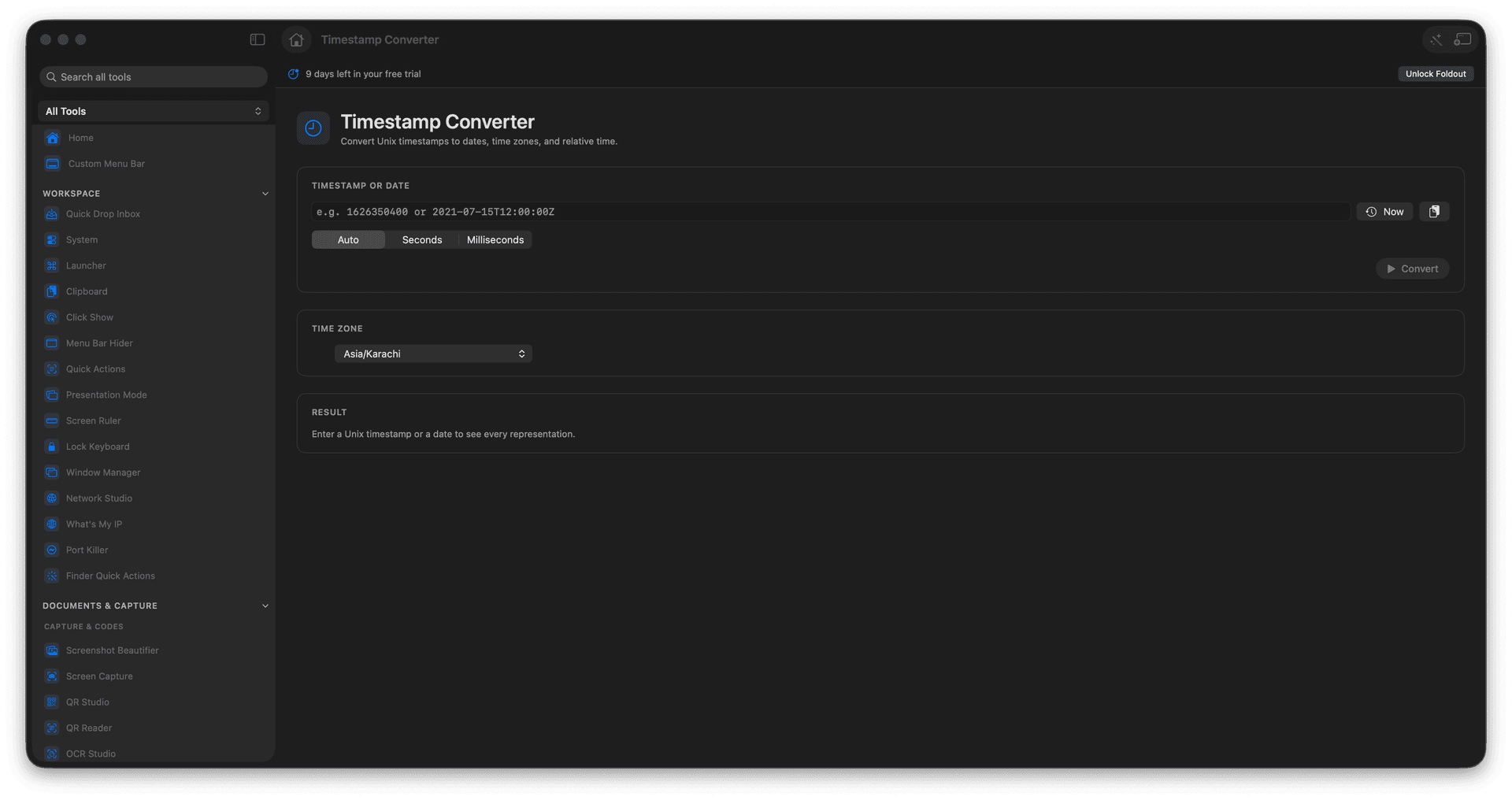
Convert Unix seconds or milliseconds to dates.
Switch between time zones instantly.
See relative time like '3 hours ago'.
Read timestamps from logs without math.
Concrete features, inputs, and workflow details for this tool.
Paste a Unix timestamp and read it back as a clear date and time, so a log entry stops being an inscrutable integer.
See the same moment in UTC or your local zone, so you stop doing offset arithmetic in your head.
Get a how-long-ago read and common formatted strings ready to drop into a message or a ticket.
Paste or enter a timestamp.
Choose seconds, milliseconds, or auto-detect.
Select a time zone if needed.
Copy the formatted date.
Yes. It can auto-detect or force seconds or milliseconds.