Hex and ASCII together
Read the raw bytes next to their text interpretation, so a file header or a corrupt section is right there to see.
Hex Viewer opens any file as a side-by-side hex and ASCII dump and lets you search for text or byte patterns inside it - the right tool when a file will not open, a header looks wrong, or you just need to see what is really in there.
Start the 14-day trial in the app. No payment method is required to try Foldout.
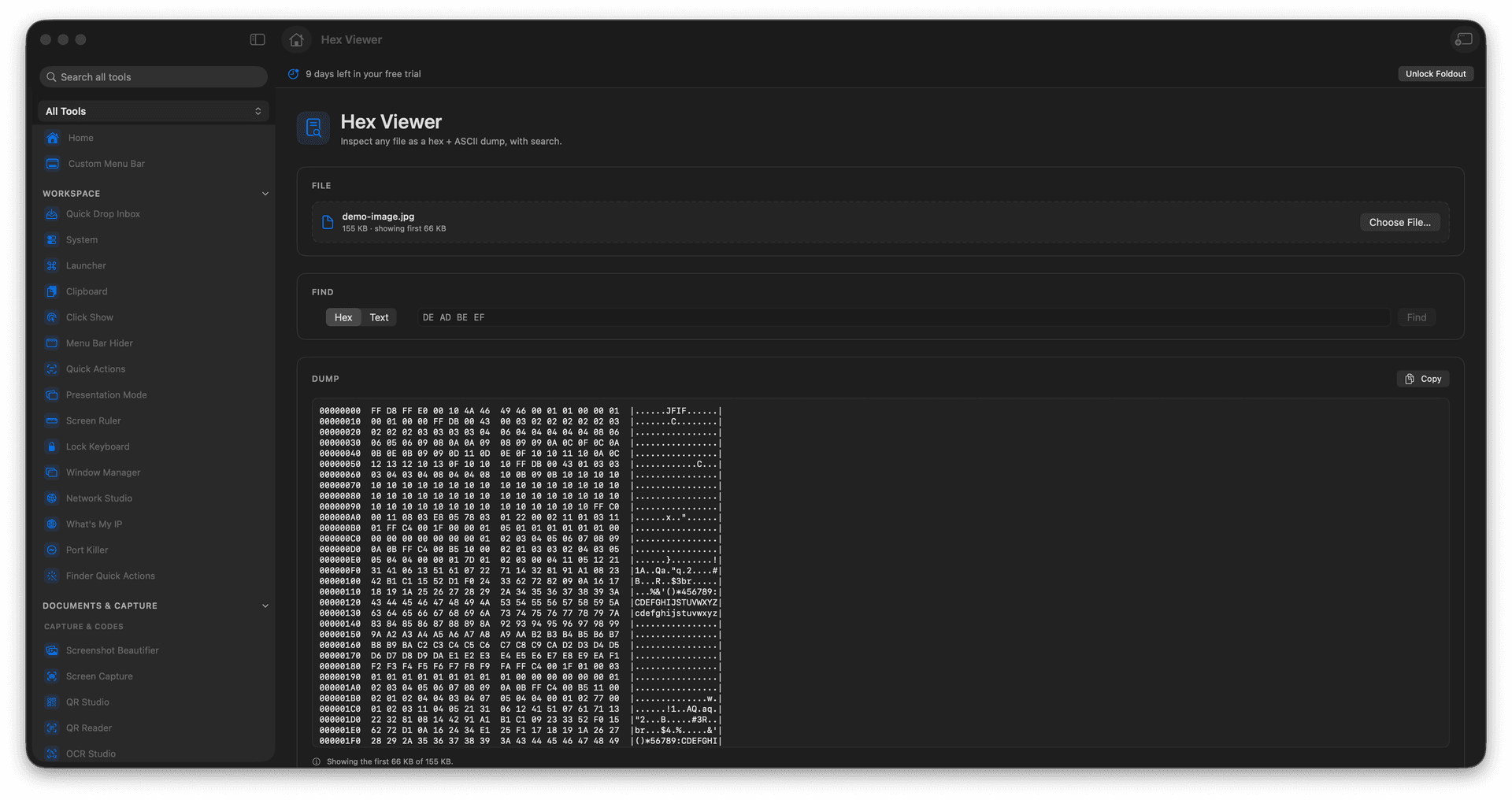
See a file as hex and ASCII columns.
Search for text or specific byte patterns.
Inspect binaries and unknown formats.
Understand a file when nothing else opens it.
Concrete features, inputs, and workflow details for this tool.
Read the raw bytes next to their text interpretation, so a file header or a corrupt section is right there to see.
Search for a string or a byte sequence to jump straight to the part you care about.
Perfect for poking at an unknown format, checking a magic number, or confirming what a file really contains.
Add a file.
Review the hex and ASCII dump.
Search for text or bytes.
Copy the data you need.
No. It is an inspection tool.