Look before unzipping
See exactly what an archive holds - the files, the counts, the sizes - before anything lands on your disk.
Inspect Archive lets you peek inside a zip before you commit - see the file list, the counts, and the sizes - so you know whether that download is what it claims to be and where its contents would land before you extract a single byte.
Start the 14-day trial in the app. No payment method is required to try Foldout.
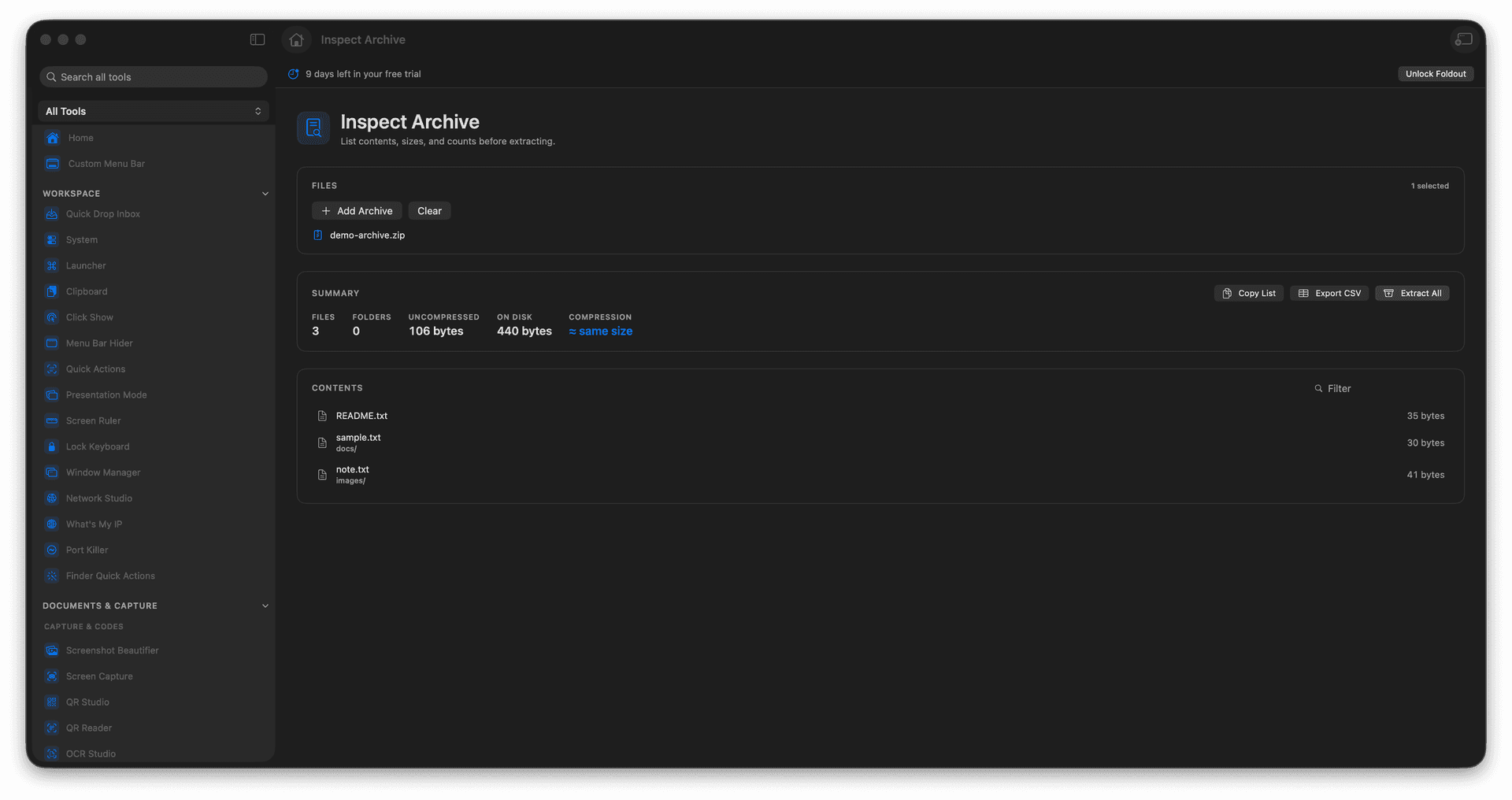
List an archive's contents without extracting.
Review file counts and sizes first.
Spot a surprise before it unpacks.
Decide whether and where to extract.
Concrete features, inputs, and workflow details for this tool.
See exactly what an archive holds - the files, the counts, the sizes - before anything lands on your disk.
Confirm a download contains what it should, and is not about to spray files across your folder.
Decide whether to unpack and where, armed with a full view of the contents.
Add an archive.
Review its contents and size summary.
Choose whether to extract.
Open Extract Archive when ready.
Yes. That is the purpose of Inspect Archive.