Trust the download
Compare a file's SHA-256 against a published value to confirm it arrived without corruption or tampering.
Checksums computes SHA-256 for the files you select, so you can confirm a download arrived intact, prove two files are truly identical, or leave a checksum sidecar that lets anyone verify the file later.
Start the 14-day trial in the app. No payment method is required to try Foldout.
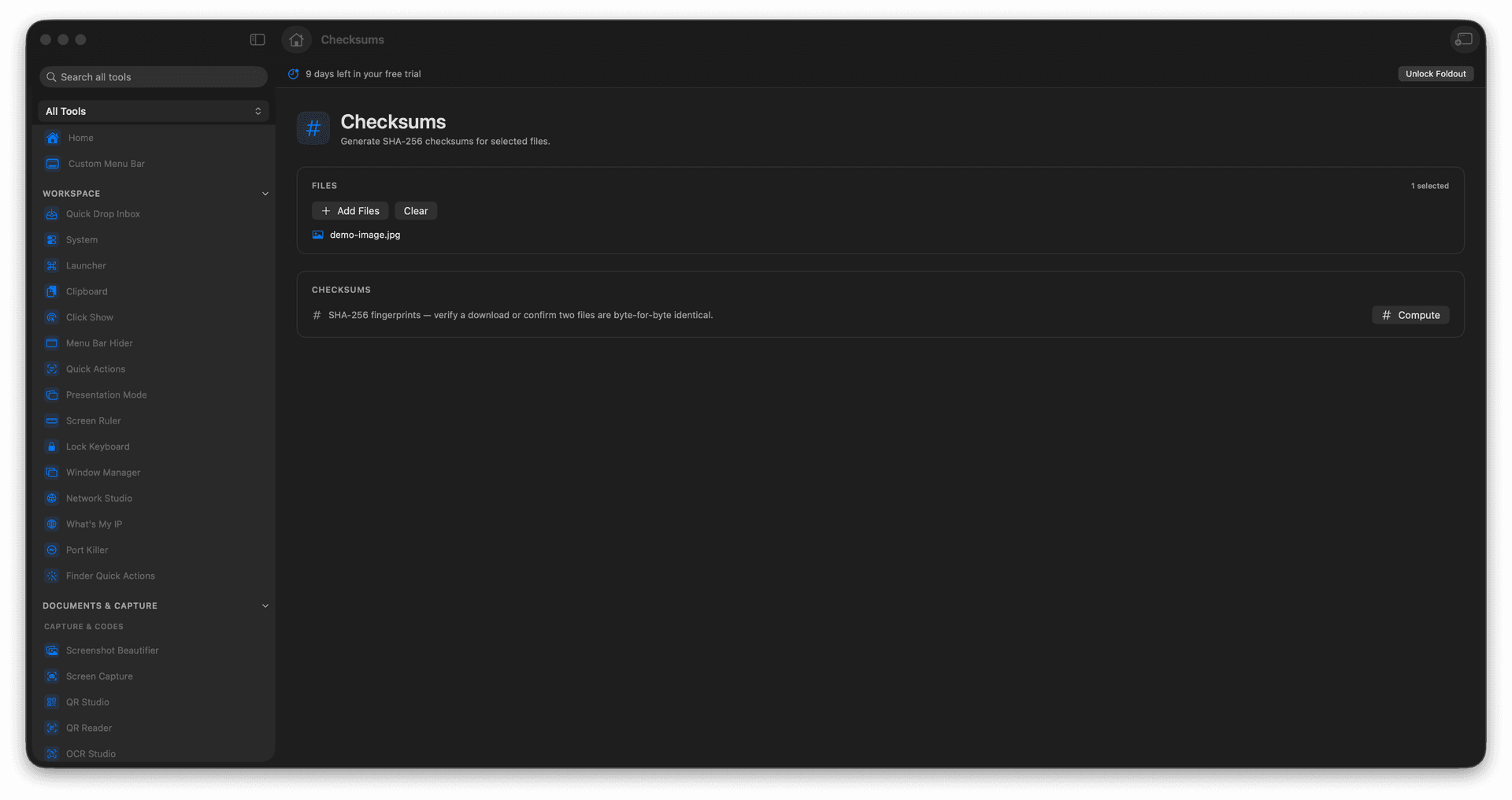
Compute SHA-256 for one file or many.
Verify a download finished intact.
Prove two files are byte-identical.
Copy or write checksum results.
Concrete features, inputs, and workflow details for this tool.
Compare a file's SHA-256 against a published value to confirm it arrived without corruption or tampering.
Hash two files and compare, so 'are these the same?' gets a definitive answer.
Write a checksum sidecar so the file can be verified again down the line.
Add files.
Run the checksum calculation.
Review the calculated hashes.
Copy or save the results.
Checksums works on selected files.