The full picture
Size, type details, and dates in one view, so an unfamiliar file gives up its basics immediately.
File Inspector is the detailed dossier on any file you hand it - size, type, dates, hashes, and the Foldout actions that fit - so you can understand exactly what you are looking at and jump straight to the right next step.
Start the 14-day trial in the app. No payment method is required to try Foldout.
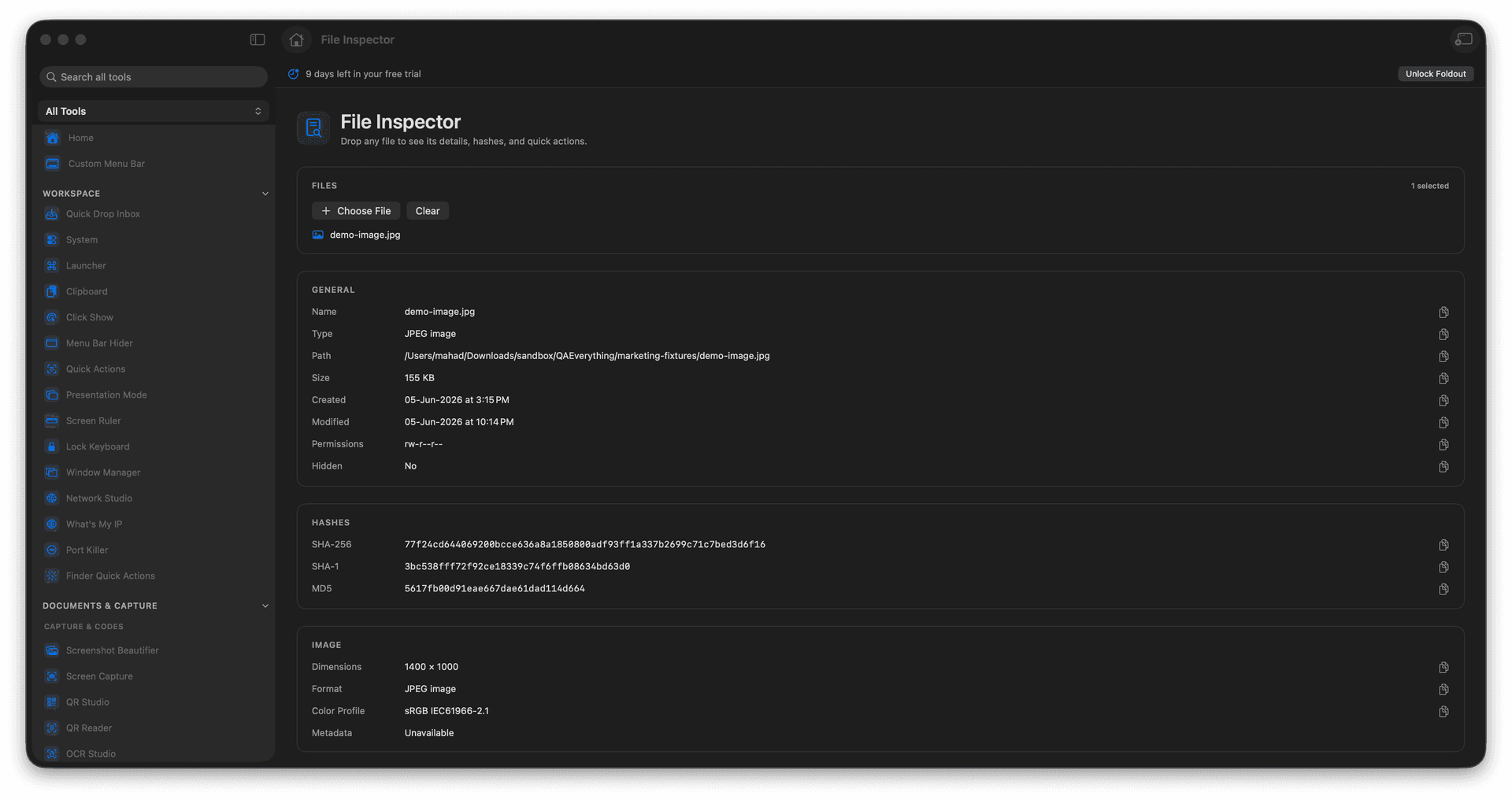
See size, type, and key dates at a glance.
View or generate hashes for the file.
Understand an unfamiliar file fast.
Jump to related Foldout actions.
Concrete features, inputs, and workflow details for this tool.
Size, type details, and dates in one view, so an unfamiliar file gives up its basics immediately.
View or generate hashes right there for verification or comparison.
See the Foldout tools that fit the file and launch the right one without hunting.
Add a file.
Review details and metadata.
Copy or inspect hashes.
Use related actions when needed.
No. File Inspector is for inspection and routing.