Everything in one zip
Bundle a mix of files and folders into a single archive that is easy to send, upload, or stash.
Create Archive bundles the files and folders you pick into a single zip - ready to email, upload, or back up - with options to skip hidden files and lock it behind a password when the contents are not for everyone.
Start the 14-day trial in the app. No payment method is required to try Foldout.
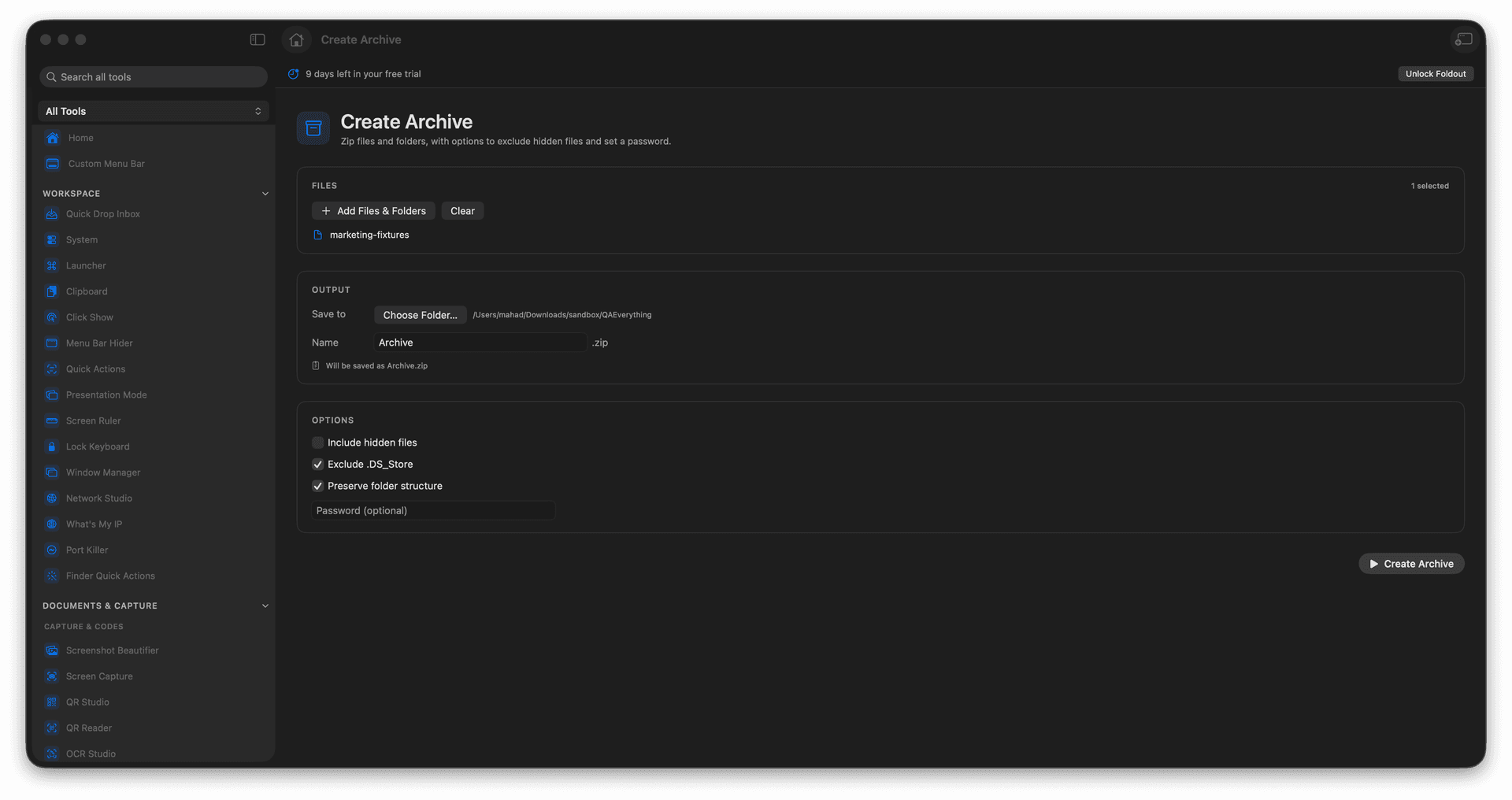
Zip files and folders into one archive.
Optionally exclude hidden files.
Password-protect when contents are sensitive.
Get one tidy file to send or store.
Concrete features, inputs, and workflow details for this tool.
Bundle a mix of files and folders into a single archive that is easy to send, upload, or stash.
Optionally leave out hidden files so the archive holds only what matters.
Set a password so a sensitive bundle only opens for the right person.
Add files or folders.
Choose archive options.
Review the archive name.
Create the zip file.
Yes. The archive tool includes a password option.