Built for heavy scans
Documents dominated by scanned pages and photos shrink the most, turning a bloated file into something that sends in seconds.
Compress PDF wrings the bulk out of image-heavy documents - scanned contracts, photo decks, brochures - so they actually fit through an email or an upload limit, while keeping your full-size original safe.
Start the 14-day trial in the app. No payment method is required to try Foldout.
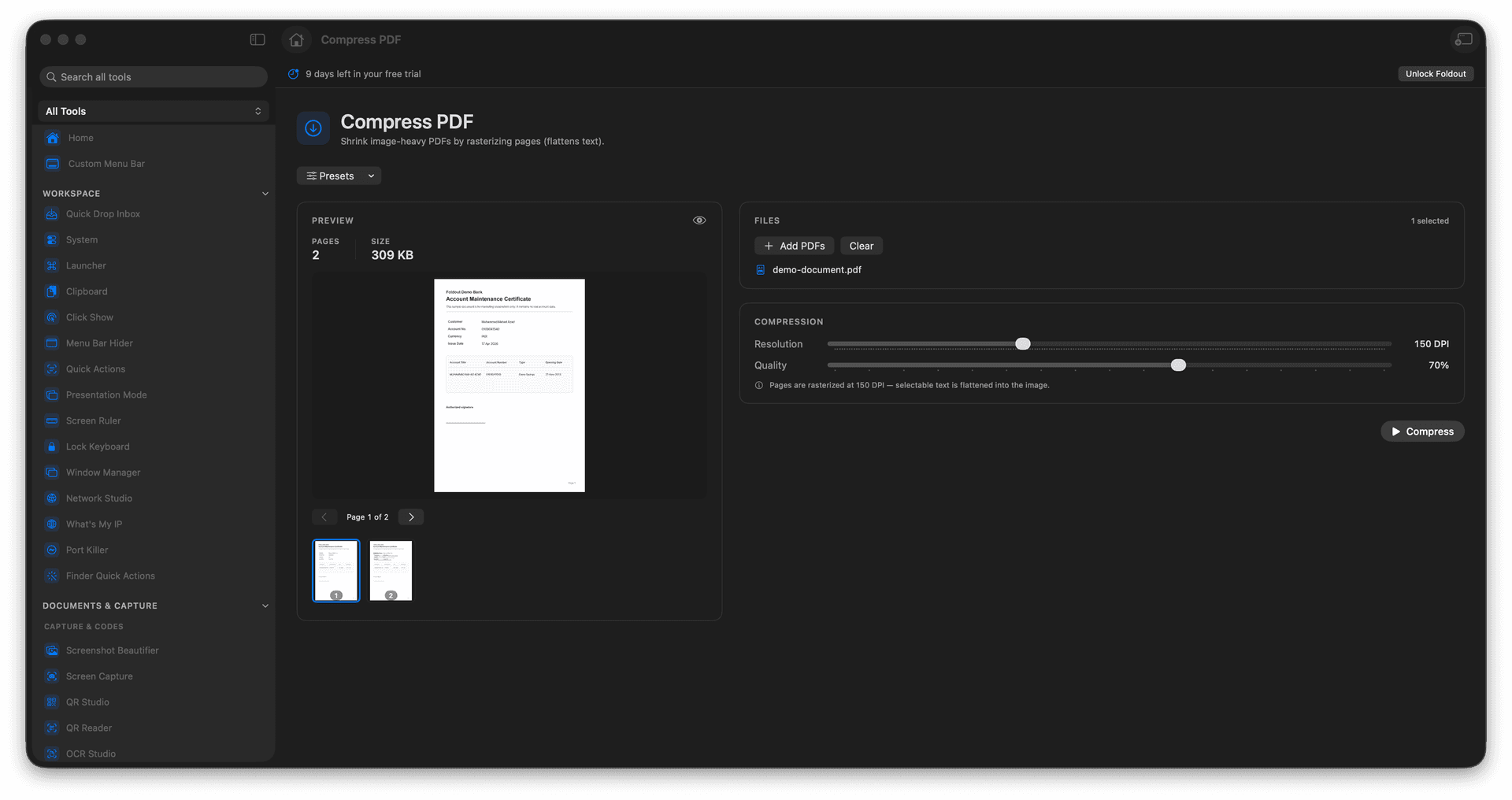
Cut the size of image-heavy PDFs dramatically.
Get past email and upload size limits.
Keep documents readable while shrinking the file.
The original full-size PDF stays available.
Concrete features, inputs, and workflow details for this tool.
Documents dominated by scanned pages and photos shrink the most, turning a bloated file into something that sends in seconds.
Compression targets the weight that does not matter, so the page still reads cleanly at normal viewing size.
The compressed version is a new file, so you always have the full-quality document to fall back on.
Add a PDF.
Choose compression settings.
Review the expected output.
Run compression and save the new PDF.
Compression may flatten or rasterize page content depending on the document.