Pages become pictures
Render each page to a sharp image, so a document opens instantly as a thumbnail or preview without a single PDF app involved.
PDF to Images renders each page of a document into a crisp PNG or JPEG - ideal for thumbnails, a quick preview someone can open without a PDF reader, or feeding pages into an image editor. Pick the format, export, done.
Start the 14-day trial in the app. No payment method is required to try Foldout.
Use Foldout only with files and content you own or have permission to process.
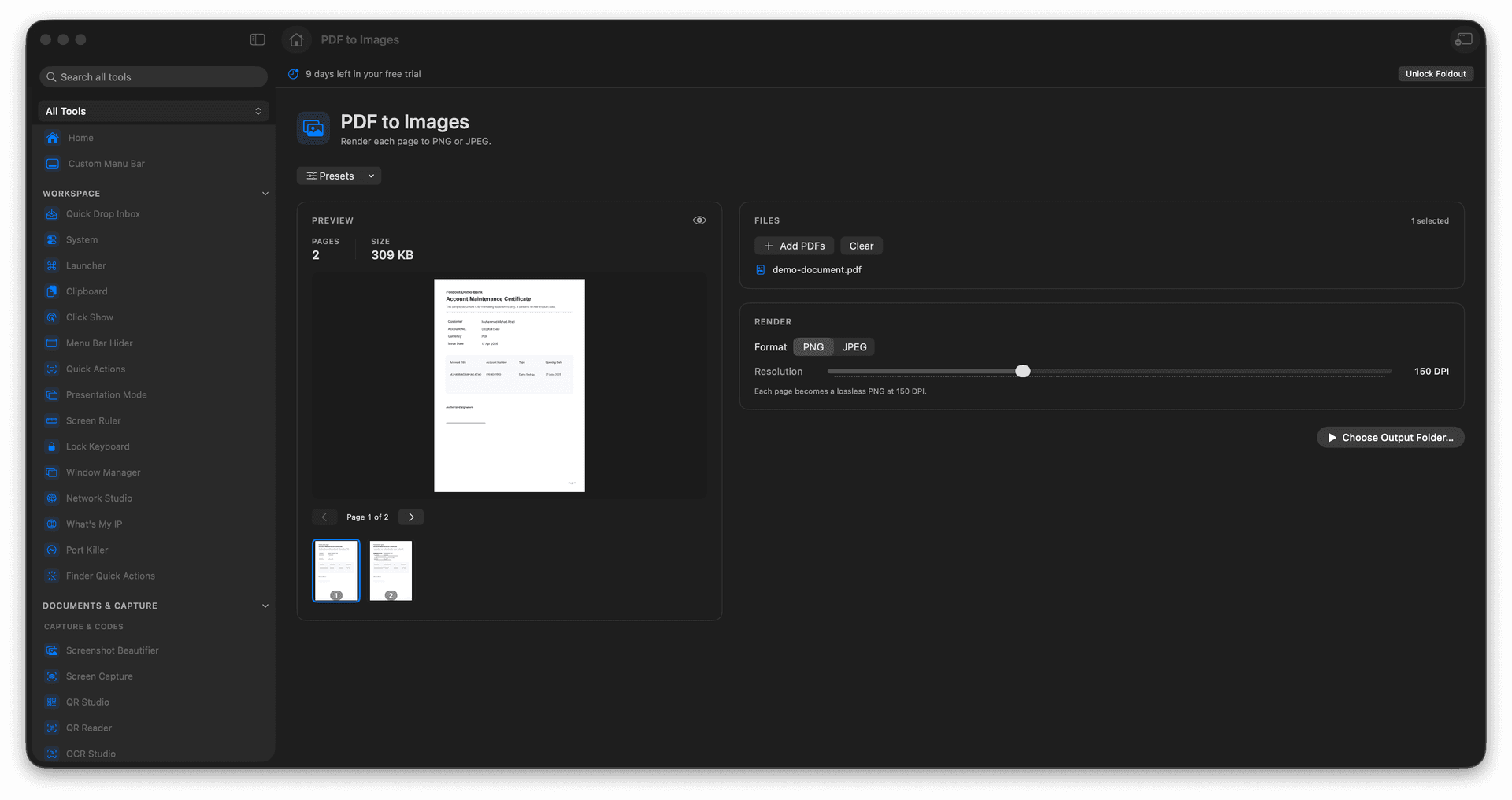
Turn PDF pages into PNG or JPEG images.
Make thumbnails and previews anyone can open.
Feed pages into image tools that do not read PDF.
The source PDF stays unchanged.
Concrete features, inputs, and workflow details for this tool.
Render each page to a sharp image, so a document opens instantly as a thumbnail or preview without a single PDF app involved.
Choose PNG for crisp text and line art, or JPEG for smaller photo-heavy pages.
Once a page is an image you can crop, annotate, resize, or drop it into any of Foldout's image tools.
Add a PDF.
Choose PNG or JPEG output.
Review output settings.
Export the pages.
Yes. PDF to Images can render pages from the selected PDF.