Assemble in the right order
Add every document and arrange them exactly how they should read, so the cover, body, and appendix end up in sequence instead of a guessing game.
Merge PDFs gathers a pile of separate documents - a contract, its appendix, a scan of the signed page - lets you drag them into the right order, and saves one clean combined file. No print-to-PDF gymnastics, no uploader, just a single tidy document.
Start the 14-day trial in the app. No payment method is required to try Foldout.
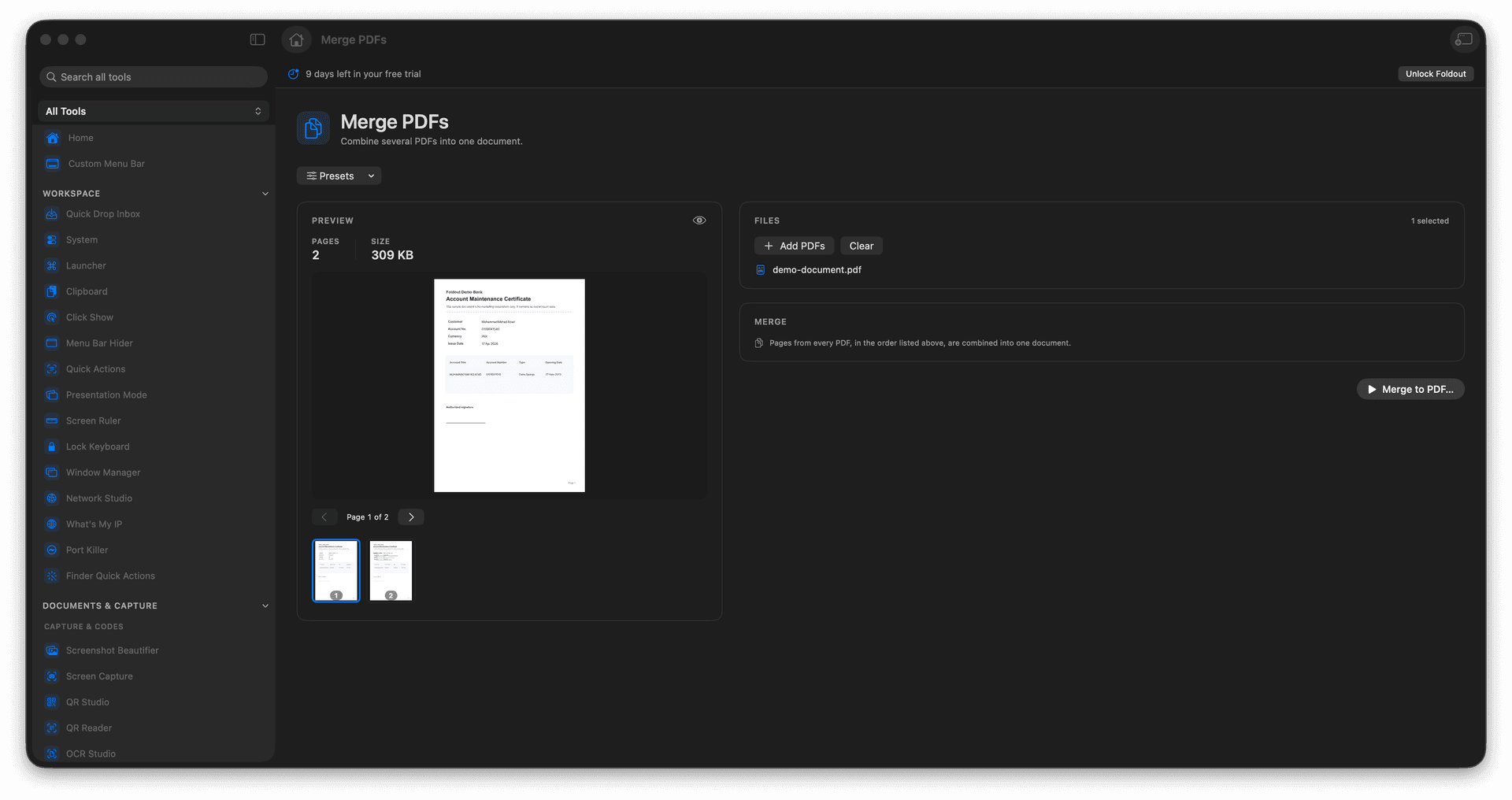
Combine any number of PDFs into one document.
Drag to set the exact order before you merge.
Pull scattered scans and exports into a single file.
Originals stay put - the merge is saved as a new PDF.
Concrete features, inputs, and workflow details for this tool.
Add every document and arrange them exactly how they should read, so the cover, body, and appendix end up in sequence instead of a guessing game.
Turn a handful of attachments into a single PDF that is easy to email, file, or print without anything getting lost along the way.
The combined document is written as a new file, leaving each source PDF exactly where you found it.
Add PDFs.
Arrange them in the desired order.
Review the output name.
Run the merge and save the new PDF.
No. It creates a new merged PDF.