Unpack the common formats
Open zip and other widely used archives into a folder, without a separate utility.
Extract Archive unpacks a zip or other common archive into a folder you choose, and quietly refuses to clobber existing files - so unzipping a download never silently overwrites something you wanted to keep.
Start the 14-day trial in the app. No payment method is required to try Foldout.
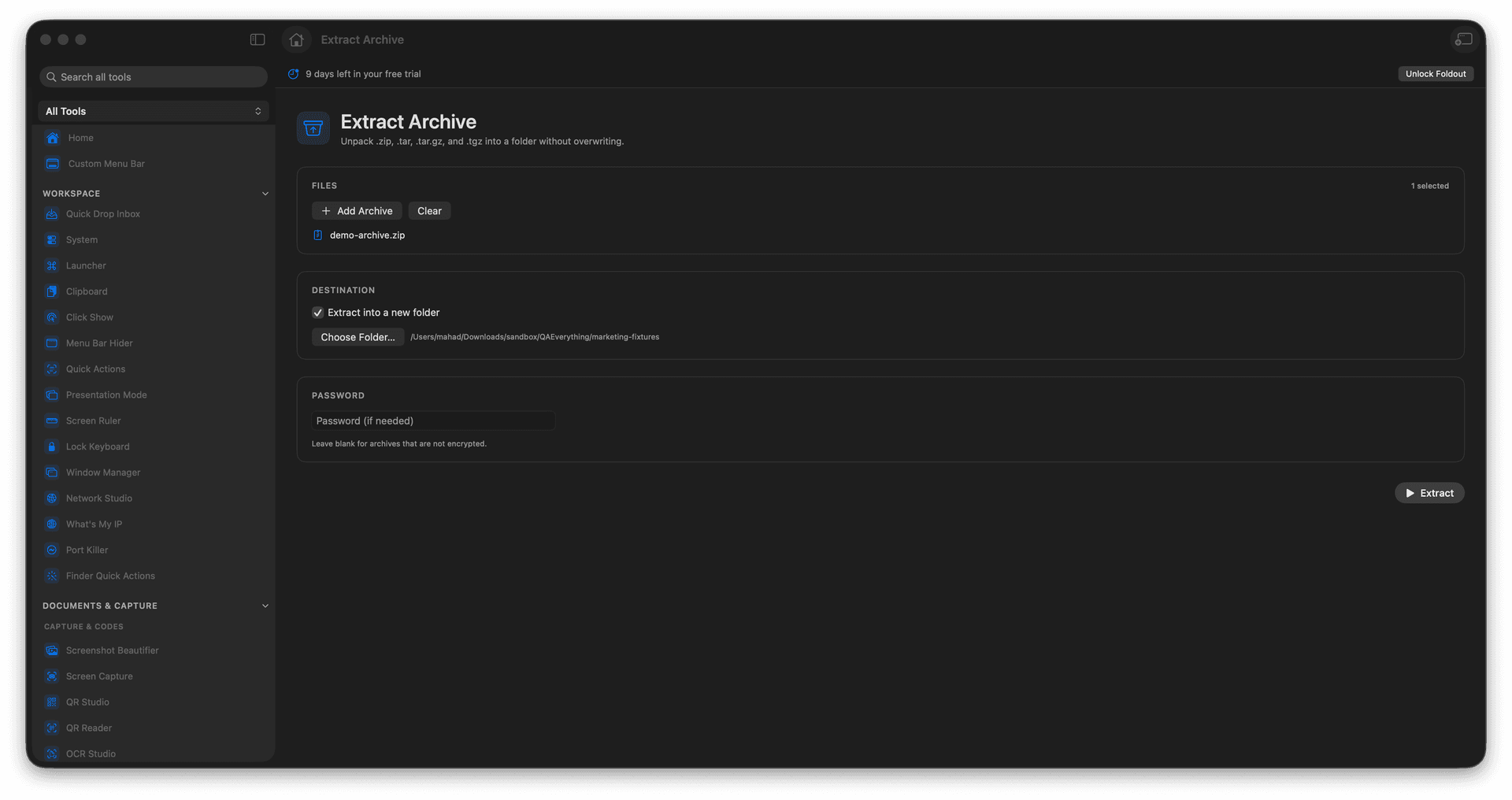
Extract common archive formats.
Pick or review the output folder.
Never silently overwrite existing files.
Unpack downloads with confidence.
Concrete features, inputs, and workflow details for this tool.
Open zip and other widely used archives into a folder, without a separate utility.
Existing files are protected from silent overwrites, so an extract cannot quietly destroy your work.
Review or set the destination folder, so the contents land exactly where you want them.
Add an archive.
Choose the destination.
Review extraction options.
Extract the archive.
No. It avoids silent overwrites.