Space, made visible
A treemap sizes every folder and file by how much room it takes, so the disk hog is the biggest block on the screen.
Disk Space Visualizer turns a folder scan into a colorful treemap where big things look big - the bloated folder, the runaway log, the forgotten video - so you can see where your space went at a glance, drill in, and reveal what to deal with.
Start the 14-day trial in the app. No payment method is required to try Foldout.
This tool is a local inspection and workflow utility for files, settings, and development tasks you control. It reviews selected local information only; Foldout does not connect to other machines, manage accounts, monitor networks, or provide a live service.
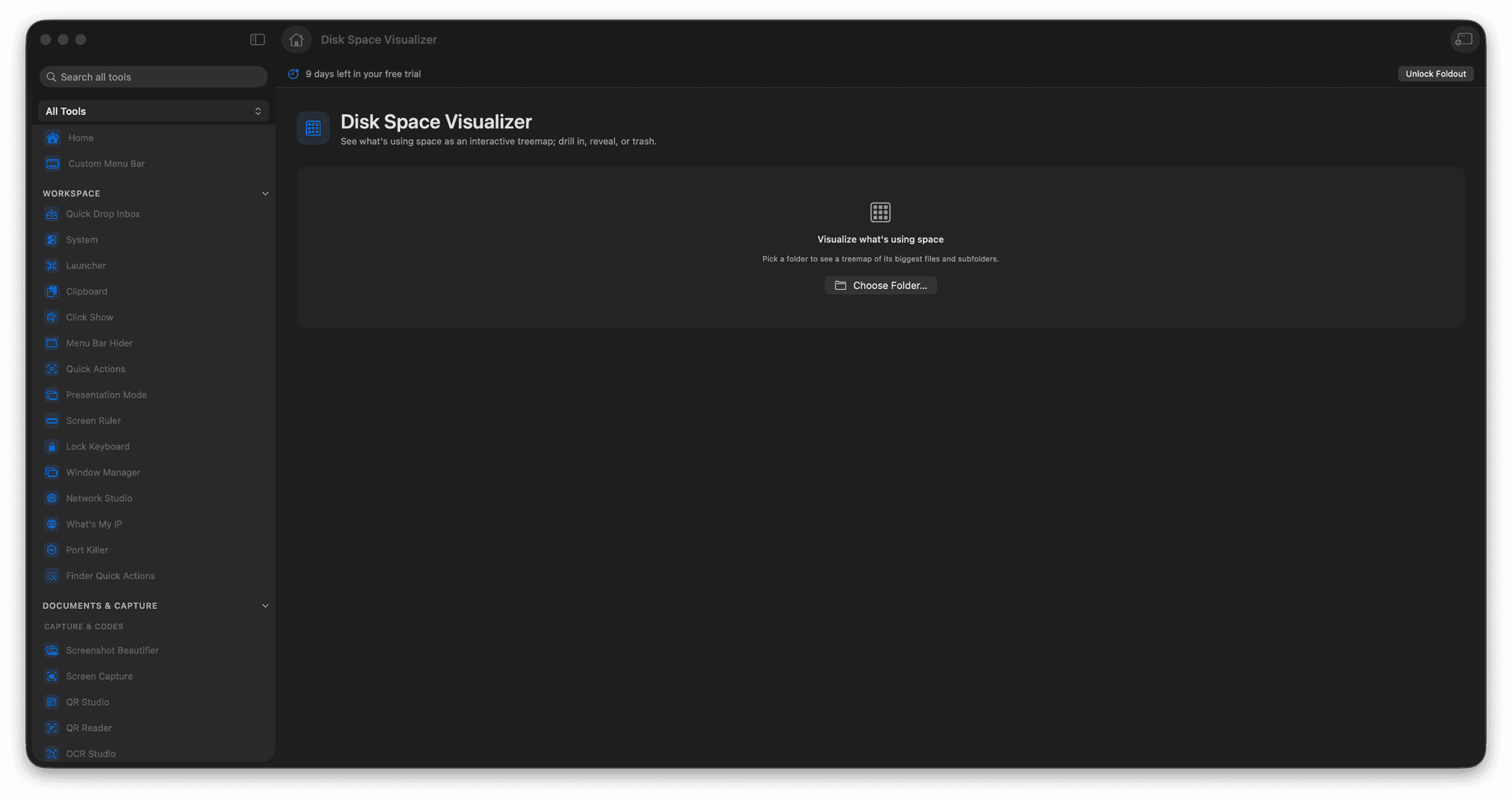
See a folder as a size-proportional treemap.
Spot the biggest folders and files instantly.
Drill into a region to see its contents.
Reveal items in Finder to act on them.
Concrete features, inputs, and workflow details for this tool.
A treemap sizes every folder and file by how much room it takes, so the disk hog is the biggest block on the screen.
Click into a large area to break it down further, following the space until you find the culprit.
Jump from the map to the file in Finder, so what you see becomes something you can act on.
Choose a folder.
Wait for Foldout to map file sizes.
Click larger blocks to drill in.
Reveal or choose a file action only after checking what it is.
No. The treemap is for inspection until you choose an action.