Biggest first
Contents are ranked by size, so the handful of files actually using your space are right at the top of the list.
Folder Inventory scans a folder and lays its contents out biggest-first, so the files quietly hogging your disk rise straight to the top - then reveal them in Finder or export the list when you need a record of what is there.
Start the 14-day trial in the app. No payment method is required to try Foldout.
This tool is a local inspection and workflow utility for files, settings, and development tasks you control. It reviews selected local information only; Foldout does not connect to other machines, manage accounts, monitor networks, or provide a live service.
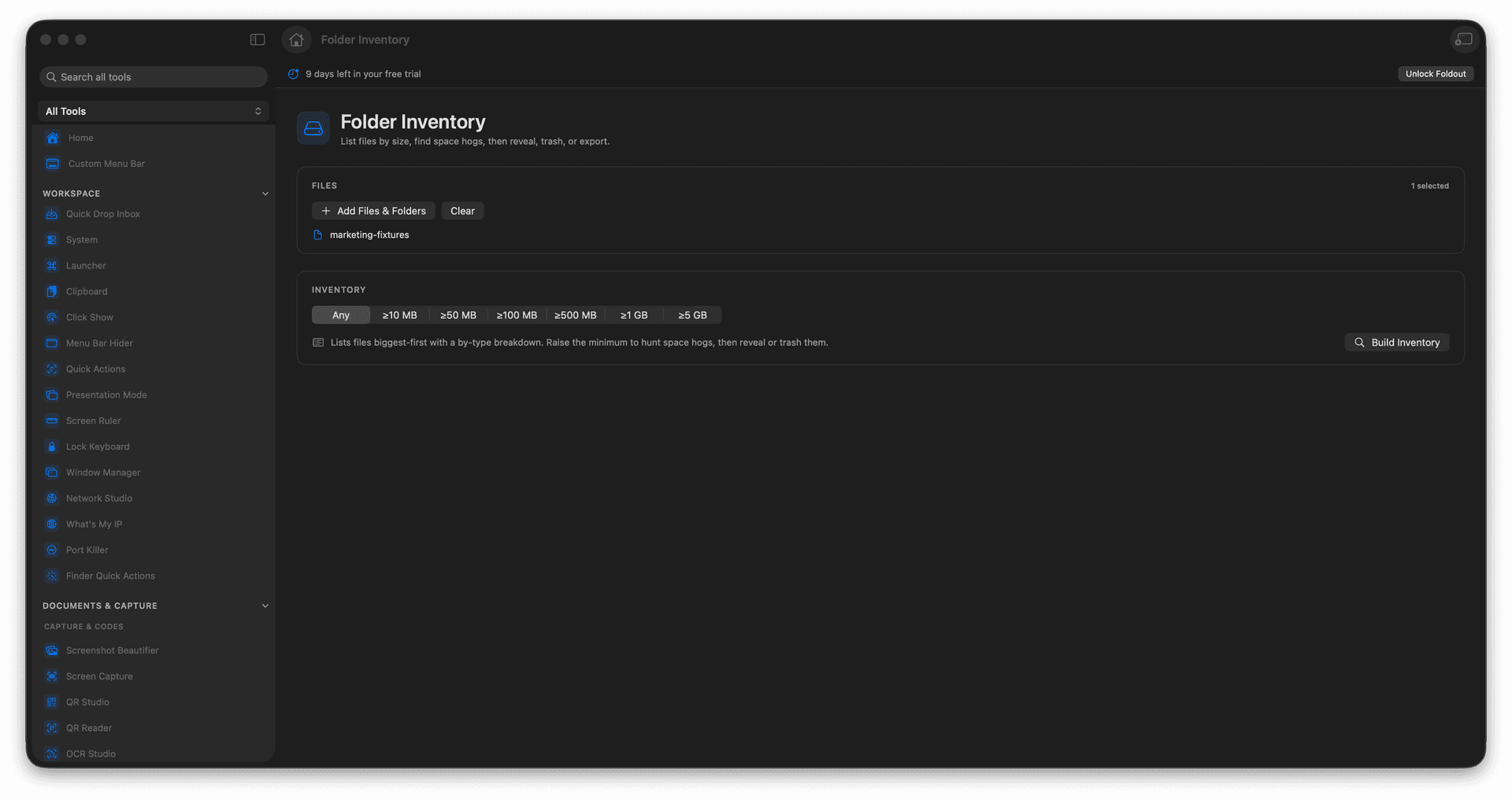
Sort a folder's contents by size.
Find the biggest files fast.
Reveal any item in Finder.
Export the inventory for a record.
Concrete features, inputs, and workflow details for this tool.
Contents are ranked by size, so the handful of files actually using your space are right at the top of the list.
Reveal any item in Finder from the list to act on it where it lives.
Export the inventory so you have a written snapshot of what a folder held.
Choose a folder.
Run the inventory scan.
Sort or review files by size.
Reveal, export, or choose a file action after checking it.
It inventories folder contents so large files and nested space usage are easier to review.