Exact and look-alike
Catch byte-for-byte copies and visually similar media, so the near-duplicate burst of photos is grouped, not missed.
Duplicate Files Finder scans the folders you choose for exact copies plus look-alike photos and videos, then groups them so you can compare side by side and decide what to keep - nothing moves to the Trash until you say so.
Start the 14-day trial in the app. No payment method is required to try Foldout.
This tool is a local inspection and workflow utility for files, settings, and development tasks you control. It reviews selected local information only; Foldout does not connect to other machines, manage accounts, monitor networks, or provide a live service.
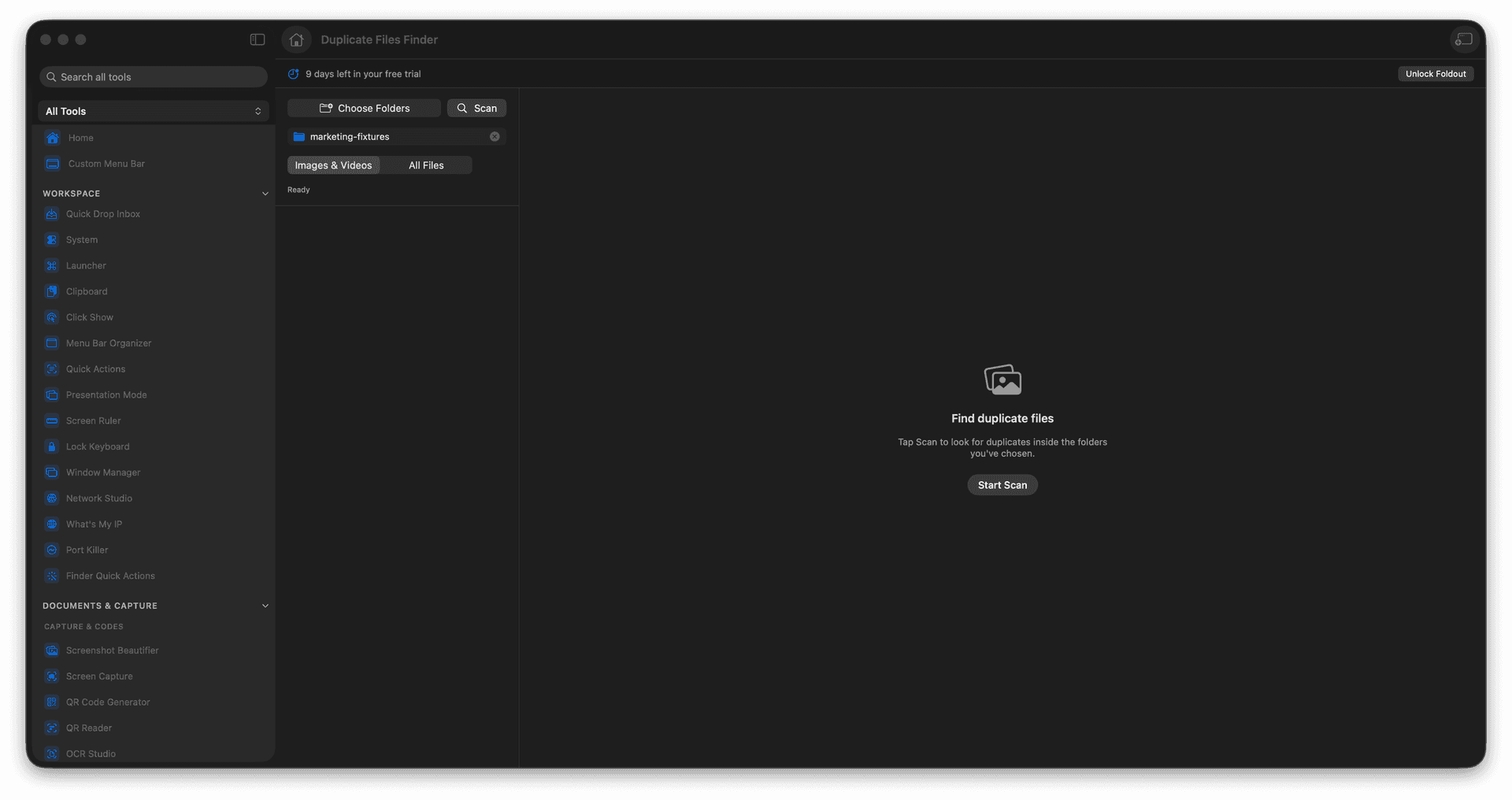
Find exact duplicates and similar photos or videos.
See results grouped for easy comparison.
Point it at specific folders for focused runs.
Review every keep-or-remove choice yourself.
Concrete features, inputs, and workflow details for this tool.
Catch byte-for-byte copies and visually similar media, so the near-duplicate burst of photos is grouped, not missed.
Each set is grouped so you can eyeball the candidates and pick the keeper with confidence.
Foldout groups and suggests, but nothing reaches the Trash until you review and choose it.
Choose one or more folders you control.
Run the duplicate scan.
Review exact and similar match groups.
Select files to remove only after confirming the keepers.
No. You review duplicate groups before removing anything.