Words out, instantly
Lift the selectable text from a document into a text file, so you can paste it into an email, a doc, or a search without copying page by page.
Extract Text reads the selectable text straight out of a PDF and drops it into a plain text file - perfect for quoting a contract, searching a report, or moving copy into another document without retyping a word.
Start the 14-day trial in the app. No payment method is required to try Foldout.
Use Foldout only with files and content you own or have permission to process.
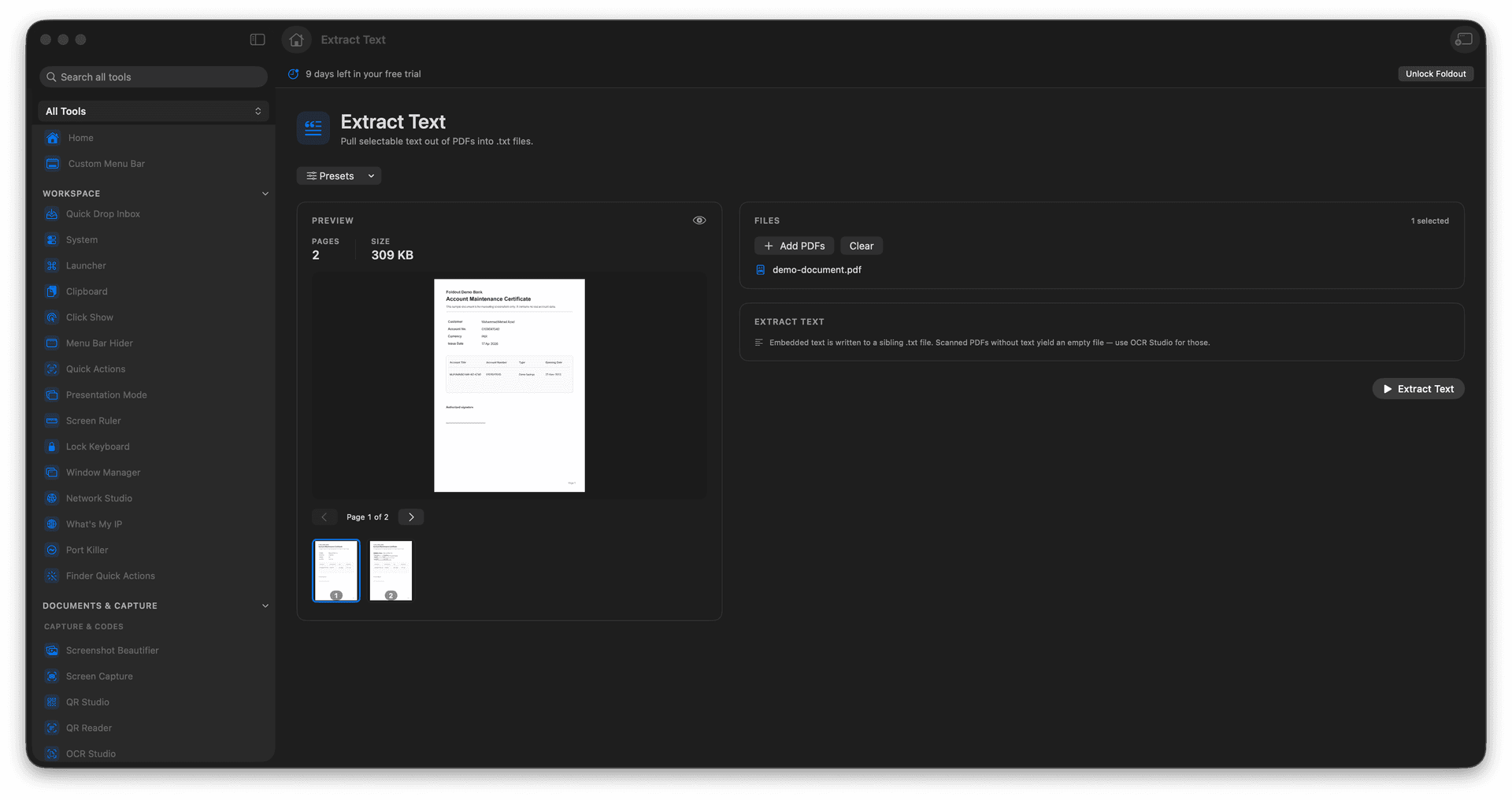
Pull selectable text out of any readable PDF.
Save it to a clean plain-text file.
Quote, search, or repurpose content without retyping.
The PDF itself is never altered.
Concrete features, inputs, and workflow details for this tool.
Lift the selectable text from a document into a text file, so you can paste it into an email, a doc, or a search without copying page by page.
The output is simple text that opens in any editor and drops cleanly into other tools.
Your PDF stays exactly as it was - extraction only reads it.
Add a PDF.
Run Extract Text.
Review the generated text file.
Copy or reveal the output.
No. Use OCR Studio for images or scanned documents that do not contain selectable text.