All the fields that matter
Capture seller and client details, line items, tax, totals, and payment terms, so the invoice is complete and correct.
Invoice Generator turns a few fields into a clean, professional PDF invoice - seller and client details, line items, tax, totals, payment terms - in a tidy template you can send the same day, without a subscription to yet another billing app.
Start the 14-day trial in the app. No payment method is required to try Foldout.
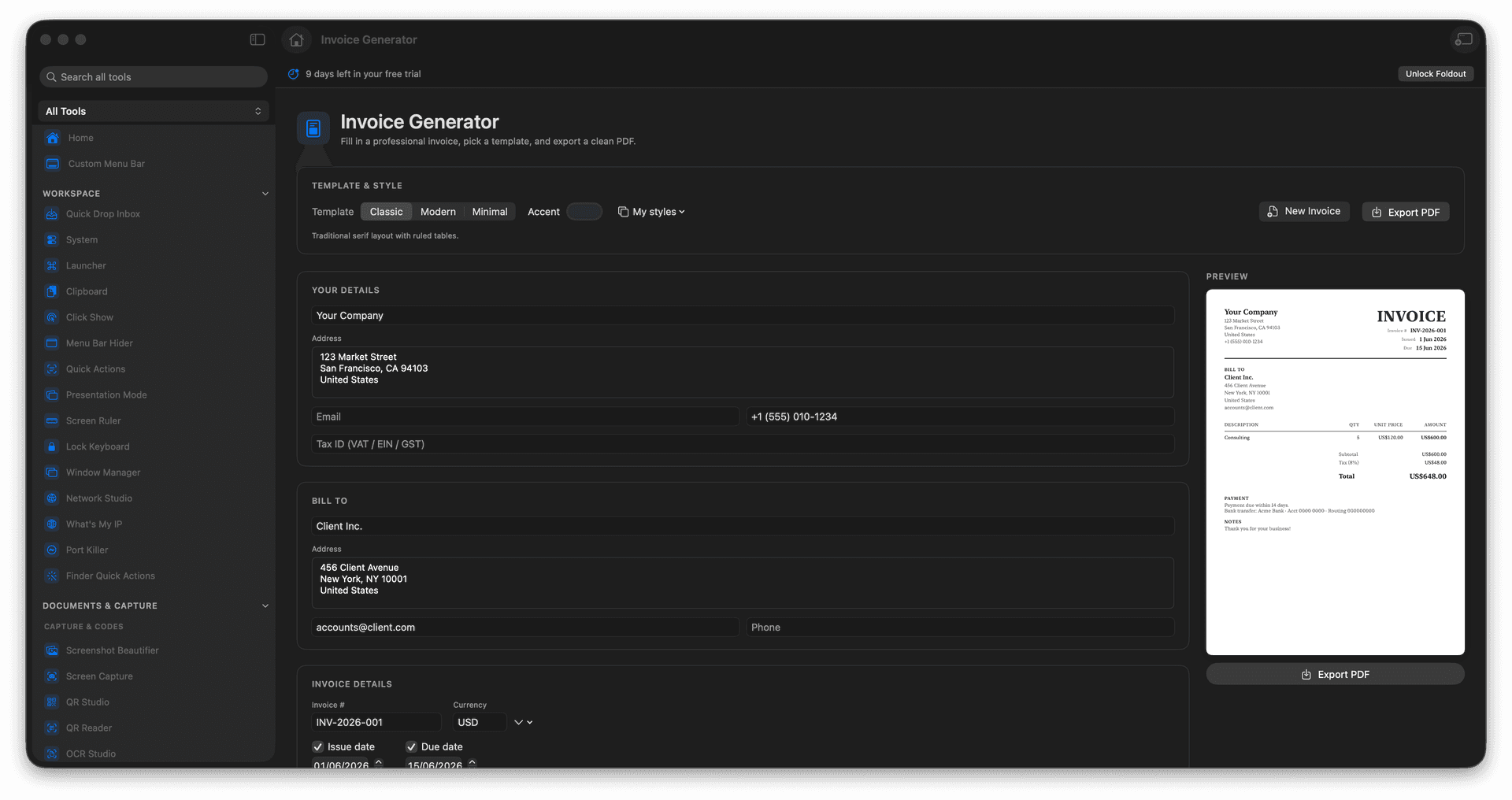
Enter seller, client, items, tax, and terms.
Pick a clean, professional template.
Export a polished PDF invoice.
Bill a client without a billing service.
Concrete features, inputs, and workflow details for this tool.
Capture seller and client details, line items, tax, totals, and payment terms, so the invoice is complete and correct.
Choose a clean layout so your invoice reads as professional the moment it lands in an inbox.
Export a send-ready PDF on the spot, no recurring billing subscription required.
Fill in invoice details.
Add line items and totals.
Choose the template.
Export the PDF.
No. It creates invoice documents; payment collection is separate.