Numbers that belong on the page
Stamp consistent page numbering across the document so a long report or contract is easy to navigate and cite.
Page Numbers stamps clean numbering or formal Bates-style labels onto every page of a PDF - exactly what legal filings, exhibits, and long reports need so every page can be cited and nothing goes missing.
Start the 14-day trial in the app. No payment method is required to try Foldout.
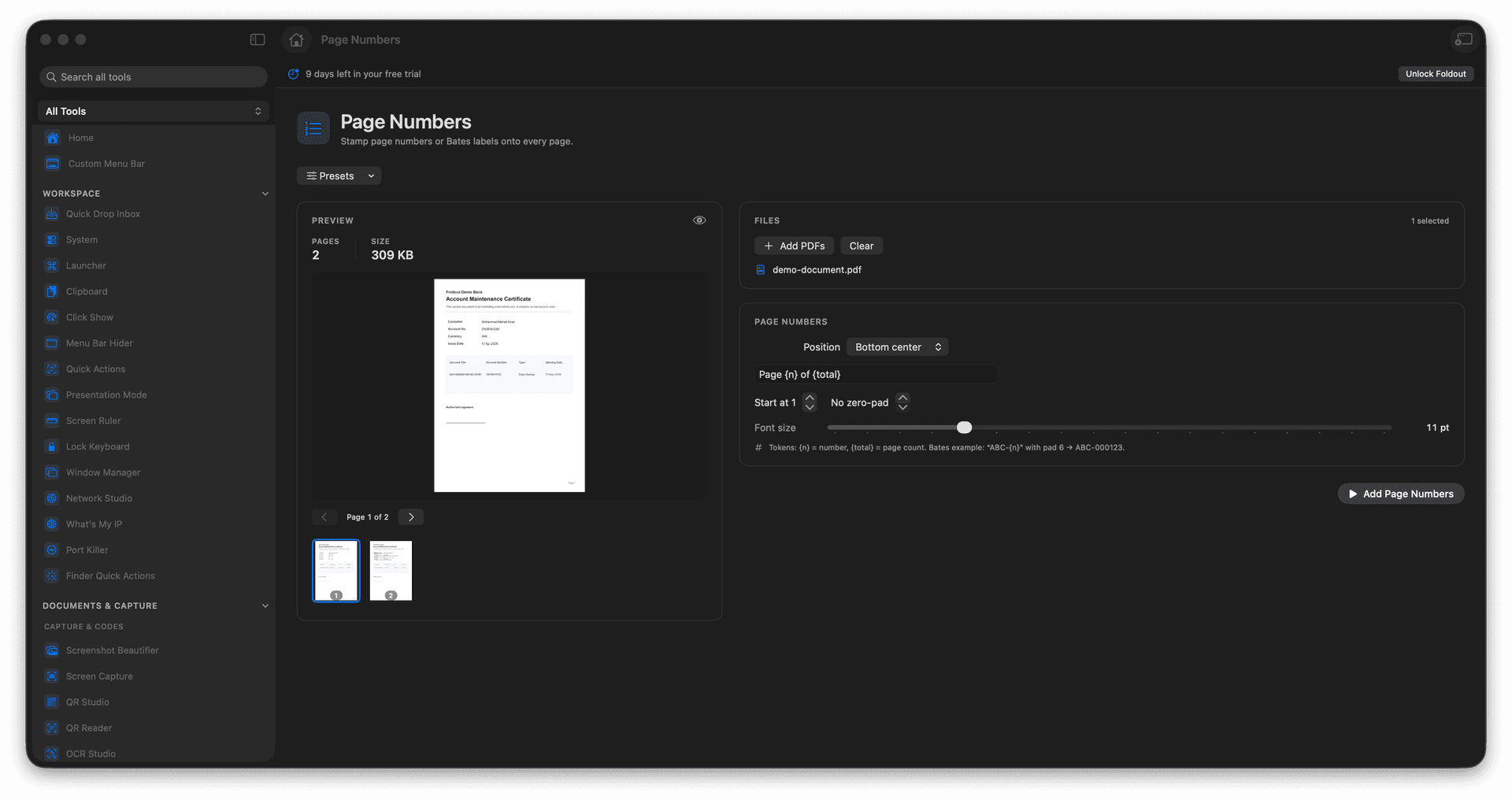
Add page numbers to a whole document.
Use Bates-style labels for legal and discovery work.
Make every page individually referenceable.
A numbered copy is saved as a new PDF.
Concrete features, inputs, and workflow details for this tool.
Stamp consistent page numbering across the document so a long report or contract is easy to navigate and cite.
Apply sequential Bates-style labels - the standard for legal exhibits and discovery - so every page has a unique, traceable identifier.
The labeled document is written separately, keeping the unnumbered source available.
Add a PDF.
Choose numbering or label options.
Review placement settings.
Save the numbered PDF.
Yes. The tool stamps numbering across the document output.