Pieces back to whole
Combine compatible parts into the single original file, in the right order, without manual concatenation.
Join File takes a set of split parts and reassembles them back into the original, using the sidecar info to put everything in order and confirm the rebuilt file is whole - the other half of moving a big file in pieces.
Start the 14-day trial in the app. No payment method is required to try Foldout.
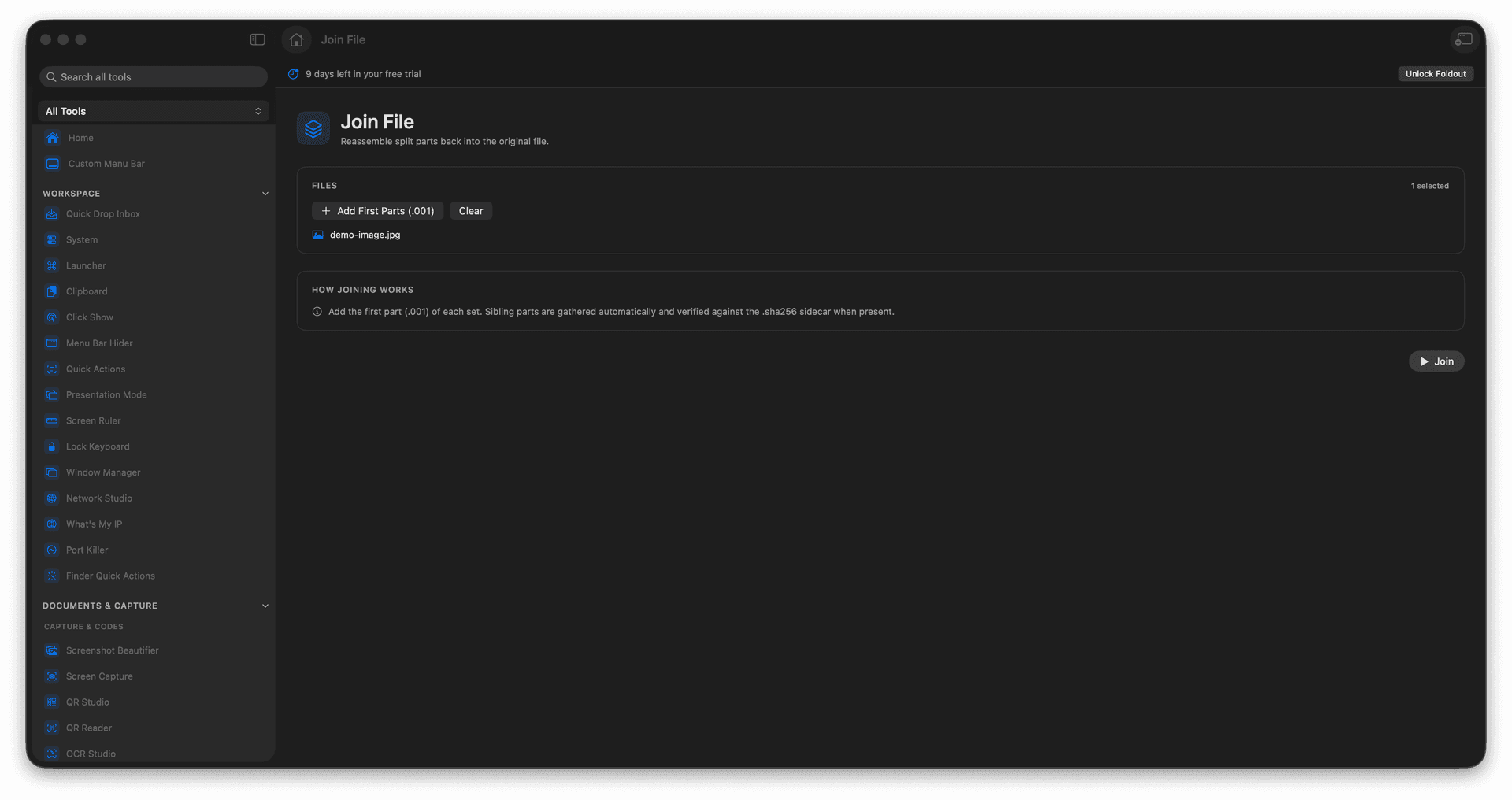
Rebuild an original from its split parts.
Use sidecar info to verify the result.
Recover a file someone sent in pieces.
Write a clean, complete output file.
Concrete features, inputs, and workflow details for this tool.
Combine compatible parts into the single original file, in the right order, without manual concatenation.
When sidecar information is present, the rebuilt file can be checked so you know it came back intact.
Exactly what you need when a large file arrives split across several parts.
Add the split parts.
Confirm they belong together.
Run Join File.
Review the rebuilt output.
Yes. Join File expects compatible parts from the same split operation.