Past the size limit
Break a large file into parts that each clear an attachment or upload cap, so the thing finally sends.
Split File chops a too-big file into tidy fixed-size parts that fit an upload limit, an email, or a thumb drive - and records checksum info on the side so the pieces snap back together later with confidence.
Start the 14-day trial in the app. No payment method is required to try Foldout.
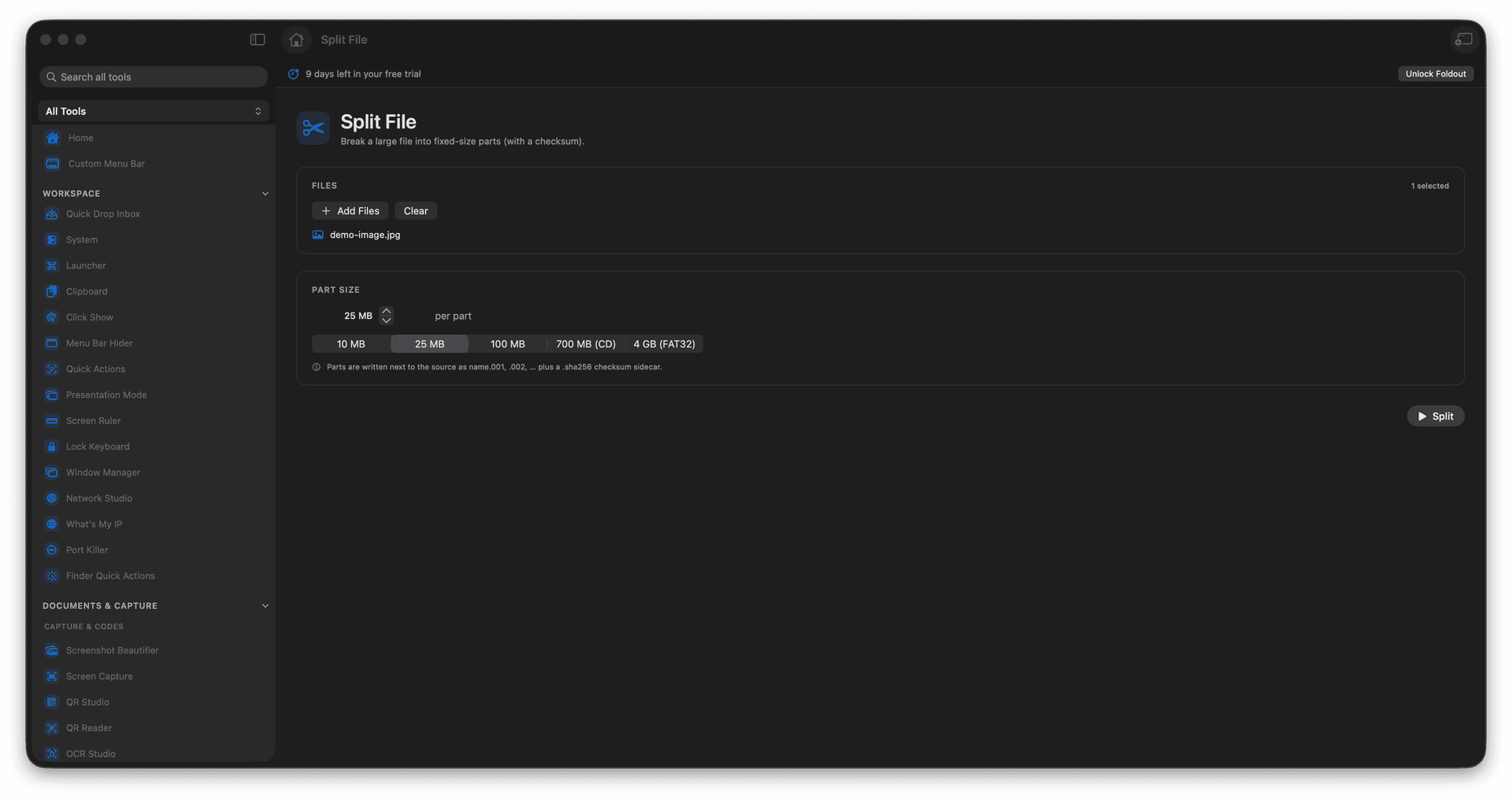
Split one big file into fixed-size parts.
Fit upload limits, email, and small drives.
Get checksum info for safe reassembly.
The original file is left untouched.
Concrete features, inputs, and workflow details for this tool.
Break a large file into parts that each clear an attachment or upload cap, so the thing finally sends.
Checksum sidecar information travels with the parts, so they can be rebuilt and verified later.
Splitting writes new part files and leaves your source exactly as it was.
Add a file.
Choose the part size.
Run the split.
Keep the generated parts together for joining later.
Yes. Use Join File with the generated parts.