Sort and dedupe
Order lines and drop the repeats, so a pasted list or export becomes clean and unique.
Line Tools is a Swiss Army knife for a block of text lines - sort them, strip the duplicates, reverse the order, trim the whitespace, and more - so a messy paste from a spreadsheet, a log, or an export becomes clean in a couple of clicks.
Start the 14-day trial in the app. No payment method is required to try Foldout.
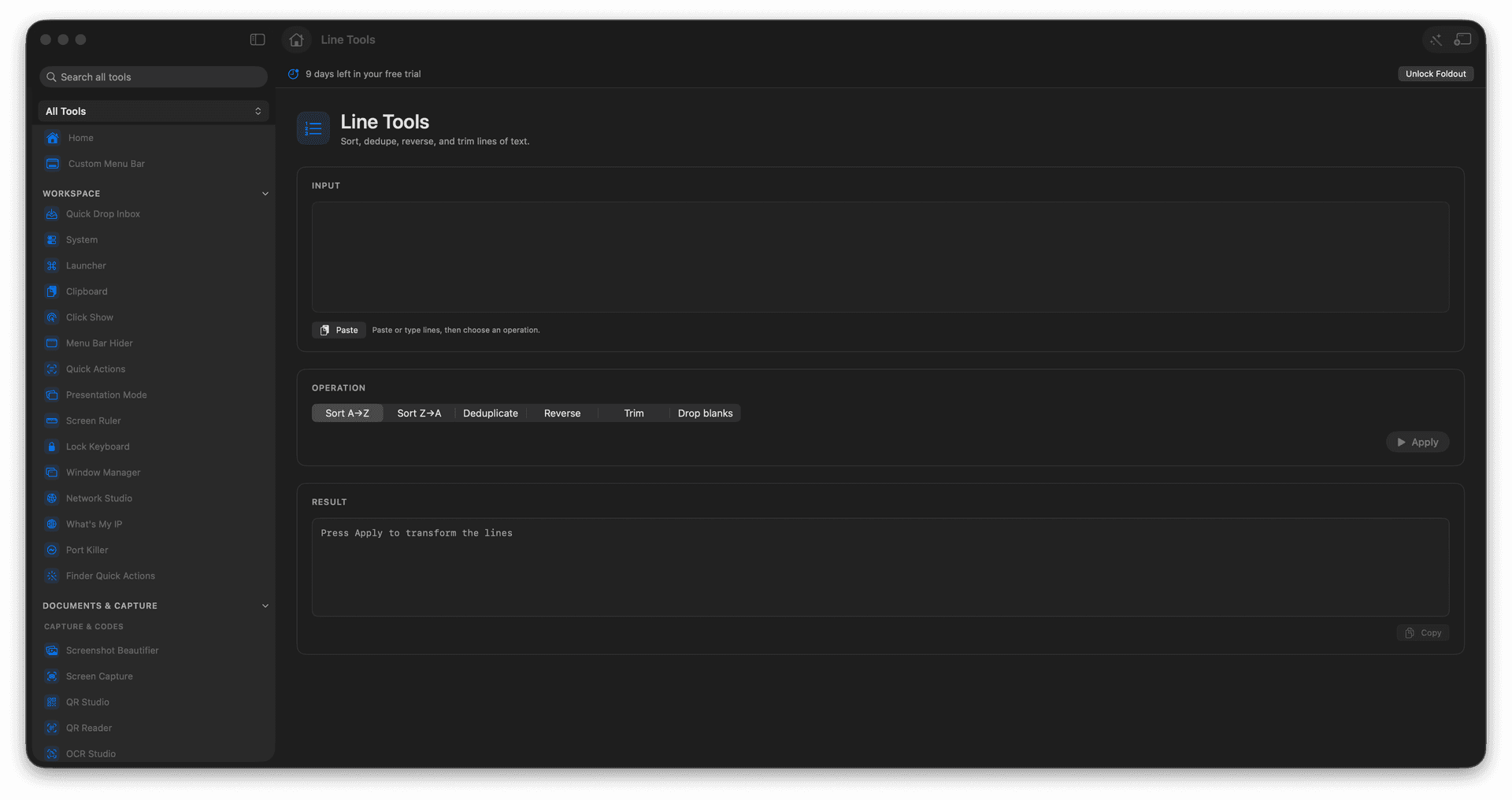
Sort lines alphabetically or numerically.
Remove duplicate lines instantly.
Reverse, trim, and clean line by line.
Tidy a messy paste in seconds.
Concrete features, inputs, and workflow details for this tool.
Order lines and drop the repeats, so a pasted list or export becomes clean and unique.
Strip leading and trailing whitespace and empty lines that come along for the ride.
Reverse the order and apply other line operations to wrangle text into the shape you need.
Paste text.
Choose the line operation.
Review the result.
Copy the cleaned lines.
Operations run from the controls so you can review the result.