Spreadsheet to structured
Turn a CSV or TSV export into JSON your code can actually consume, without a fragile import script.
Data Format Converter moves structured text between CSV, TSV, JSON, and YAML so a spreadsheet export drops cleanly into code, or a config flips into the shape the next tool expects - paste in, convert, copy out.
Start the 14-day trial in the app. No payment method is required to try Foldout.
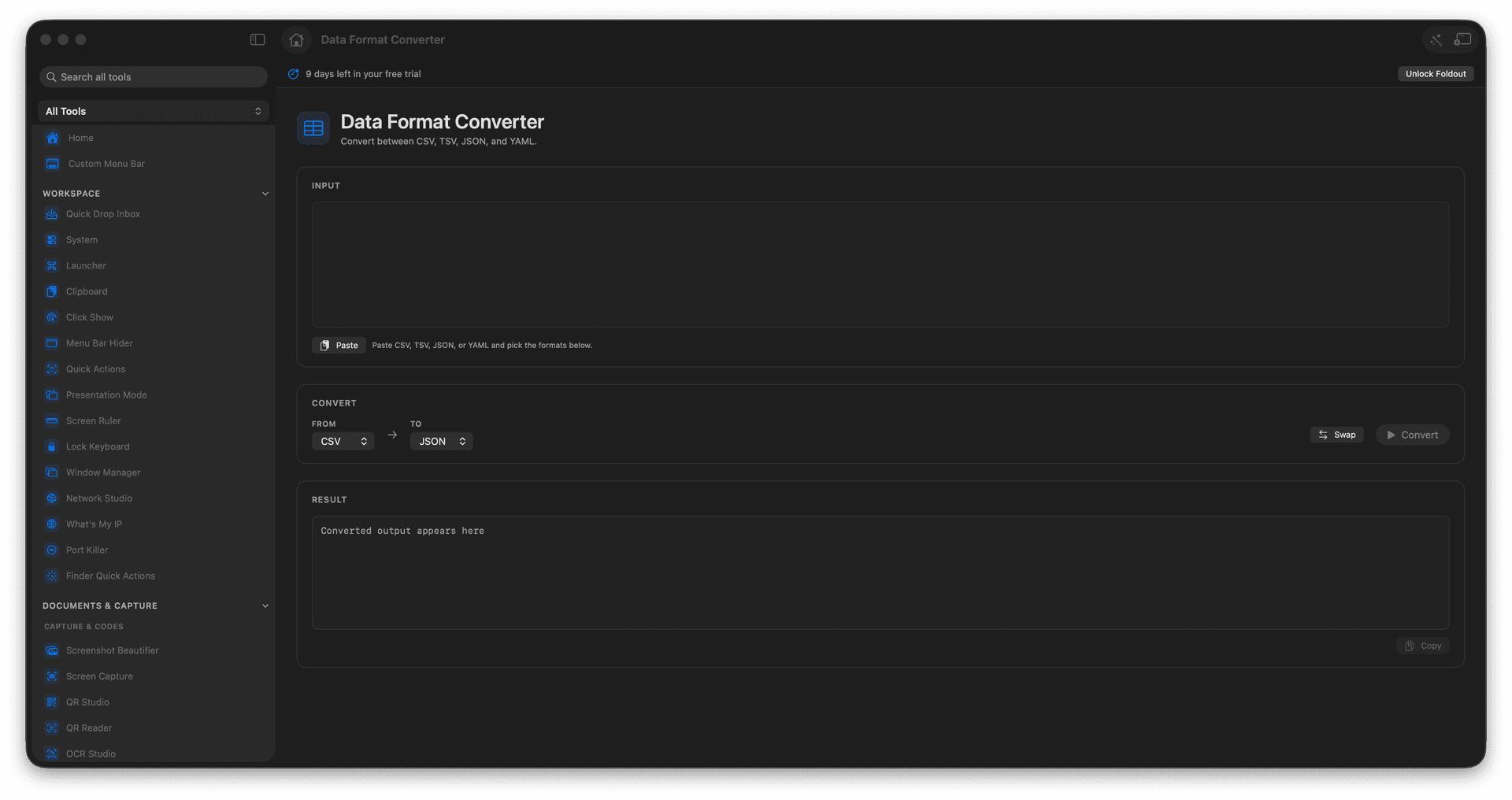
Convert CSV or TSV into JSON.
Flip between JSON and YAML.
Bridge spreadsheets and code formats.
Copy or save the converted result.
Concrete features, inputs, and workflow details for this tool.
Turn a CSV or TSV export into JSON your code can actually consume, without a fragile import script.
Convert between JSON and YAML so a settings file matches whatever the tool in front of you prefers.
Paste, convert, and copy in seconds for a fast handoff between a data person and a developer.
Paste or load structured text.
Choose the input and output formats.
Run conversion.
Copy or save the result.
Yes. CSV and TSV inputs are supported.