Changes, highlighted
Differences between the left and right text are marked clearly, so an edit is obvious at a glance.
Text Diff lays two blocks of text side by side and lights up exactly what changed, line by line - perfect for comparing two versions of a config, a paragraph, an email, or a snippet without firing up a full version-control diff.
Start the 14-day trial in the app. No payment method is required to try Foldout.
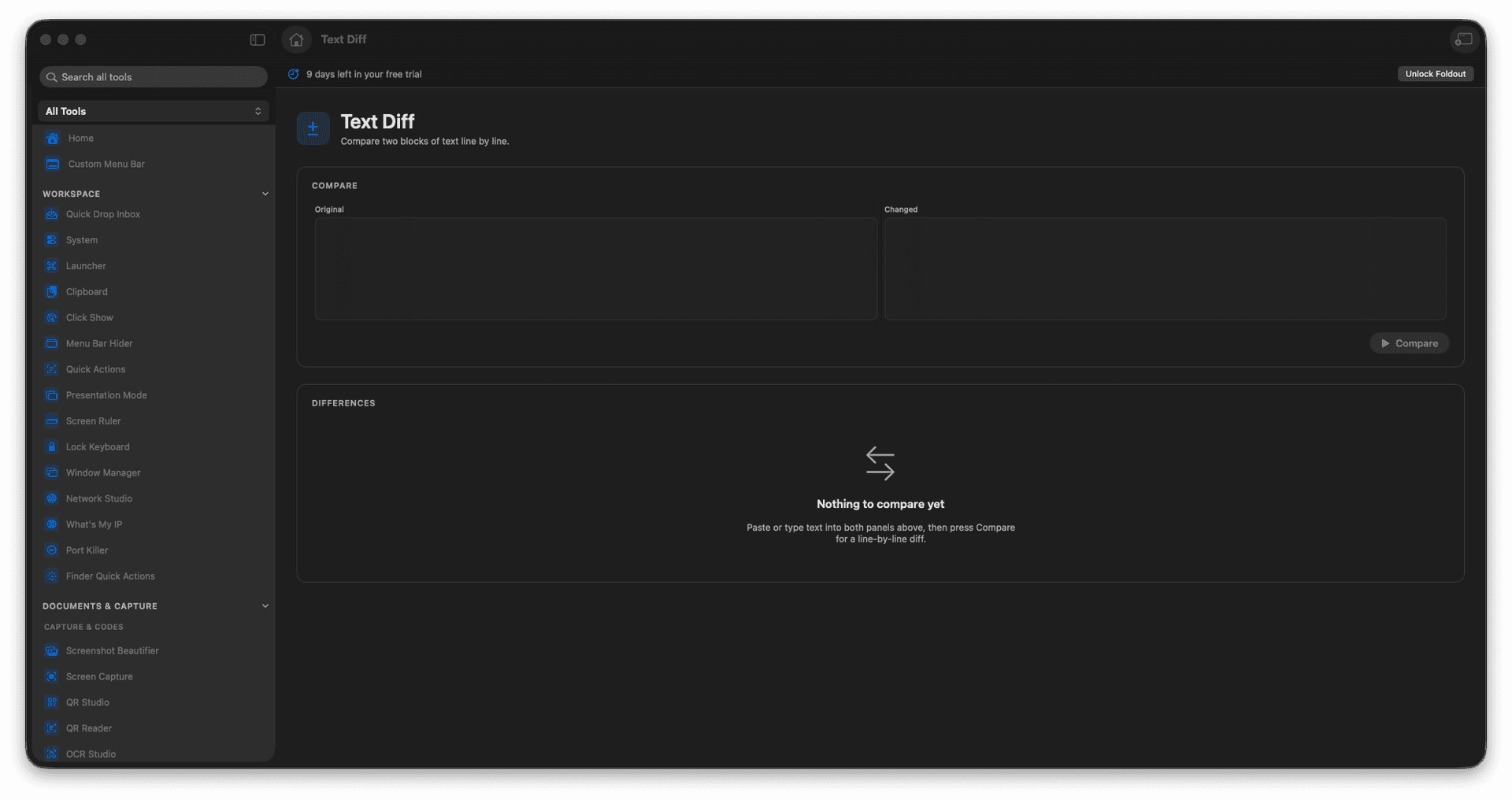
Compare two blocks of text side by side.
See additions and removals line by line.
Spot what changed between two versions.
Review quickly, all on your Mac.
Concrete features, inputs, and workflow details for this tool.
Differences between the left and right text are marked clearly, so an edit is obvious at a glance.
Compare two versions of a config, a message, or a snippet without a heavyweight diff tool.
A fast way to answer 'what is different here?' right on your Mac.
Paste the original text.
Paste the changed text.
Review highlighted differences.
Copy what you need from the result.
It focuses on text blocks pasted into the tool.