Filler that reads right
Neutral placeholder text gives a layout believable rhythm and length, so spacing and line breaks look real.
Placeholder Text fills a layout with neutral, believable filler - words, sentences, or whole paragraphs to length - so you can see how a design breathes before the real copy arrives, without typing 'asdf asdf' a hundred times.
Start the 14-day trial in the app. No payment method is required to try Foldout.
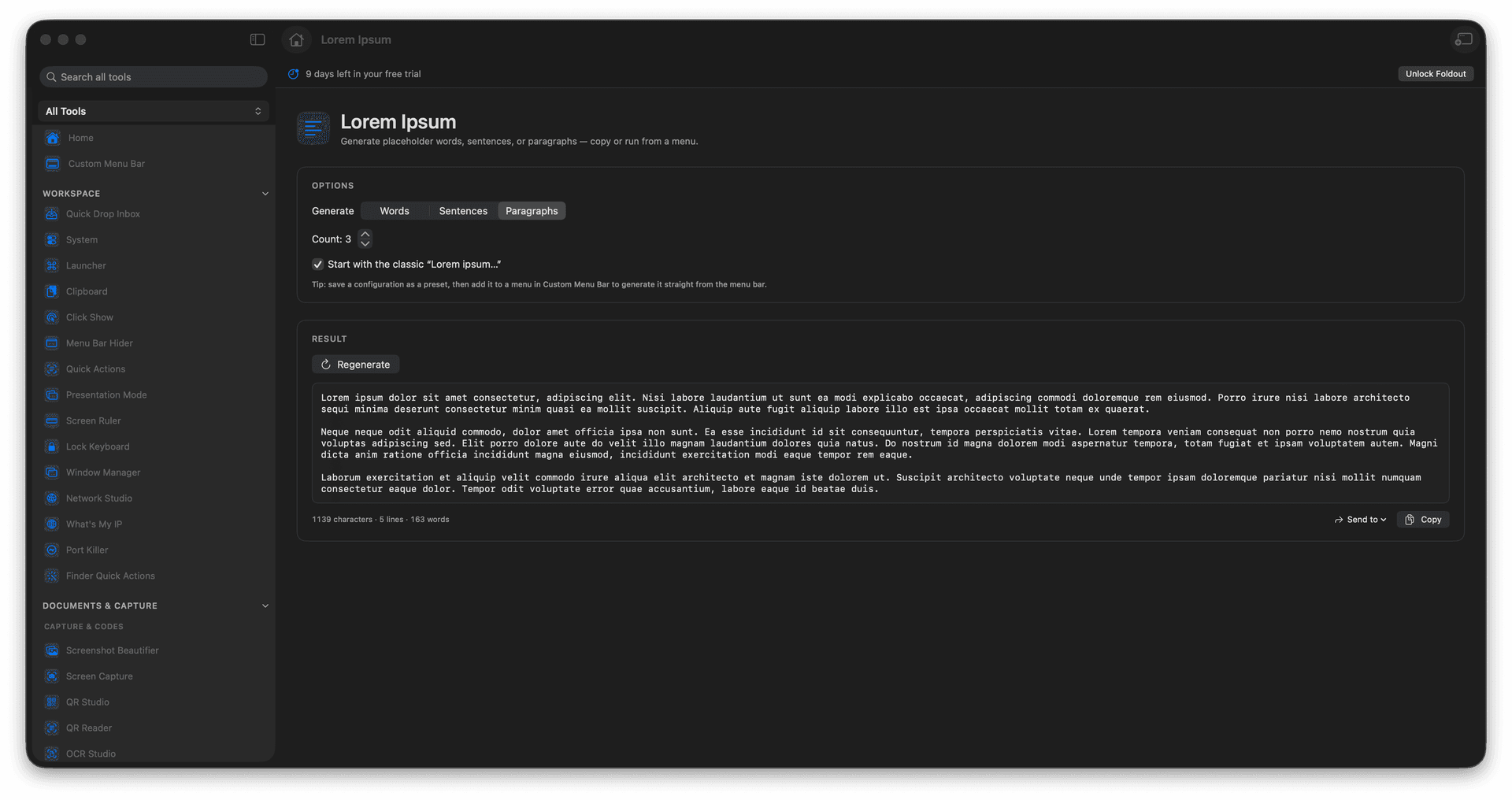
Generate words, sentences, or paragraphs.
Dial in exactly how much you need.
See how a layout flows with real-feeling text.
Copy the filler straight into your mockup.
Concrete features, inputs, and workflow details for this tool.
Neutral placeholder text gives a layout believable rhythm and length, so spacing and line breaks look real.
Produce a few words for a label or several paragraphs for an article block, to the length you set.
Copy the text into a design, a template, or a draft and move on to the part that matters.
Choose words, sentences, or paragraphs.
Set the amount.
Create text.
Copy the placeholder output.
The tool is designed for lorem ipsum style placeholder copy.