Write and see it
Your Markdown source and the rendered output sit side by side, so formatting is never a surprise.
Markdown gives you a clean, distraction-free place to write - your source on one side, the rendered result on the other - and exports tidy HTML when you are done, so a README, a note, or a doc comes together without a heavyweight editor.
Start the 14-day trial in the app. No payment method is required to try Foldout.
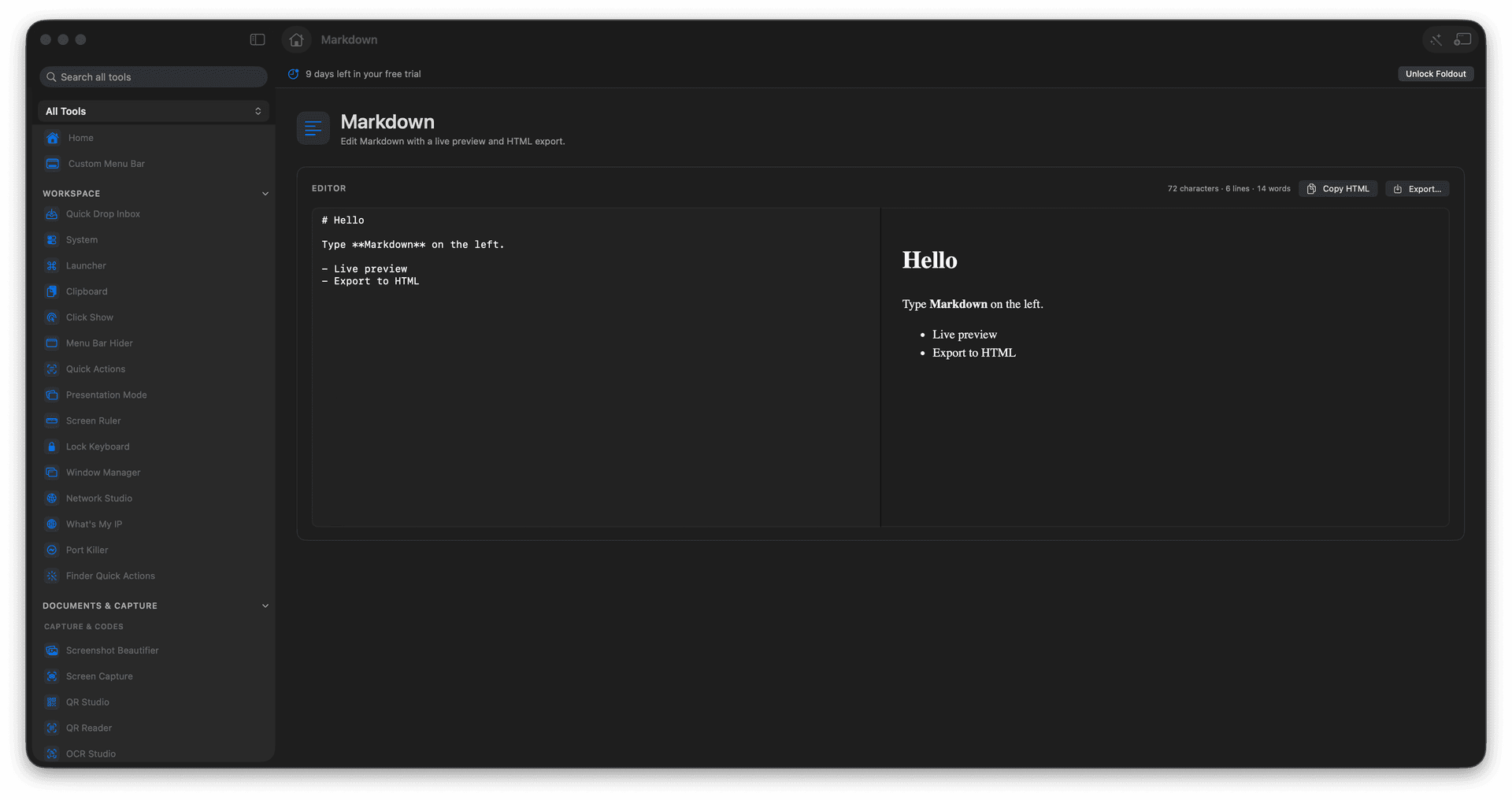
Write Markdown with a live preview.
See formatting render as you type.
Export clean HTML when finished.
Draft READMEs, notes, and docs locally.
Concrete features, inputs, and workflow details for this tool.
Your Markdown source and the rendered output sit side by side, so formatting is never a surprise.
Turn a finished document into clean HTML, ready to paste into a site or an email.
A focused local editor for the READMEs, notes, and docs you write all the time.
Paste or write Markdown.
Review the preview.
Adjust the text.
Copy or export HTML when needed.
Yes. Markdown includes HTML export.