Strong by design
Produce random passwords with the length and character set you choose, far beyond what anyone could guess or reuse.
Password Generator spins up genuinely strong, random passwords to your spec - length, character mix, however many you need at once - all generated locally so the secrets you create never travel anywhere before they are yours.
Start the 14-day trial in the app. No payment method is required to try Foldout.
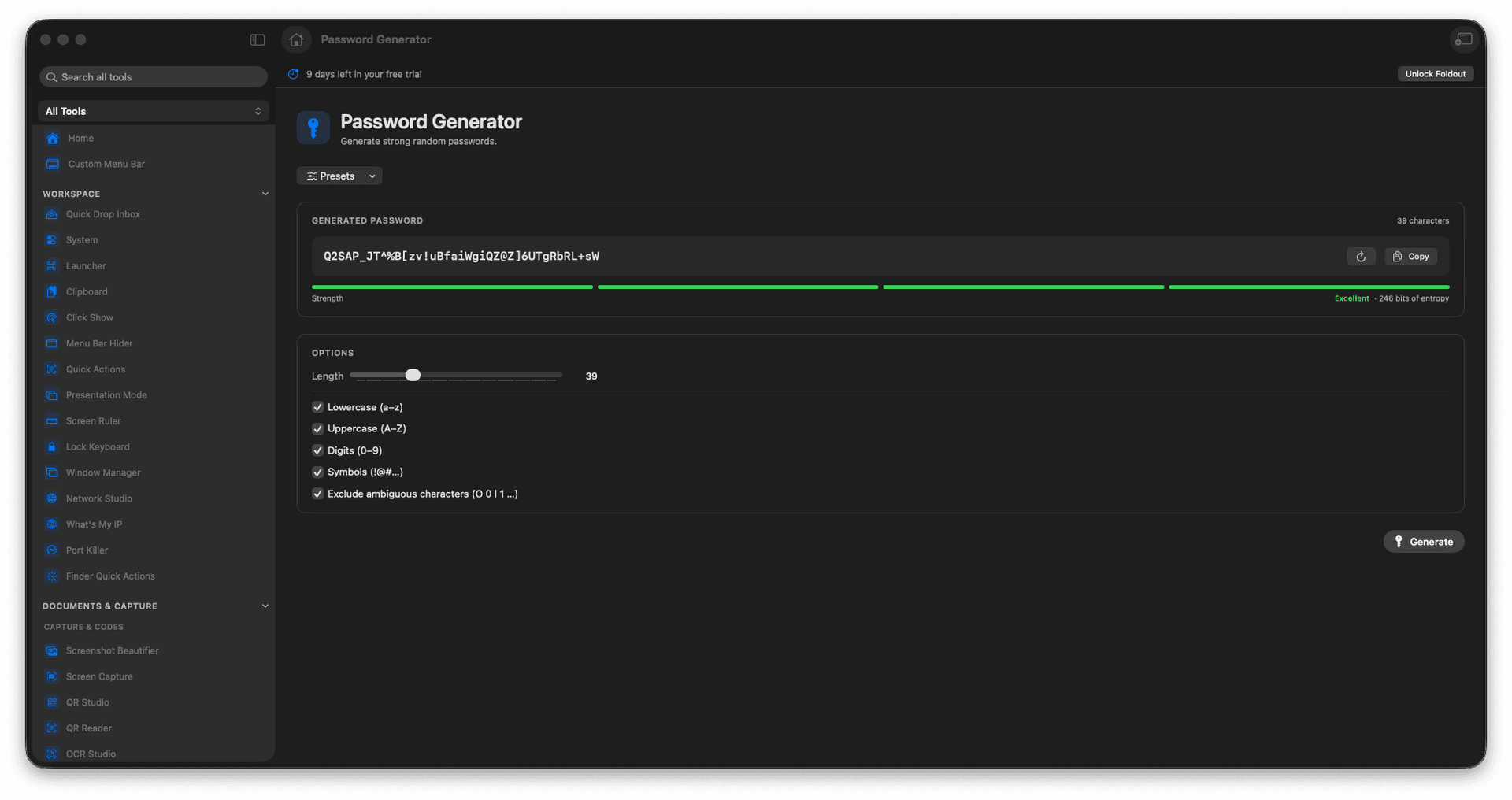
Set the length and character mix.
Generate one password or a whole batch.
Copy a value the moment it is ready.
Everything is generated locally.
Concrete features, inputs, and workflow details for this tool.
Produce random passwords with the length and character set you choose, far beyond what anyone could guess or reuse.
Generate a single login or a batch at once - handy for seeding test accounts or a round of new credentials.
Each password is created locally, so a fresh secret is never sent across a network before you use it.
Choose length and options.
Create passwords.
Review the output.
Copy the values you need.
No. It creates values for you to copy.