More than a black square
Customize dot shapes, eye styles, colors, a caption, and a center logo, so the code matches your brand instead of looking generic.
QR Code Generator builds scannable codes for links, Wi-Fi, contacts, and plain text - then lets you actually make them look good with custom dots, eyes, colors, a caption, and a center logo, and verifies they still scan before you ship them.
Start the 14-day trial in the app. No payment method is required to try Foldout.
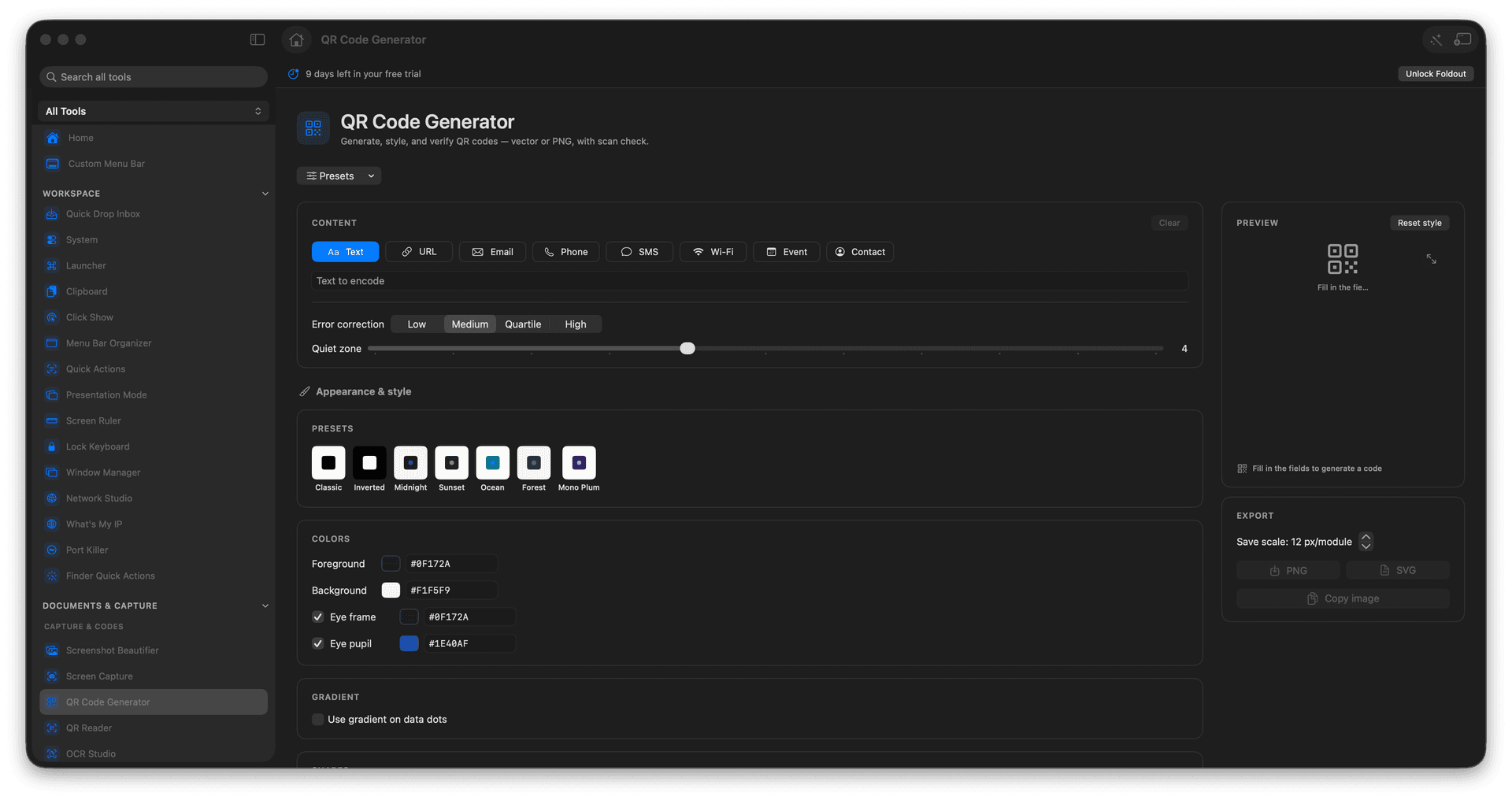
Encode links, Wi-Fi, contacts, and text.
Style the dots, eyes, colors, caption, and center logo.
Export crisp PNG or scalable SVG.
Verify the code scans before you use it.
Concrete features, inputs, and workflow details for this tool.
Customize dot shapes, eye styles, colors, a caption, and a center logo, so the code matches your brand instead of looking generic.
Generate codes for a URL, a Wi-Fi network, a contact card, or any text, ready for a poster, a slide, or a table tent.
Built-in scan verification confirms the styled code still reads, so you never print a thousand flyers with a code that does not work.
Real QR Code Generator output, showing the range of results you can produce.
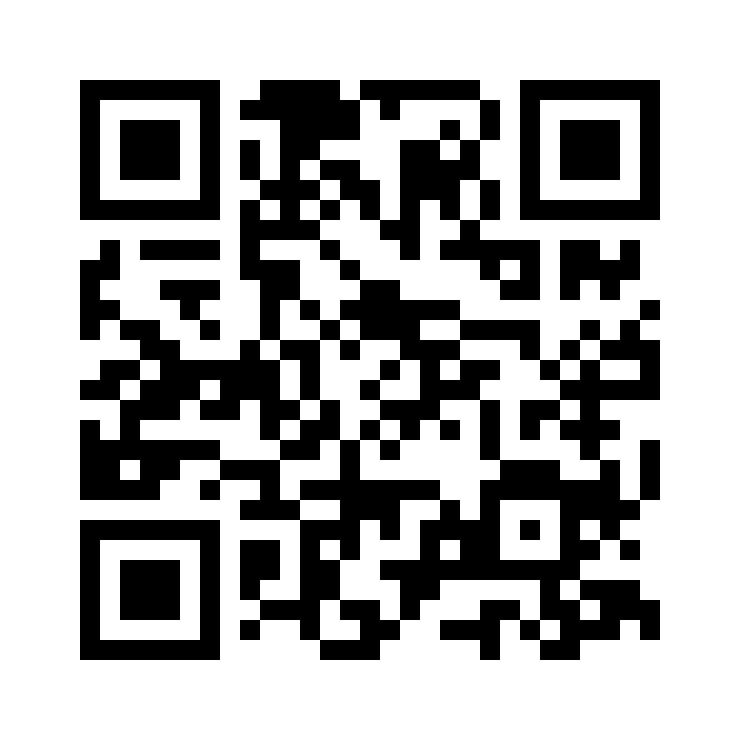
Crisp square modules with maximum scan reliability.
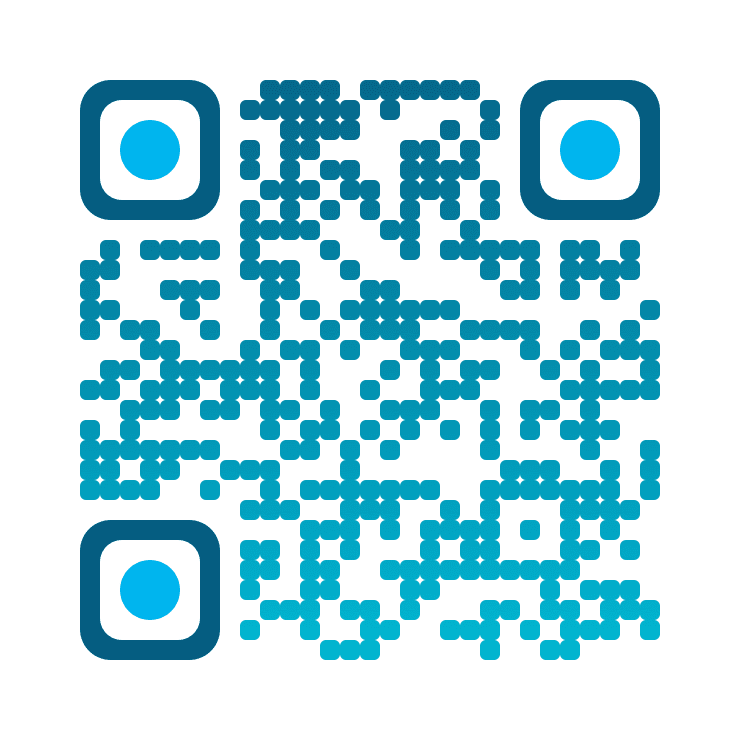
Softly rounded modules in a cool blue gradient.
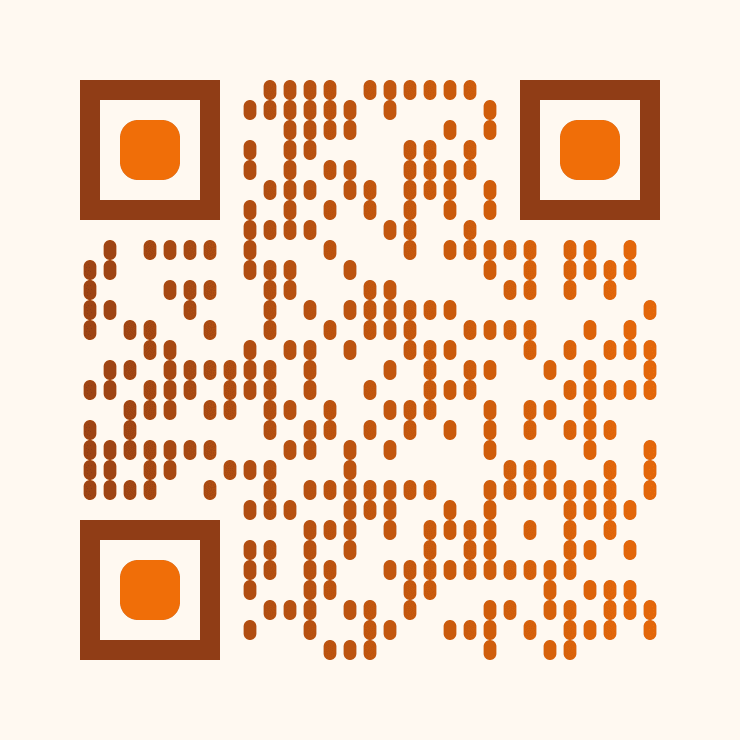
Vertical bars washed in warm sunset tones.
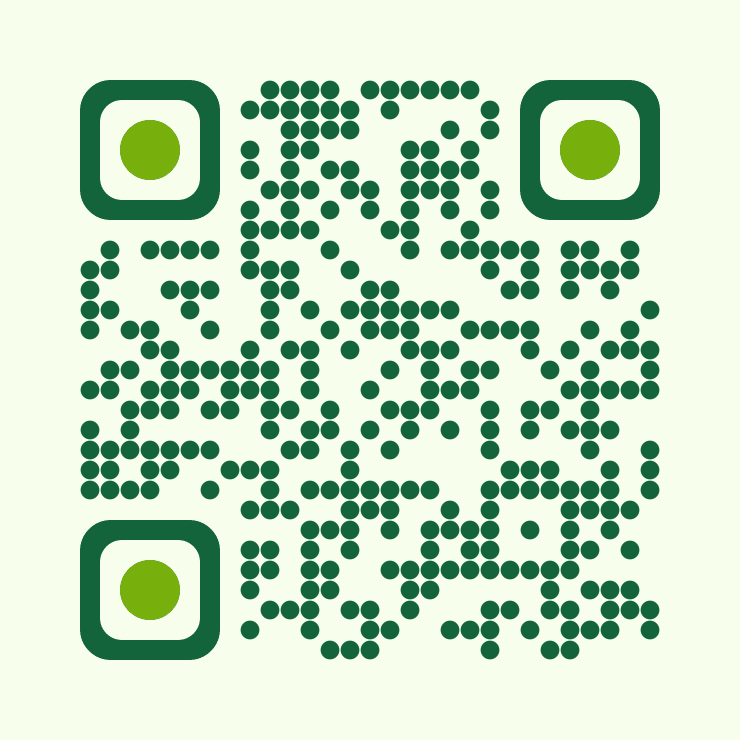
Circular dots in a deep forest green.
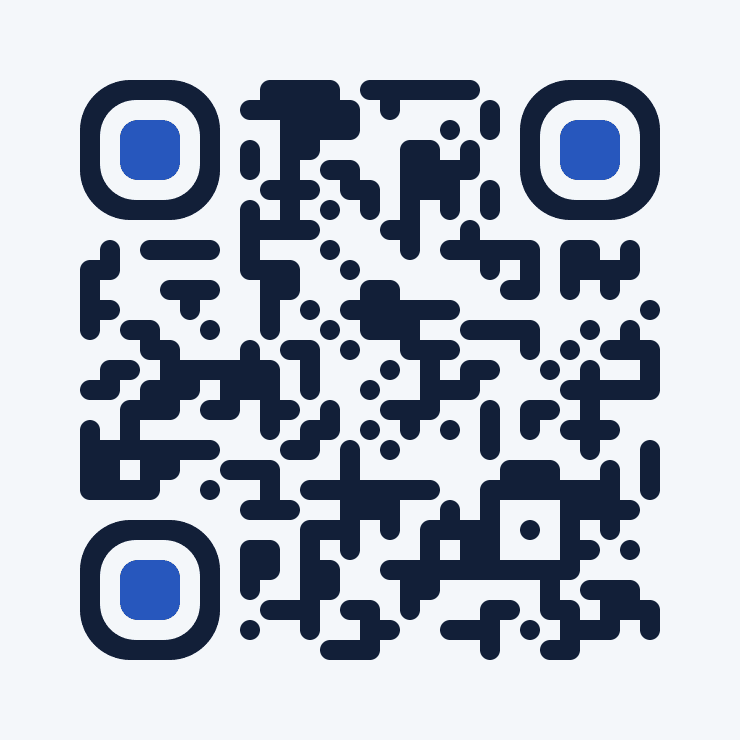
Flowing connected modules on a midnight-blue field.
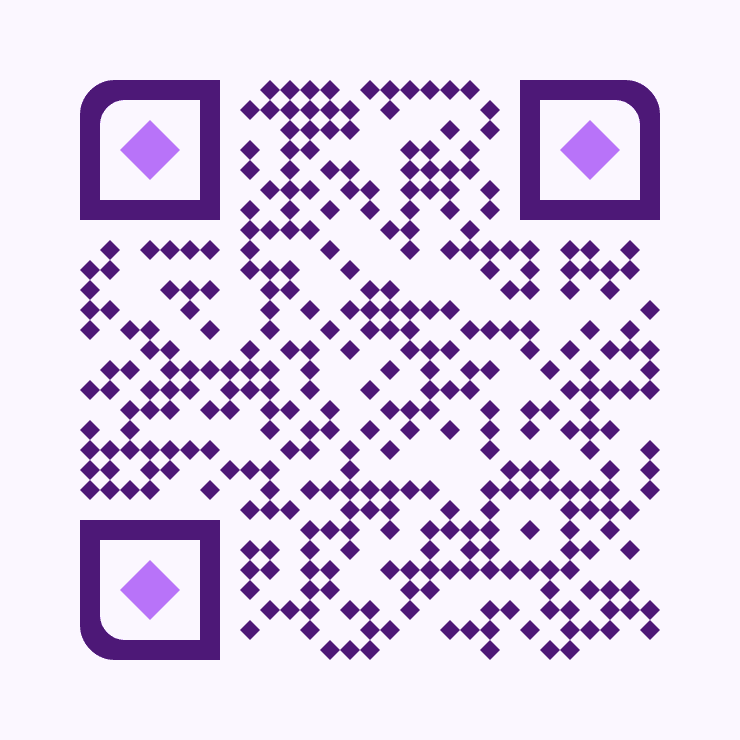
Diamond-shaped modules in a rich plum hue.
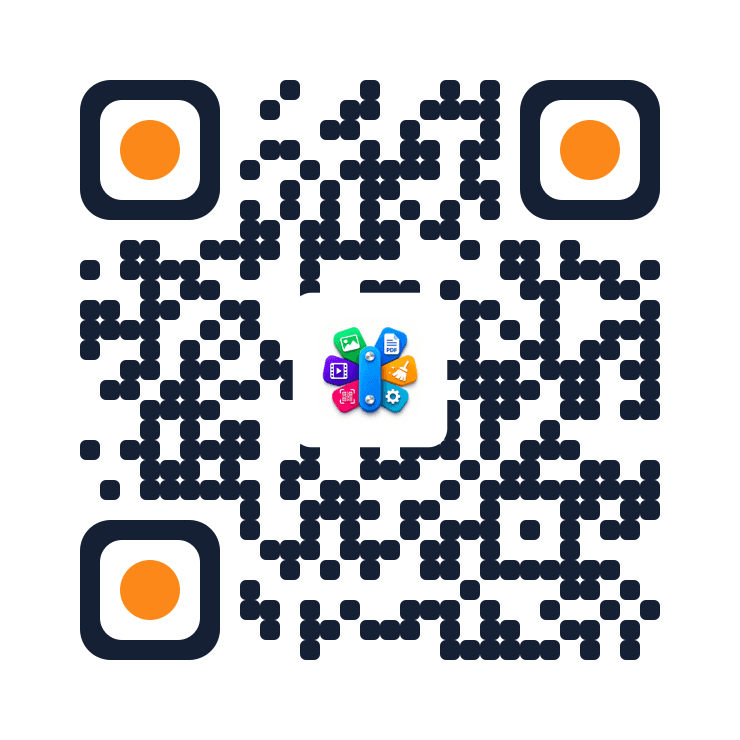
A brand logo dropped neatly into the middle of the code.
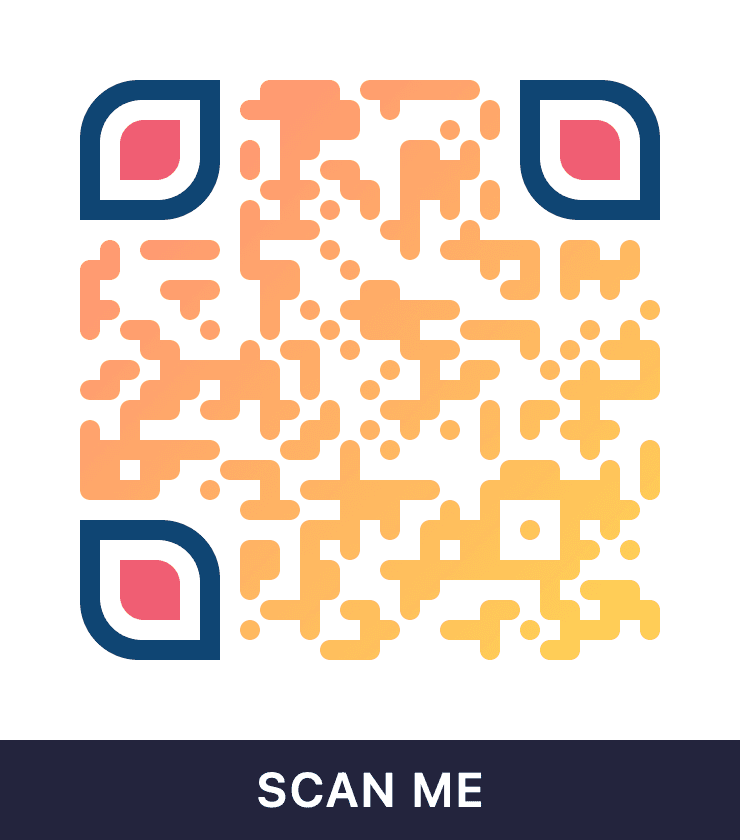
A readable caption set beneath the finished code.
Choose the QR payload type.
Enter the payload details.
Adjust style and export options.
Verify and save the QR code.
Yes. QR Code Generator supports vector and PNG output.