From blob to readable
Paste a wall of JSON and get it formatted, validated, and key-sorted, so a noisy API response becomes something you can scan.
JSON Studio is a proper home for messy JSON - pretty-print it, validate it, sort the keys, convert between JSON and YAML, and walk the whole thing as a collapsible tree where you can copy any value or its exact path with a click.
Start the 14-day trial in the app. No payment method is required to try Foldout.
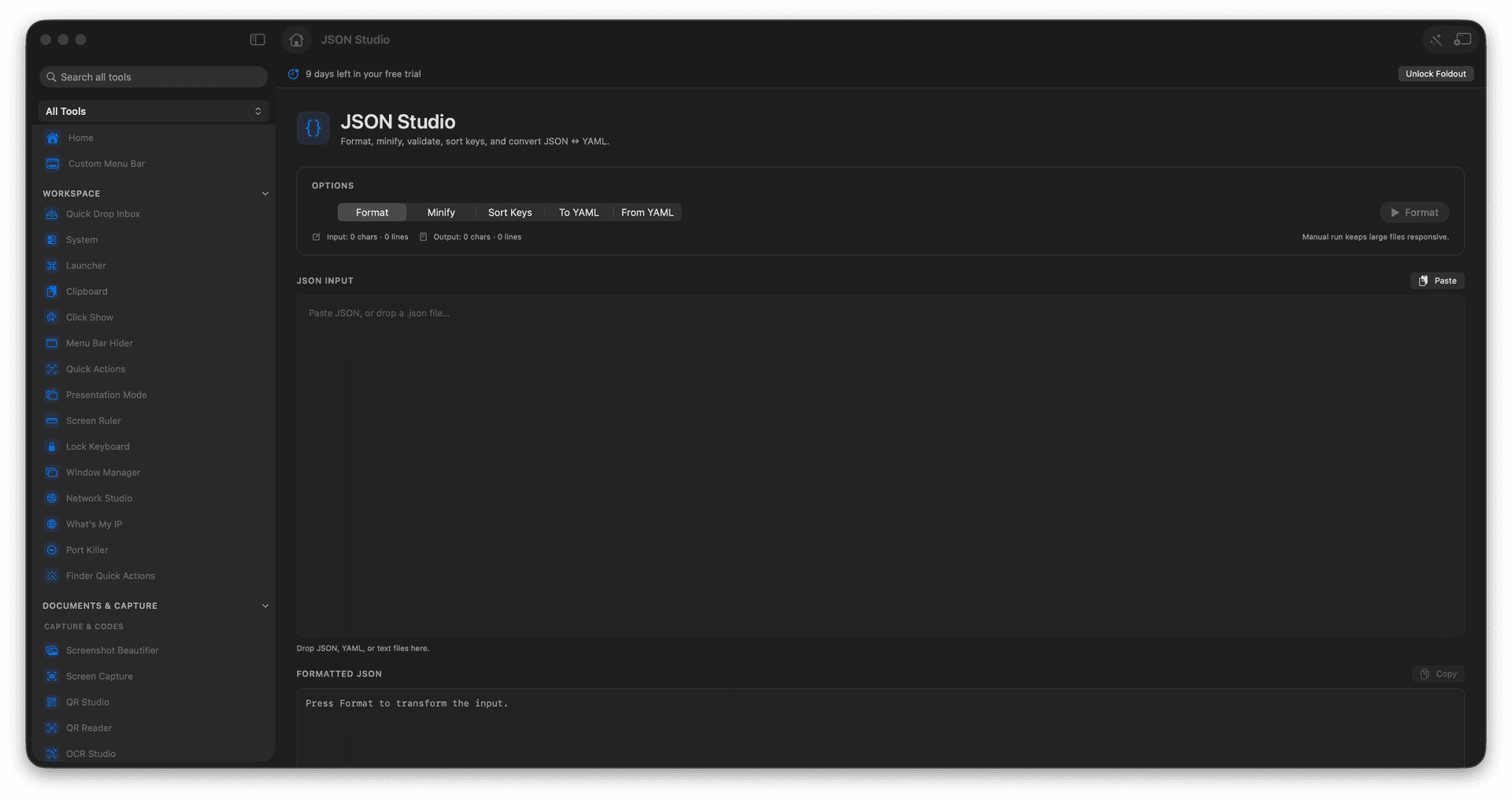
Format, minify, validate, and sort keys in a snap.
Convert JSON to YAML and back.
Explore deep payloads as a navigable tree.
Copy a value, a compact blob, or its JSONPath.
Concrete features, inputs, and workflow details for this tool.
Paste a wall of JSON and get it formatted, validated, and key-sorted, so a noisy API response becomes something you can scan.
Expand and collapse nested structures and copy any node's value or its exact JSONPath, instead of counting brackets by hand.
Flip a config between JSON and YAML in a click when the next tool wants the other one.
Paste or load JSON or YAML.
Choose the operation.
Run the transform.
Use Tree or Text view to copy what you need.
Yes. The tree view includes JSONPath copy actions.