The whole URL, broken out
Scheme, host, path, query, and fragment laid out clearly, so a monster link becomes readable at a glance.
URL Parser cracks a long, query-stuffed URL into clean parts - scheme, host, path, every query parameter, and the fragment - so debugging a redirect or a tracking link stops meaning squinting at one endless string.
Start the 14-day trial in the app. No payment method is required to try Foldout.
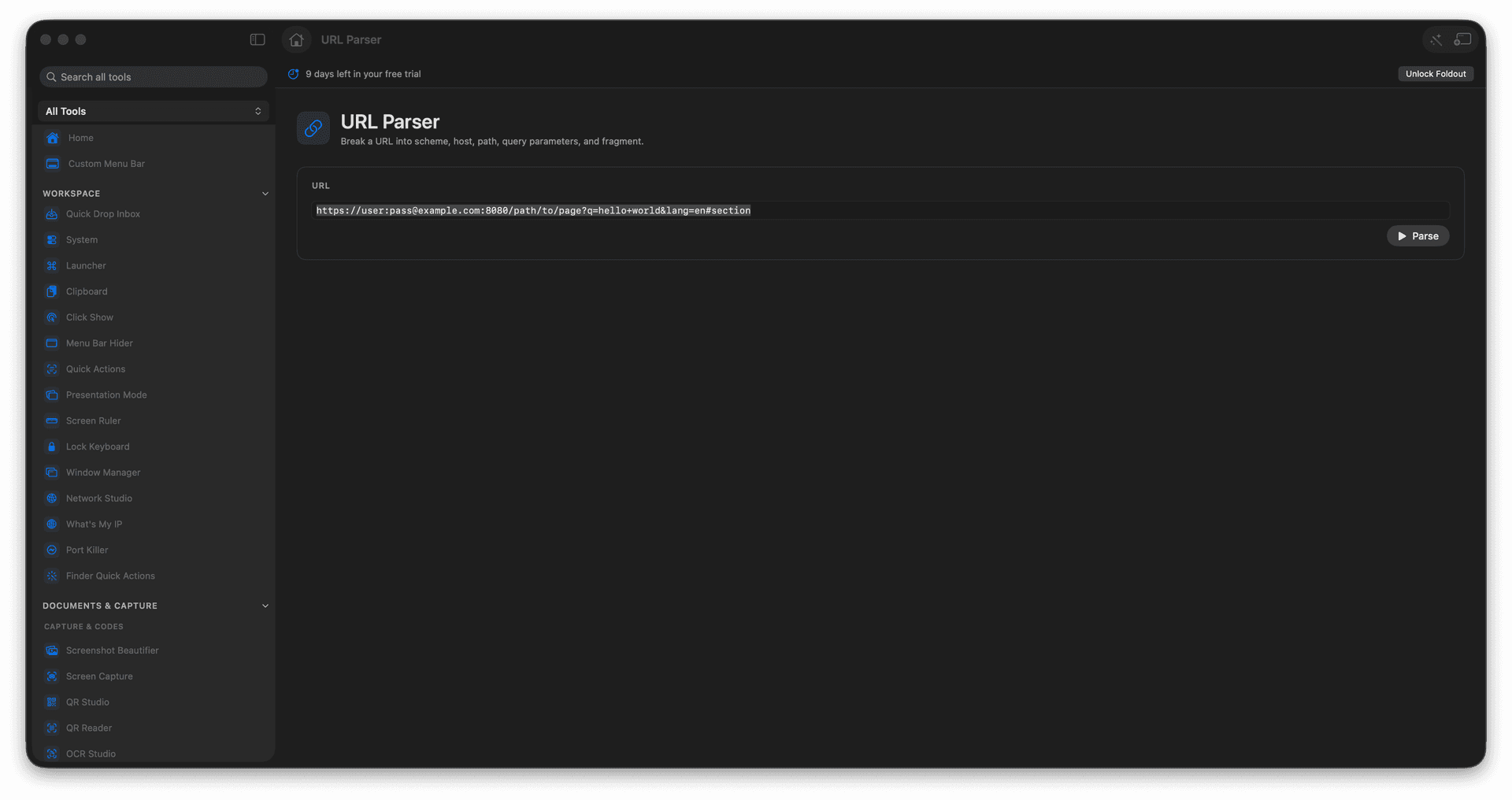
Split a URL into all of its parts.
Read query parameters in a clean list.
Debug redirects and tracking links fast.
Copy any piece for testing.
Concrete features, inputs, and workflow details for this tool.
Scheme, host, path, query, and fragment laid out clearly, so a monster link becomes readable at a glance.
Every parameter is listed and decoded, so a tracking-laden URL gives up exactly what it is carrying.
Grab any part to paste into a test, a config, or a bug report.
Paste a URL.
Run parsing if needed.
Review each URL component.
Copy the part you need.
No. URL Parser inspects the text of the URL.