The everyday formats
Base64, Hex, URL, HTML entities, and backslash escapes - the encodings that show up in headers, tokens, and logs all day long.
Encode and Decode is the quick converter for the everyday formats - Base64, Hex, URL encoding, HTML entities, and backslash escapes - paste something garbled, flip it back to readable, or encode a value for a header or a URL, then copy and move on.
Start the 14-day trial in the app. No payment method is required to try Foldout.
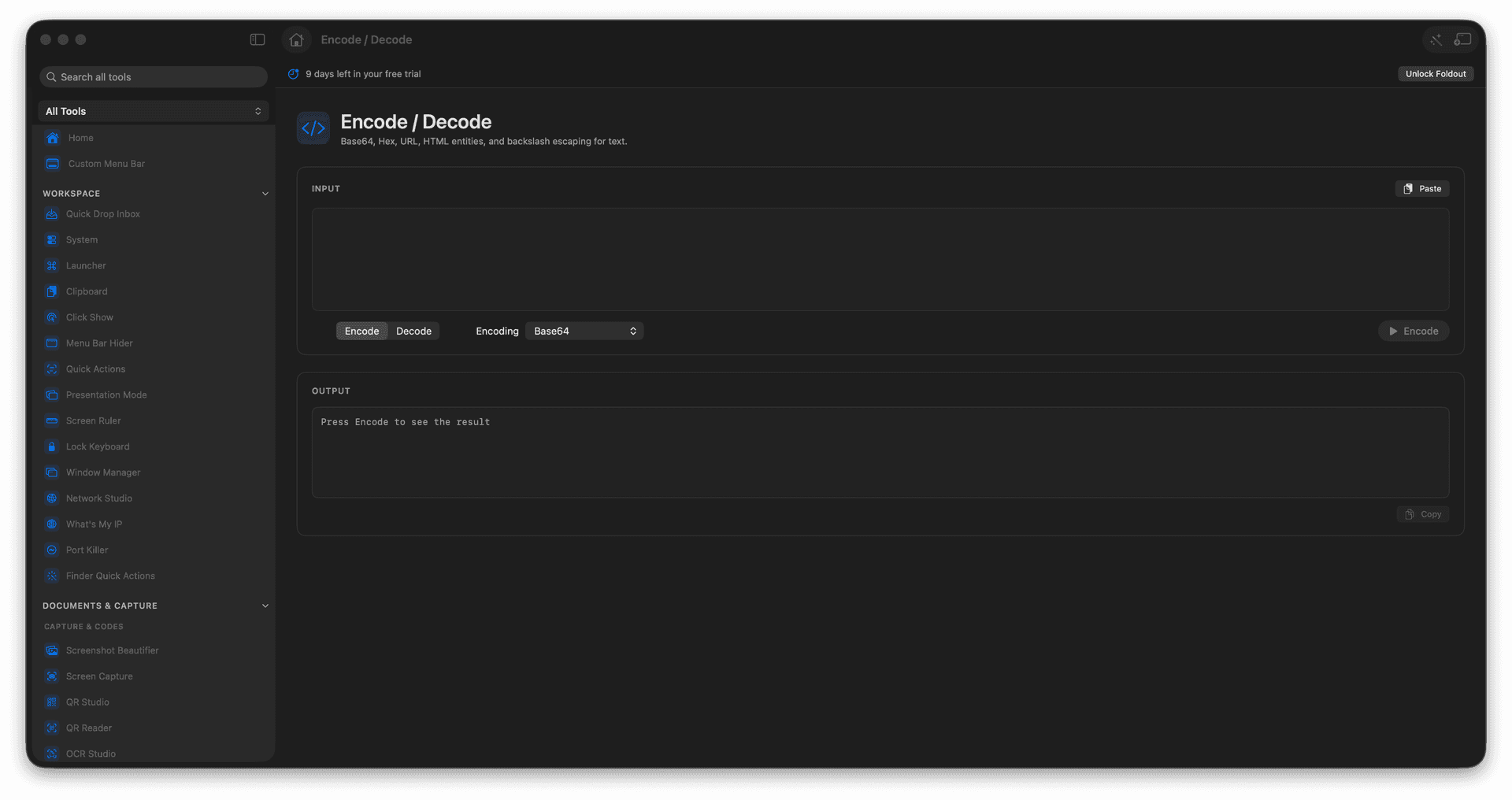
Encode or decode Base64 in a click.
Handle Hex, URL encoding, and HTML entities.
Escape or unescape text safely.
Copy the transformed result instantly.
Concrete features, inputs, and workflow details for this tool.
Base64, Hex, URL, HTML entities, and backslash escapes - the encodings that show up in headers, tokens, and logs all day long.
Encode a value to drop into a URL or header, or decode a garbled string back into something you can read.
A tight loop for the dozens of small conversions a normal coding session throws at you.
Paste text.
Choose the encoding or decoding mode.
Review the transformed output.
Copy the result.
This tool is for text transformations.