Two dials that matter most
Brightness lifts a too-dark capture and contrast brings depth back to a flat one - the two adjustments that fix the vast majority of quick image problems.
Adjust rescues dim screenshots and flat product photos with two honest dials - brightness and contrast - and exports the corrected copies. No maze of sliders, no presets to learn, just a quick lift that makes images look the way you meant them to.
Start the 14-day trial in the app. No payment method is required to try Foldout.
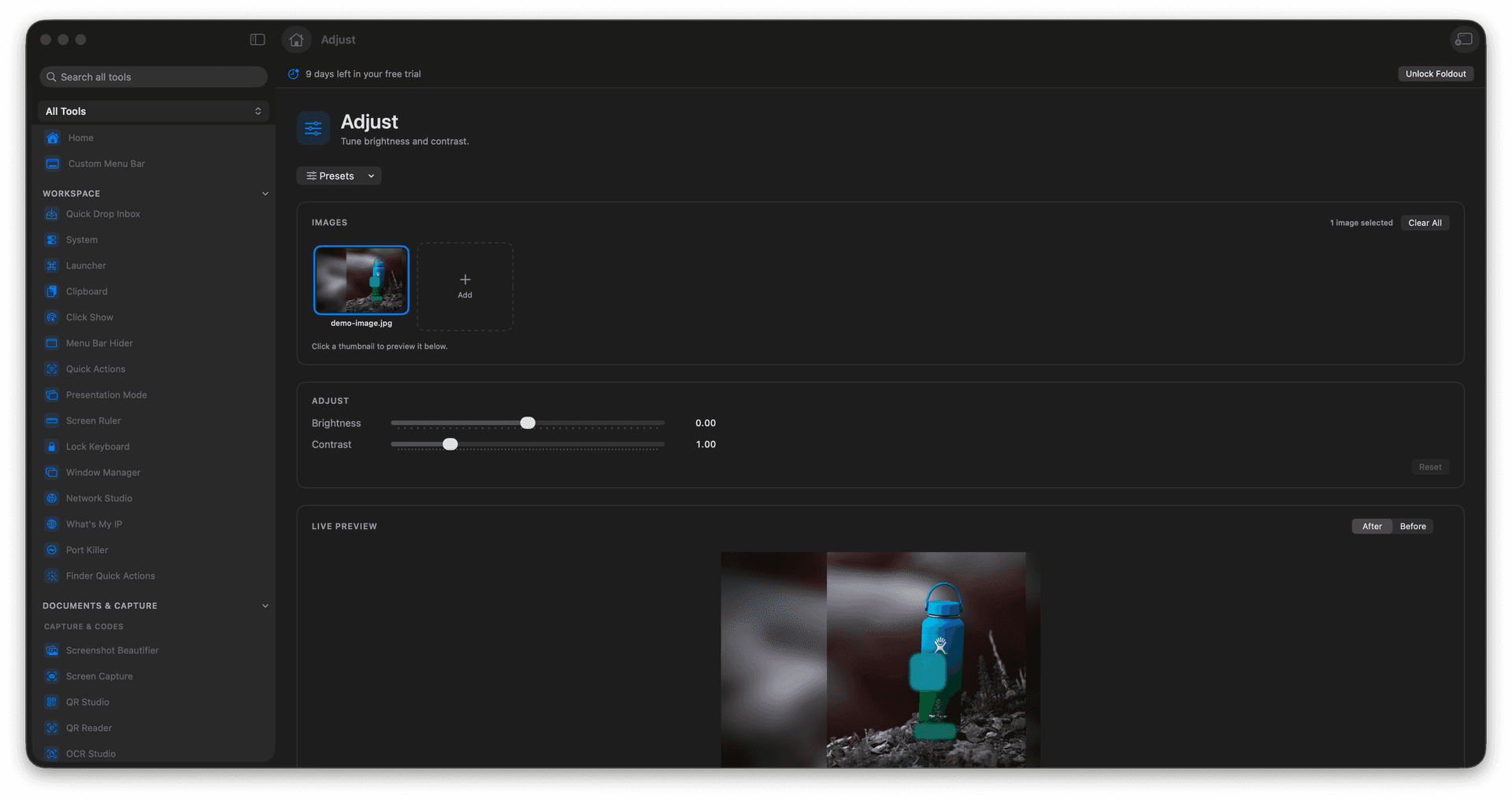
Brighten dark screenshots and photos in seconds.
Add contrast to flat, washed-out images.
Apply the same correction across a batch.
Export corrected copies and keep the originals.
Concrete features, inputs, and workflow details for this tool.
Brightness lifts a too-dark capture and contrast brings depth back to a flat one - the two adjustments that fix the vast majority of quick image problems.
Dial in a correction and apply it to a whole batch, so a series of screenshots or product shots ends up evenly lit.
Your adjusted images are written as new files, leaving the untouched source ready for a different treatment later.
Add images.
Set brightness and contrast.
Review the preview if available.
Save the adjusted outputs.
No. It focuses on quick brightness and contrast adjustments.