Any ratio, predictable result
Choose square, widescreen, portrait, or a custom aspect ratio and Foldout center-crops to it, so a folder of mismatched images lines up into a tidy grid.
Crop reframes a batch of images to the exact aspect ratio you need - square for a grid, widescreen for a banner, portrait for a story - with a clean center crop every time. Consistent edges across the whole set, originals left whole.
Start the 14-day trial in the app. No payment method is required to try Foldout.
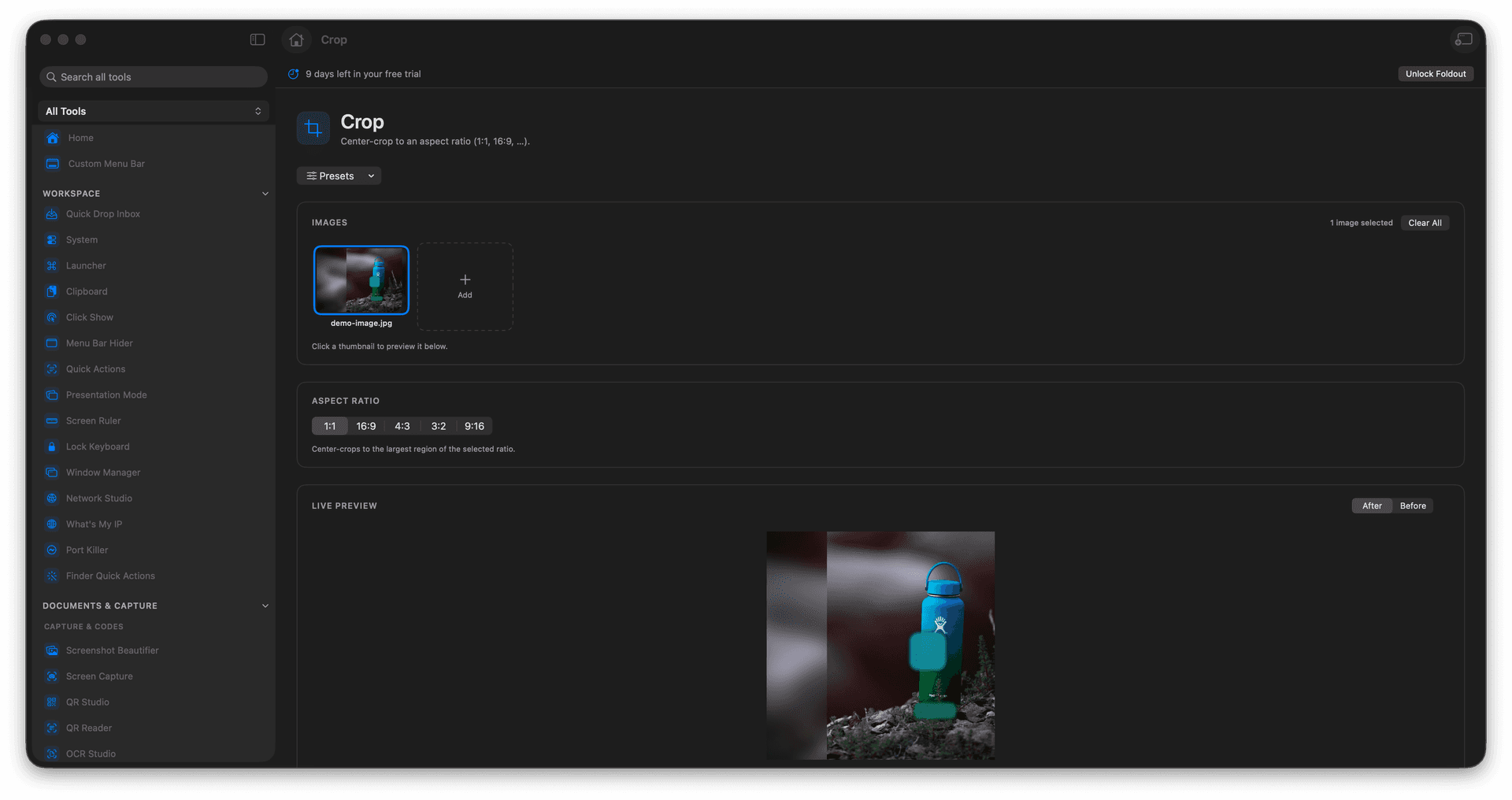
Crop to square, widescreen, portrait, or a custom ratio.
Center-crop keeps a whole batch perfectly consistent.
Reframe product shots and thumbnails without an editor.
Cropped copies are saved separately from the source.
Concrete features, inputs, and workflow details for this tool.
Choose square, widescreen, portrait, or a custom aspect ratio and Foldout center-crops to it, so a folder of mismatched images lines up into a tidy grid.
Apply the same crop to many images at once - ideal for catalog thumbnails, social posts, and product grids that need a uniform shape.
Each crop is saved as a new file, so you can reframe aggressively and still keep the full original image.
Add images.
Choose an aspect ratio.
Review the crop setting.
Export the cropped files.
Yes. Crop supports batch image input.