Batch to a single size
Add as many images as you like and bring them all to the same maximum dimension at once, so a messy folder of camera exports becomes a uniform, upload-ready set.
Resize Images takes a whole folder of photos down to the exact dimensions you need - a max width, a square thumbnail, a social preset - and writes fresh copies while every original stays exactly where it was. Drop in a hundred files, pick a size, and walk away with a tidy, upload-ready set.
Start the 14-day trial in the app. No payment method is required to try Foldout.
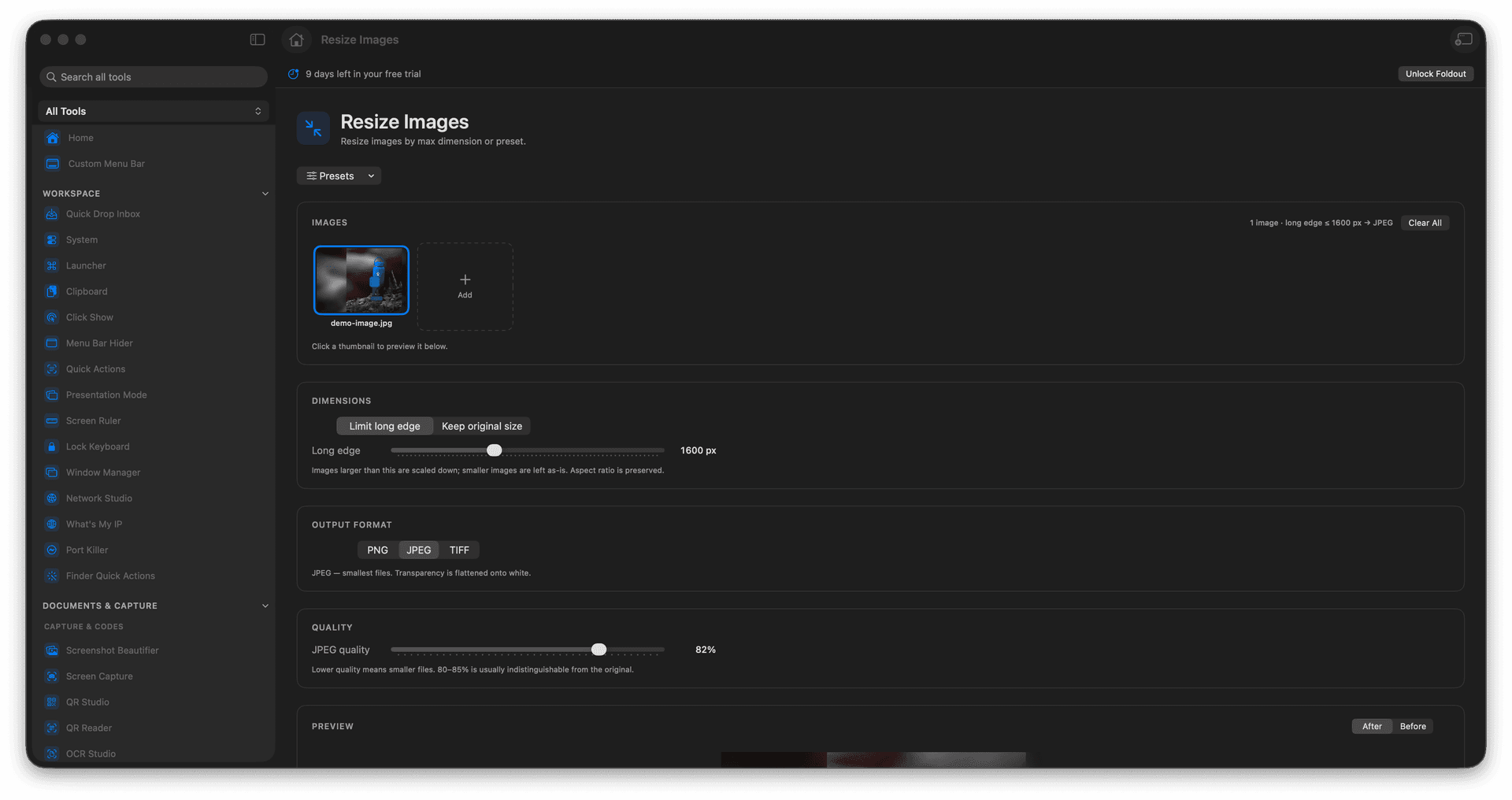
Resize a single image or a giant batch to one consistent size in a single pass.
Cap the longest edge, or pick a preset for web, email, and social dimensions.
Originals are never touched - every resize is written as a brand-new file.
Preview the output settings before you commit, so there are no surprises.
Concrete features, inputs, and workflow details for this tool.
Add as many images as you like and bring them all to the same maximum dimension at once, so a messy folder of camera exports becomes a uniform, upload-ready set.
Skip the math with ready-made sizes for website images, email attachments, and social previews, or type an exact maximum dimension of your own.
Every resized image is saved as a new file beside the source, so you can experiment freely and always fall back to the full-resolution original.
Add one or more images.
Choose the size or preset.
Review the output settings.
Run the resize and reveal the new files.
No. Foldout writes new output files.