Three clean, classic looks
Switch a photo to grayscale black and white, warm it with sepia, or flip it to a high-contrast invert - simple treatments that read well across an entire set.
Image Effects gives a batch of pictures a quick, consistent look - crisp black and white, a warm sepia wash, or a bold invert - and saves the results as new files. Perfect for mood boards, uniform thumbnails, or just trying an idea on a whole folder at once.
Start the 14-day trial in the app. No payment method is required to try Foldout.
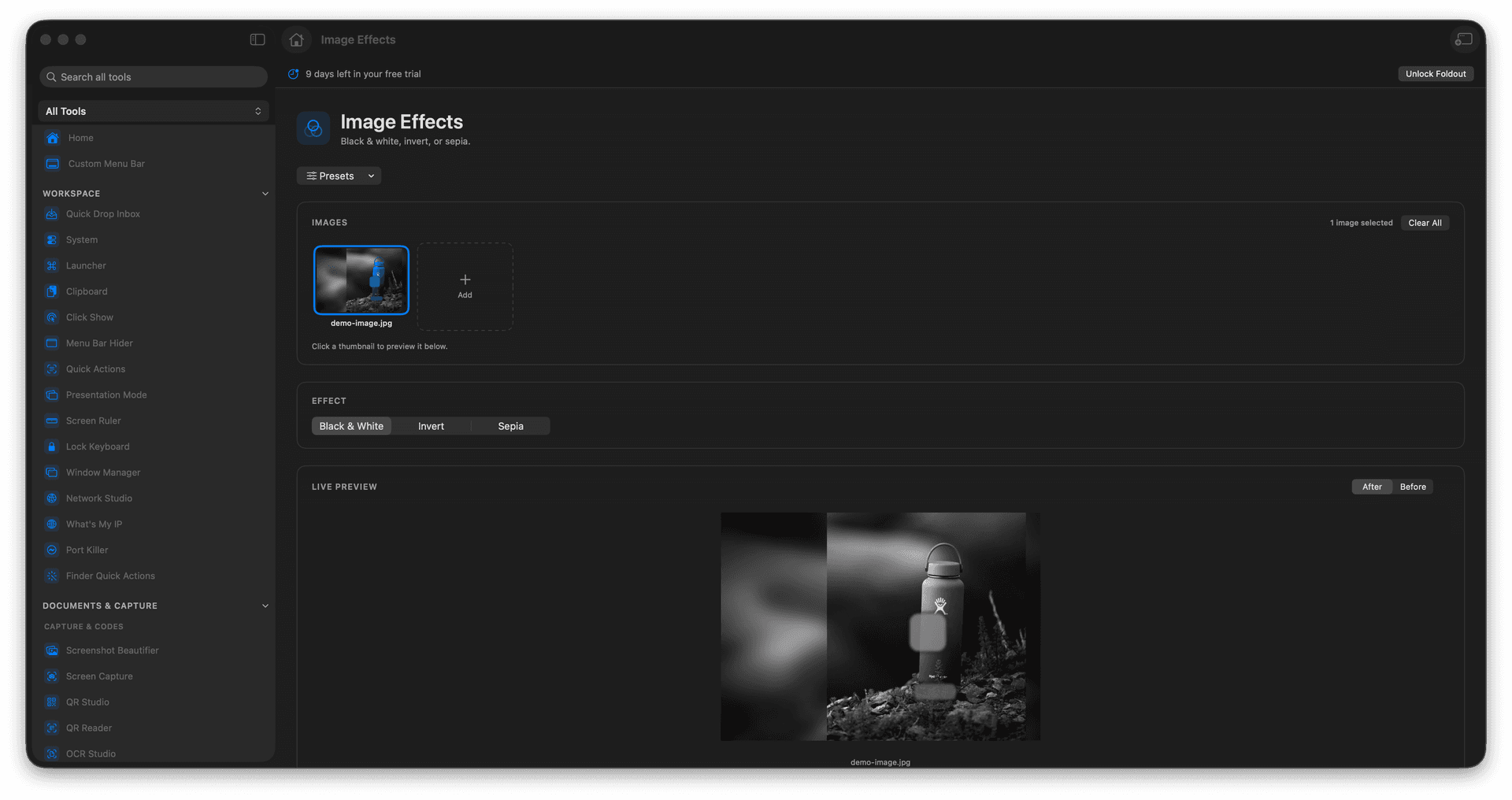
Apply black and white, sepia, or invert to one image or many.
Give a whole set the same treatment for a consistent look.
Results are saved as new files, originals kept intact.
Ideal for fast experiments before committing to an edit.
Concrete features, inputs, and workflow details for this tool.
Switch a photo to grayscale black and white, warm it with sepia, or flip it to a high-contrast invert - simple treatments that read well across an entire set.
Apply the same effect to a folder of images at once, so a gallery, mood board, or thumbnail row shares one coherent style.
Each styled image is exported as a new file, so you can try a look on a hundred photos and still have every original waiting.
Add images.
Choose the effect.
Preview or review the setting.
Run the export.
No. Foldout writes new output files.