Format, sorted
Convert audio into the format your editor, player, or upload form expects, without a separate converter.
Audio Studio is a tidy bench for everyday audio jobs - convert between formats, lift the soundtrack out of a video, trim a clip, and even out the loudness - all in one place, so a podcast snippet or a voice memo comes out clean and consistent.
Start the 14-day trial in the app. No payment method is required to try Foldout.
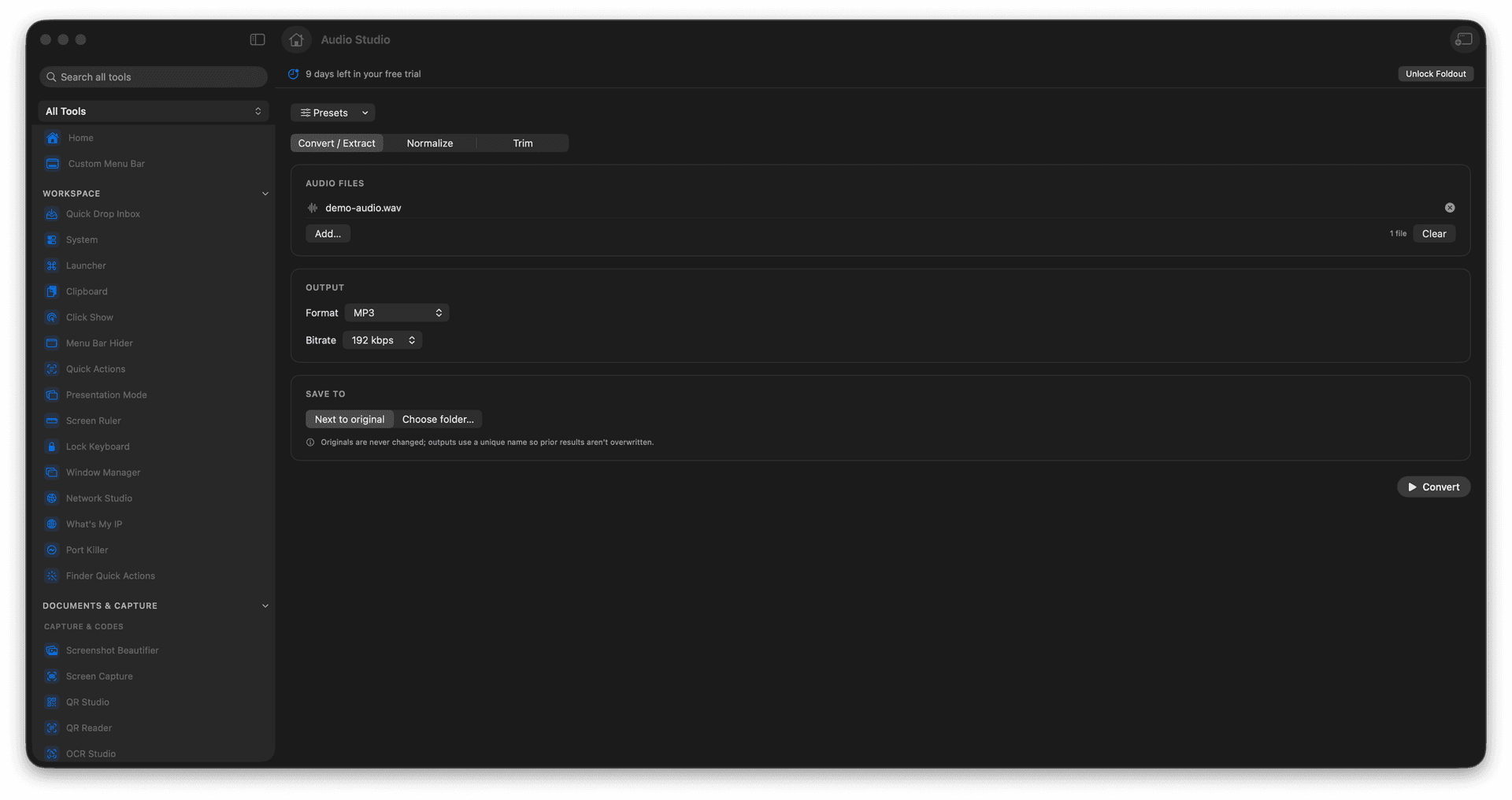
Convert between common audio formats.
Extract the audio track from a video.
Trim a clip to the part you want.
Normalize loudness for a consistent level.
Concrete features, inputs, and workflow details for this tool.
Convert audio into the format your editor, player, or upload form expects, without a separate converter.
Lift the soundtrack out of a clip when you only need the audio - a quote, a song, a voice-over.
Cut a clip down to the moment that matters and normalize the loudness so it sits at a consistent level.
Add an audio or video file.
Choose convert, extract, trim, or normalize.
Set visible output options.
Run the job and reveal the result.
Yes. Add a video and choose the extraction workflow.