A moment that loops
Pick the range and turn it into a GIF that auto-plays inline, so a quick interaction is visible the instant someone opens the message.
Video to GIF turns a slice of footage into a looping GIF that plays anywhere - a UI interaction, a reaction, a quick how-to - perfect for chat, issues, and docs where a full video would be overkill.
Start the 14-day trial in the app. No payment method is required to try Foldout.
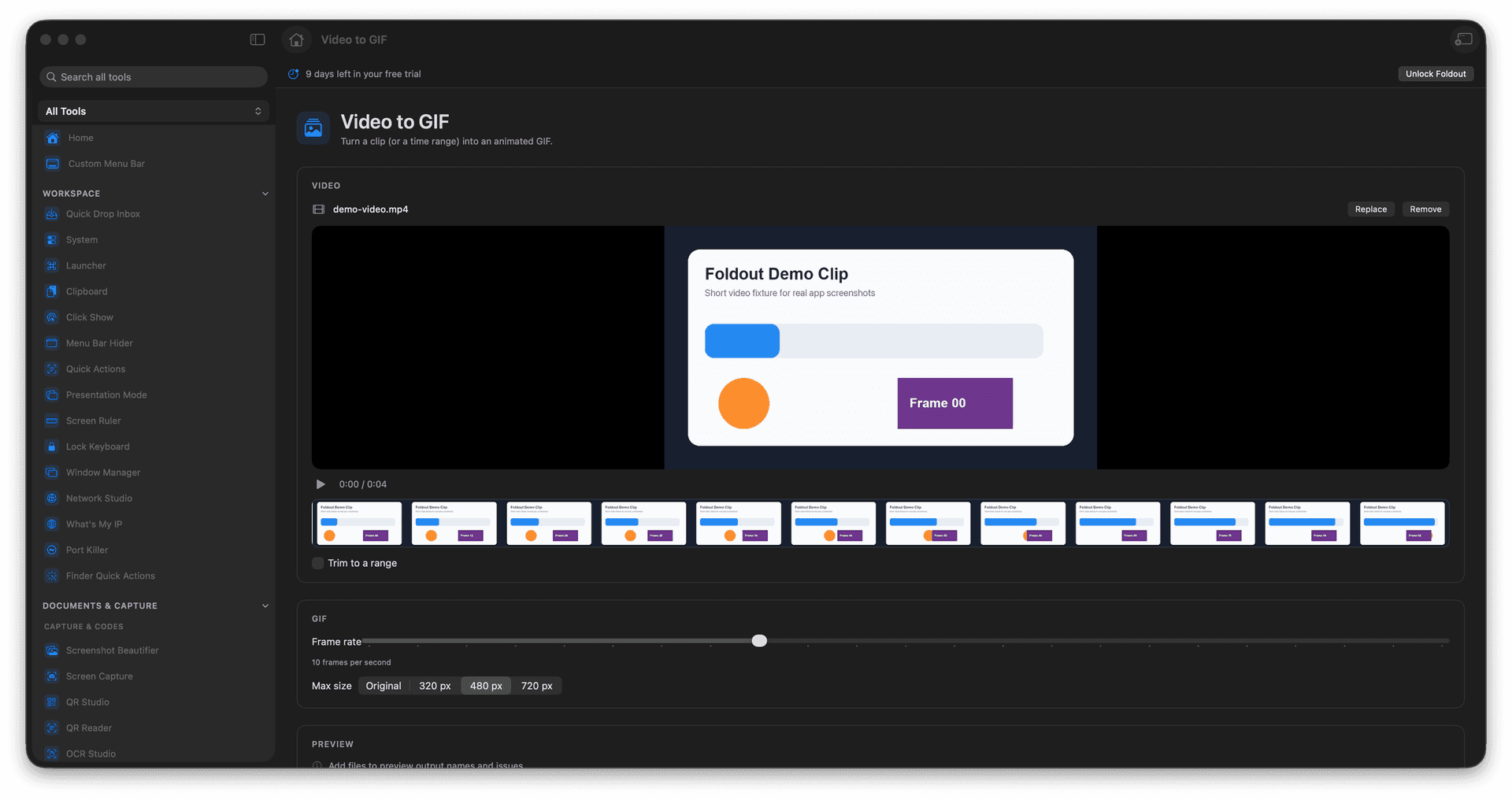
Convert a clip or a time range into a looping GIF.
Show a UI interaction or moment without a player.
Drop it straight into chat, issues, and docs.
Tune the output before you export.
Concrete features, inputs, and workflow details for this tool.
Pick the range and turn it into a GIF that auto-plays inline, so a quick interaction is visible the instant someone opens the message.
A short GIF embeds where a video file would be awkward - issues, chat threads, and documentation.
Adjust the output so the loop is smooth and the file stays a reasonable size.
Add a video.
Choose the GIF range.
Adjust output settings.
Export the GIF.
No. It creates a separate GIF file.