The format you need next
Turn a clip into the format a player, an upload form, or an editor expects, so a video stops being the thing that will not open.
Convert Videos reshapes a clip into whatever your next step needs - a smaller file for email, a format a player will actually accept, or a quick container swap that keeps the quality - all from a drag-and-drop list, with your source clips left untouched.
Start the 14-day trial in the app. No payment method is required to try Foldout.
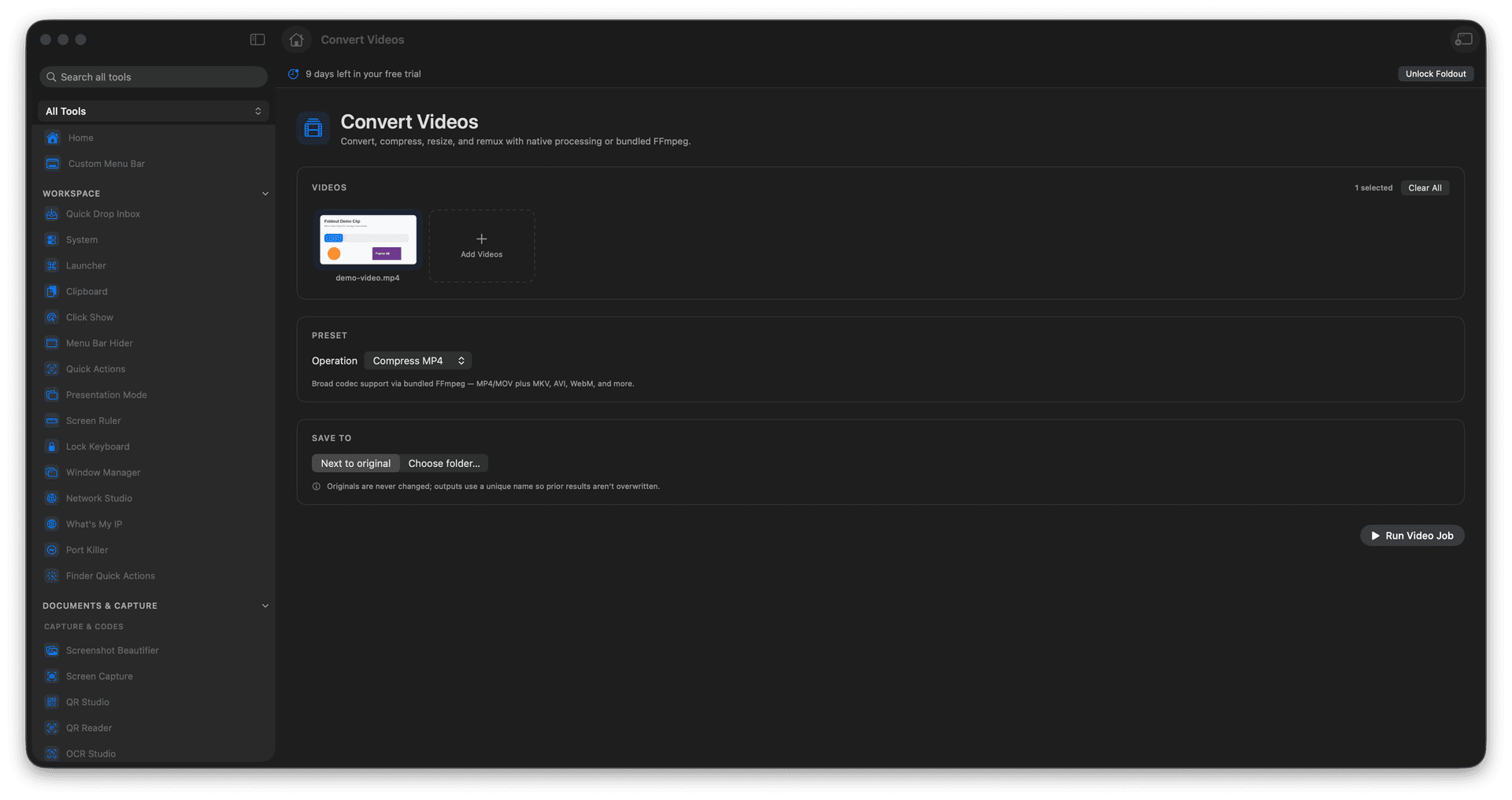
Convert between the common video formats people actually use.
Compress a heavy clip down to a sendable size.
Resize footage to smaller dimensions.
Swap the container without re-encoding when that is all you need.
Concrete features, inputs, and workflow details for this tool.
Turn a clip into the format a player, an upload form, or an editor expects, so a video stops being the thing that will not open.
Compress or resize a bulky recording into something that fits an email or a chat without a noticeable drop in quality.
When only the wrapper needs to change, remux the clip instead of re-encoding it, keeping the original quality and finishing in a flash.
Add one or more videos.
Choose conversion, compression, resize, or remux settings.
Run the job.
Reveal the generated outputs.
No. Foldout writes new output files.