Every click, visible
A clear indicator marks where you click, so an audience can track your pointer instead of losing it on a busy screen.
Click Show puts a clear visual ring on every click, so the people watching your demo or recording can actually follow where you tapped - no more 'wait, what did you just press?' during a screen share.
Start the 14-day trial in the app. No payment method is required to try Foldout.
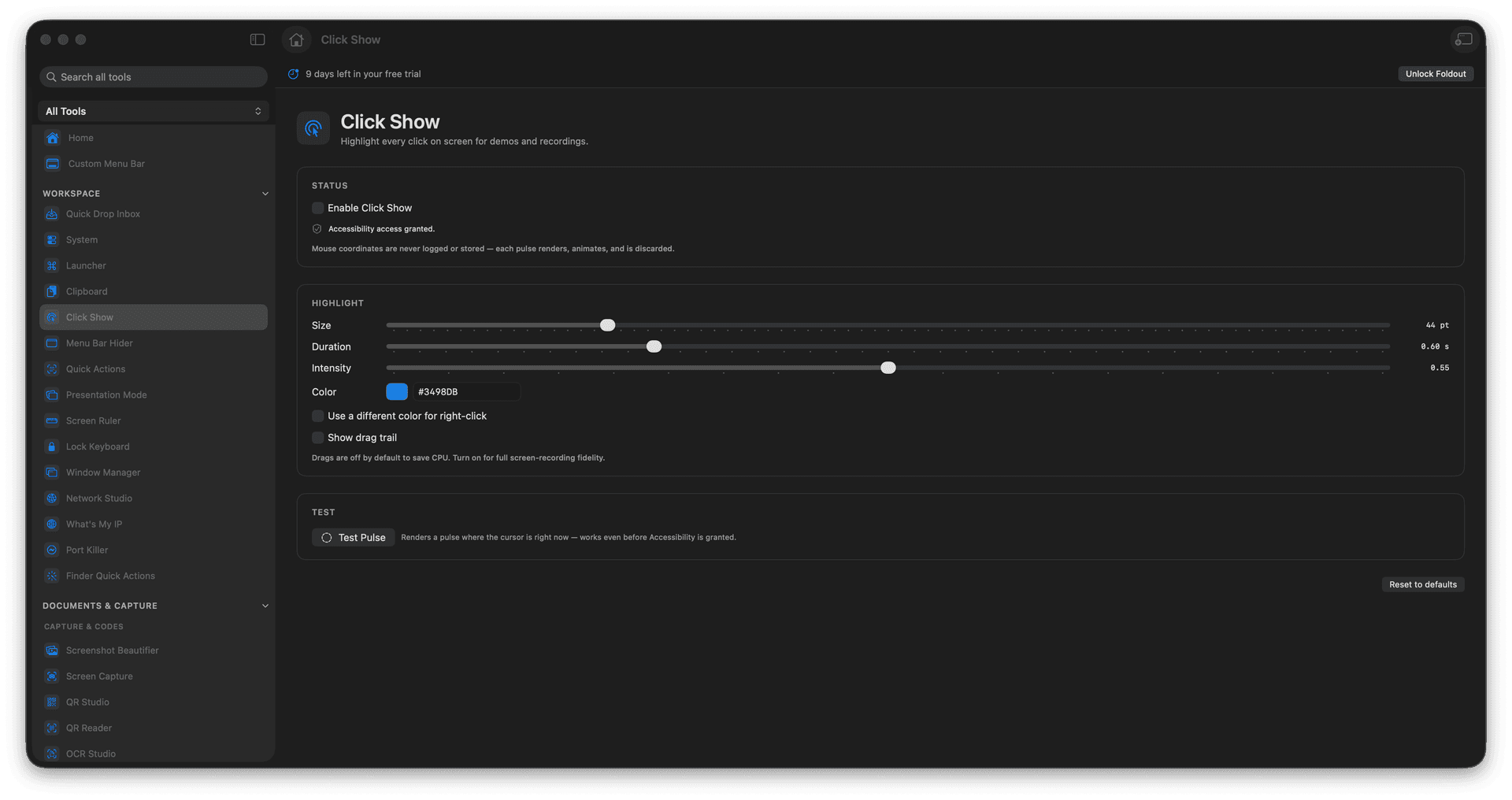
Show a visible indicator on every click.
Make demos and recordings easy to follow.
Tune the look to suit your screen.
Keep viewers oriented during a share.
Concrete features, inputs, and workflow details for this tool.
A clear indicator marks where you click, so an audience can track your pointer instead of losing it on a busy screen.
Turn it on for a live walkthrough or a recording and your taps become part of the story.
Adjust the look so the highlight reads clearly without stealing the show.
Open Click Show.
Turn highlighting on.
Adjust style if needed.
Turn it off when the demo is done.
No. It only displays click highlights.