Readable in one move
Paste a minified or badly indented blob and get clean, consistently formatted code you can actually read and review.
Code Formatter cleans up or crushes down HTML, CSS, SCSS, LESS, JavaScript, JSON, and ERB on demand - beautify a minified mess into something readable, or minify your output for shipping, then copy it straight back into your editor.
Start the 14-day trial in the app. No payment method is required to try Foldout.
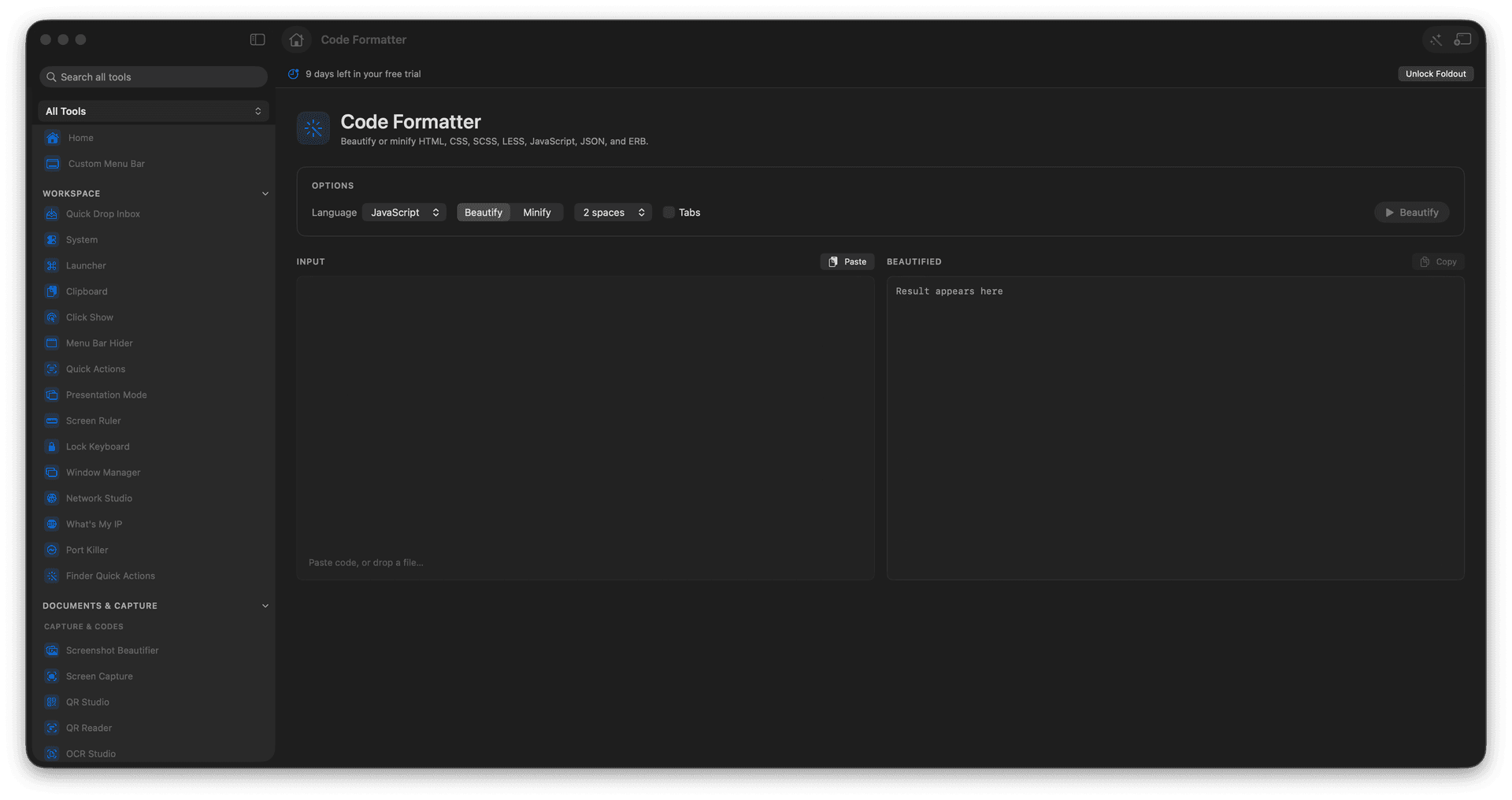
Beautify tangled or minified code into readable form.
Minify supported formats for smaller output.
Handle HTML, CSS, SCSS, LESS, JavaScript, JSON, and ERB.
Copy the result and get back to work.
Concrete features, inputs, and workflow details for this tool.
Paste a minified or badly indented blob and get clean, consistently formatted code you can actually read and review.
Minify your source to trim whitespace for a quick paste into a place where size matters.
Covers the markup, styles, scripts, and data formats that show up across a normal web project, all in one panel.
Paste or load code.
Choose the language and operation.
Run formatting or minifying.
Copy or save the output.
No. Formatting runs when you choose it, which keeps large inputs responsive.