Type and see it
Source on one side, rendered output on the other, updating as you go, so you skip the save-and-refresh loop.
HTML Preview puts your source and the rendered result side by side so a snippet, an email template, or a quick prototype updates as you type - no save, no refresh, no spinning up a server just to see a div.
Start the 14-day trial in the app. No payment method is required to try Foldout.
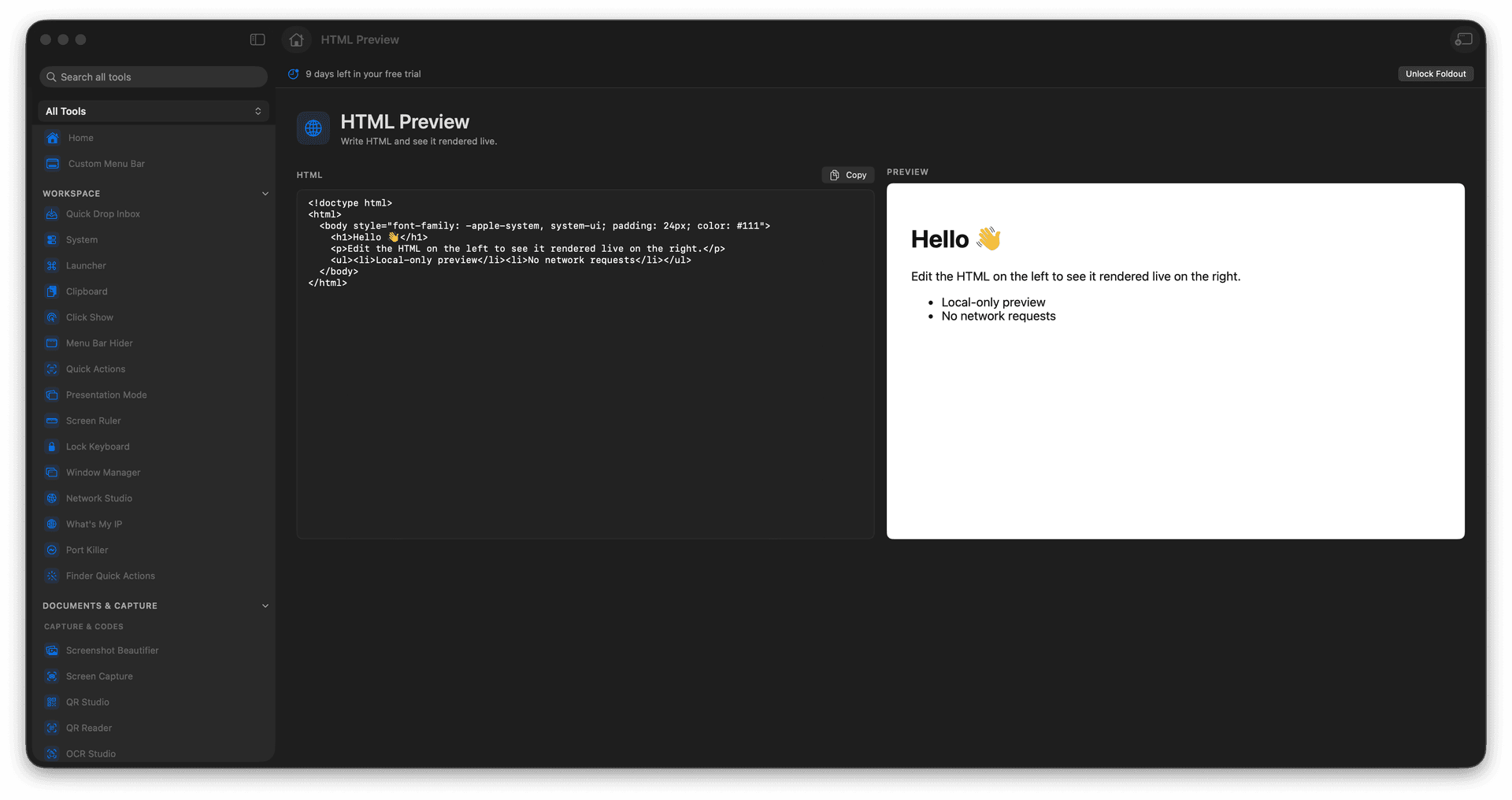
Edit HTML and see it render live.
Prototype snippets without a server.
Check an email or component layout fast.
Copy or save the source when it is right.
Concrete features, inputs, and workflow details for this tool.
Source on one side, rendered output on the other, updating as you go, so you skip the save-and-refresh loop.
Test a snippet or a layout without spinning up a local server or a sandbox.
Copy or save the markup once it looks the way you want.
Paste or type HTML.
Review the live preview.
Adjust the markup.
Copy or save the final source.
No. It previews local HTML snippets.