Every common format, both ways
Read and write PNG, JPEG, HEIC, TIFF, and WebP, so the awkward HEIC from your phone or the heavy TIFF from a scanner becomes the format your next tool actually expects.
Convert Images turns PNG, JPEG, HEIC, TIFF, and WebP files into whichever format you need next - flatten a stack of iPhone HEICs to JPEG, swap PNGs to WebP for the web, or standardize a mixed folder before handoff. One file or a thousand, the source stays untouched.
Start the 14-day trial in the app. No payment method is required to try Foldout.
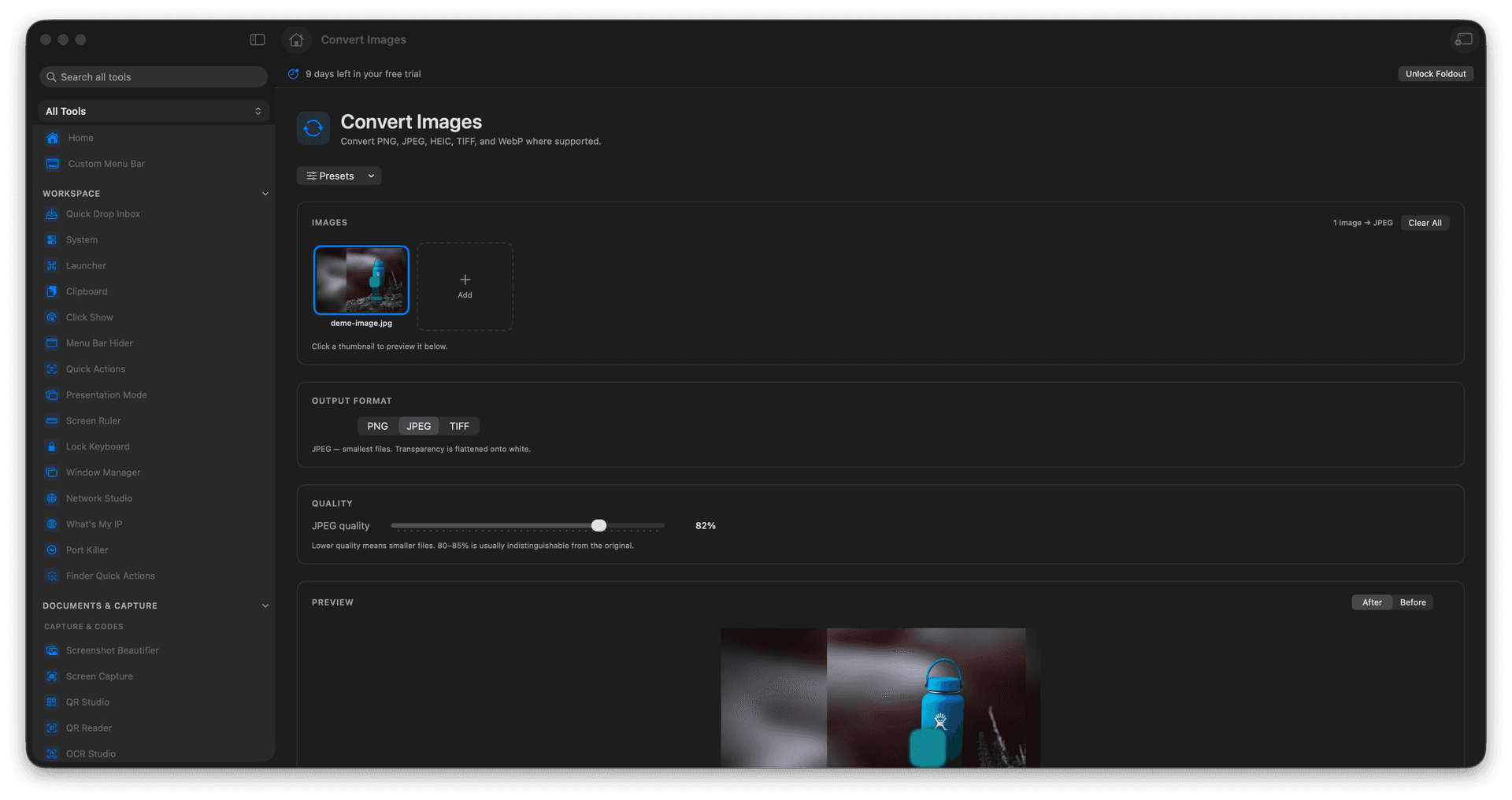
Convert a single image or an entire batch in one go.
Move freely between PNG, JPEG, HEIC, TIFF, and WebP.
Standardize a mixed folder to one format before you share it.
Source files are left exactly as they were.
Concrete features, inputs, and workflow details for this tool.
Read and write PNG, JPEG, HEIC, TIFF, and WebP, so the awkward HEIC from your phone or the heavy TIFF from a scanner becomes the format your next tool actually expects.
Select a folder full of mixed formats and convert them all at once, instead of opening and re-exporting each image by hand.
Converted images are written as new files, leaving your originals in place for archiving or a different export later.
Add image files.
Choose the target format.
Set any visible output options.
Run conversion and reveal the outputs.
Yes, WebP is supported where macOS can read or write the requested format.