One source, every size
Feed in a single high-resolution square and get back each icon dimension Apple, the web, and Android expect, instead of resizing by hand a dozen times.
App Icon and Favicon turns one square artwork into every icon size your project demands - the full Apple icon set, web favicons and manifest assets, and Android mipmaps - in a single export. Draw the icon once, ship it everywhere.
Start the 14-day trial in the app. No payment method is required to try Foldout.
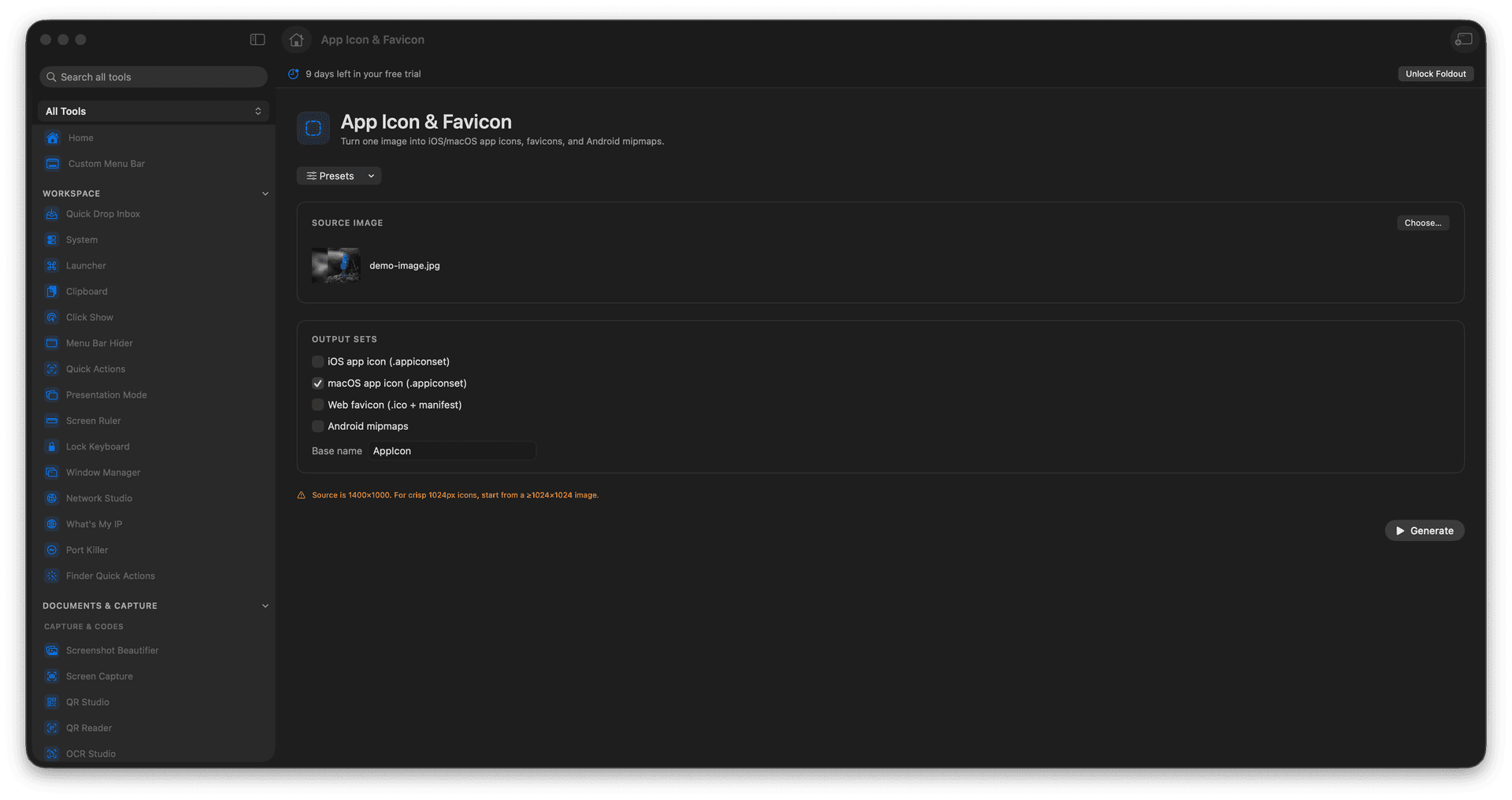
Generate iOS and macOS app icon sets from one image.
Produce favicon files and web manifest assets for sites.
Build Android mipmap outputs in the right densities.
Export a tidy, ready-to-drop-in folder.
Concrete features, inputs, and workflow details for this tool.
Feed in a single high-resolution square and get back each icon dimension Apple, the web, and Android expect, instead of resizing by hand a dozen times.
Produce the favicon files and web manifest assets a modern site needs, so the little tab icon finally looks sharp on every screen.
The output arrives as a structured folder you can drop straight into an Xcode asset catalog, a website, or an Android project.
Add a source image.
Choose the icon output groups.
Review the asset plan.
Export the icon folder.
Yes. Apple icon set outputs include the expected icon metadata.