Say it in page numbers
Type the pages and ranges to remove and Foldout rebuilds the document without them - no dragging through a giant thumbnail wall.
Delete Pages strips the pages you do not want out of a PDF - a blank scan, a cover sheet, an internal note - by typing simple numbers and ranges like 1-3,5, then saves the trimmed document as a new file.
Start the 14-day trial in the app. No payment method is required to try Foldout.
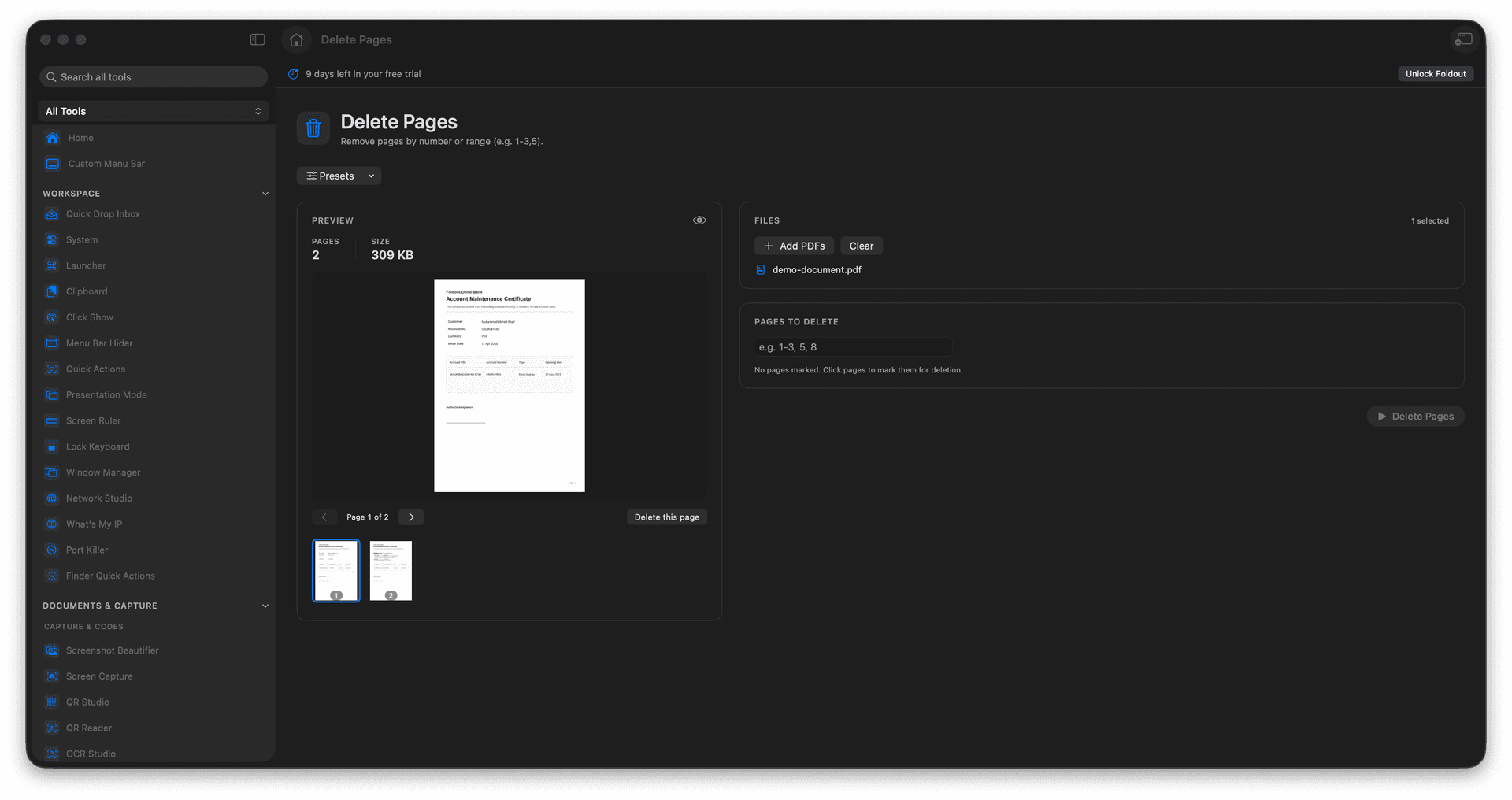
Remove single pages or ranges like 1-3,5.
Drop blank scans, cover sheets, and stray pages.
Keep the rest of the document perfectly intact.
The edited version is saved as a new PDF.
Concrete features, inputs, and workflow details for this tool.
Type the pages and ranges to remove and Foldout rebuilds the document without them - no dragging through a giant thumbnail wall.
Pull out the blank backs, separator sheets, and duplicate pages that scanners love to add.
The trimmed PDF is a fresh file, so the full document is always there if you cut one page too many.
Add a PDF.
Enter pages or ranges to remove.
Review the page selection.
Save the new PDF.
No. It writes a new PDF output.