Turn pages the right way
Spin misoriented pages upright so a sideways scan or a rotated export reads naturally on screen and in print.
Rotate Pages fixes a PDF where someone scanned a page sideways or upside down - turn pages 90, 180, or 270 degrees and save a corrected copy that finally reads the right way up.
Start the 14-day trial in the app. No payment method is required to try Foldout.
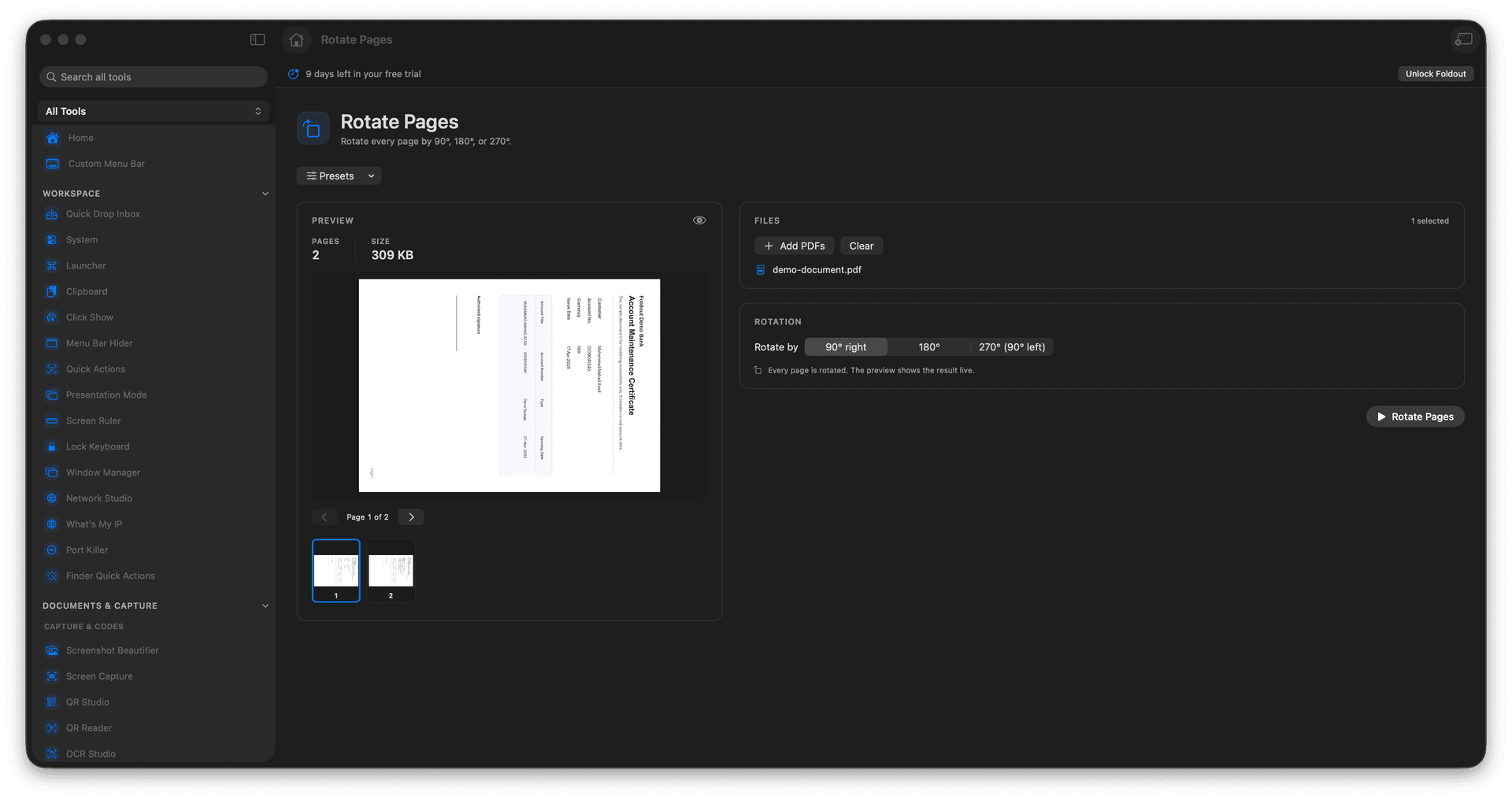
Rotate pages by 90, 180, or 270 degrees.
Fix sideways and upside-down scans.
Save a corrected copy in one step.
The source document stays unchanged.
Concrete features, inputs, and workflow details for this tool.
Spin misoriented pages upright so a sideways scan or a rotated export reads naturally on screen and in print.
Pick 90, 180, or 270 degrees to match exactly how the page came in crooked.
The rotation is written to a new PDF, leaving the original exactly as scanned.
Add a PDF.
Choose the rotation angle.
Review output settings.
Save the rotated PDF.
Yes. The tool applies the selected rotation to the PDF output.