One page, one file
Each page becomes a standalone PDF, so you can send just page seven of a contract or pull a single form out of a stack.
Split PDF breaks a multi-page document into one PDF per page, named safely and saved beside the original - perfect for handing out a single page, re-arranging a scan, or feeding pages into another step one at a time.
Start the 14-day trial in the app. No payment method is required to try Foldout.
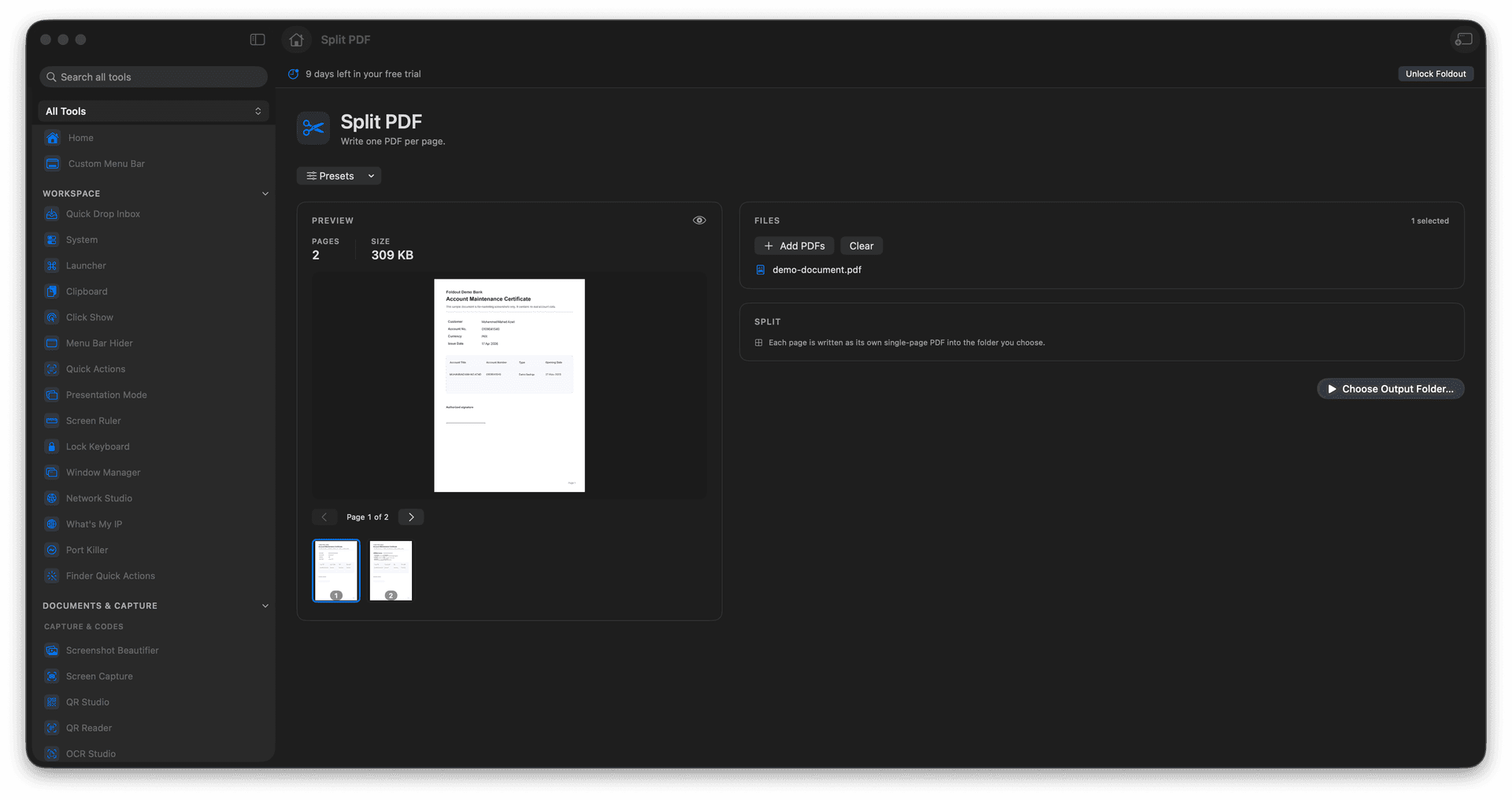
Export every page of a PDF as its own file.
Get safe, predictable output names automatically.
Share or re-arrange individual pages with ease.
The original document is never modified.
Concrete features, inputs, and workflow details for this tool.
Each page becomes a standalone PDF, so you can send just page seven of a contract or pull a single form out of a stack.
Outputs are numbered cleanly so the set stays in order and nothing overwrites anything else.
Your source PDF stays exactly as it was, ready to split a different way or keep as the master.
Add a PDF.
Choose the split action.
Review output location.
Run the split.
This tool writes one output PDF per page.