The hollow leftovers
Surface folders that hold nothing useful, the kind that pile up after you reorganize or clear out files.
Empty Folders hunts down the hollow leftovers - the directories that contained something once and now hold nothing - and lists them so you can reveal or clear them out after a big move or cleanup, deliberately and never by surprise.
Start the 14-day trial in the app. No payment method is required to try Foldout.
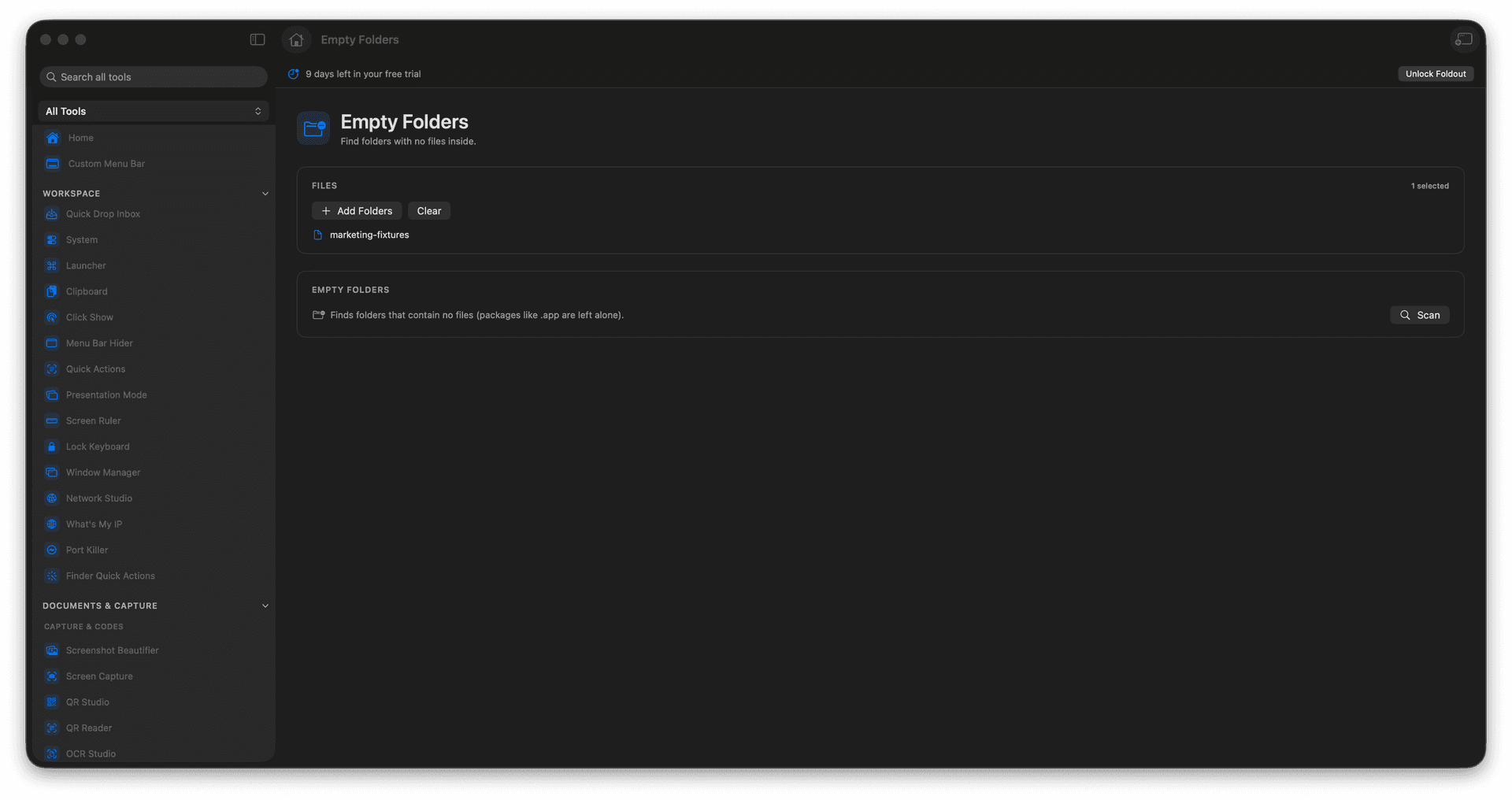
Find truly empty folders inside a selection.
Review the full list before removing anything.
Clean up leftovers after moves and sorts.
Reveal any folder before you decide.
Concrete features, inputs, and workflow details for this tool.
Surface folders that hold nothing useful, the kind that pile up after you reorganize or clear out files.
See the whole list first and choose what to remove, so a needed-but-empty folder stays put.
Run it once you have moved or sorted files, to sweep up the empty shells left behind.
Add a folder to scan.
Run the empty-folder search.
Review found folders.
Reveal or remove only the folders you no longer need.
No. It is focused on folders that have no files inside.