A plan, not a gamble
Group files by type or date and see precisely where each one would go, before a single file moves.
Organize Files plans a tidy-up before it touches a thing - group a messy pile by type or by date, see exactly where every file would land and where two would collide, and apply the moves only once the plan looks right.
Start the 14-day trial in the app. No payment method is required to try Foldout.
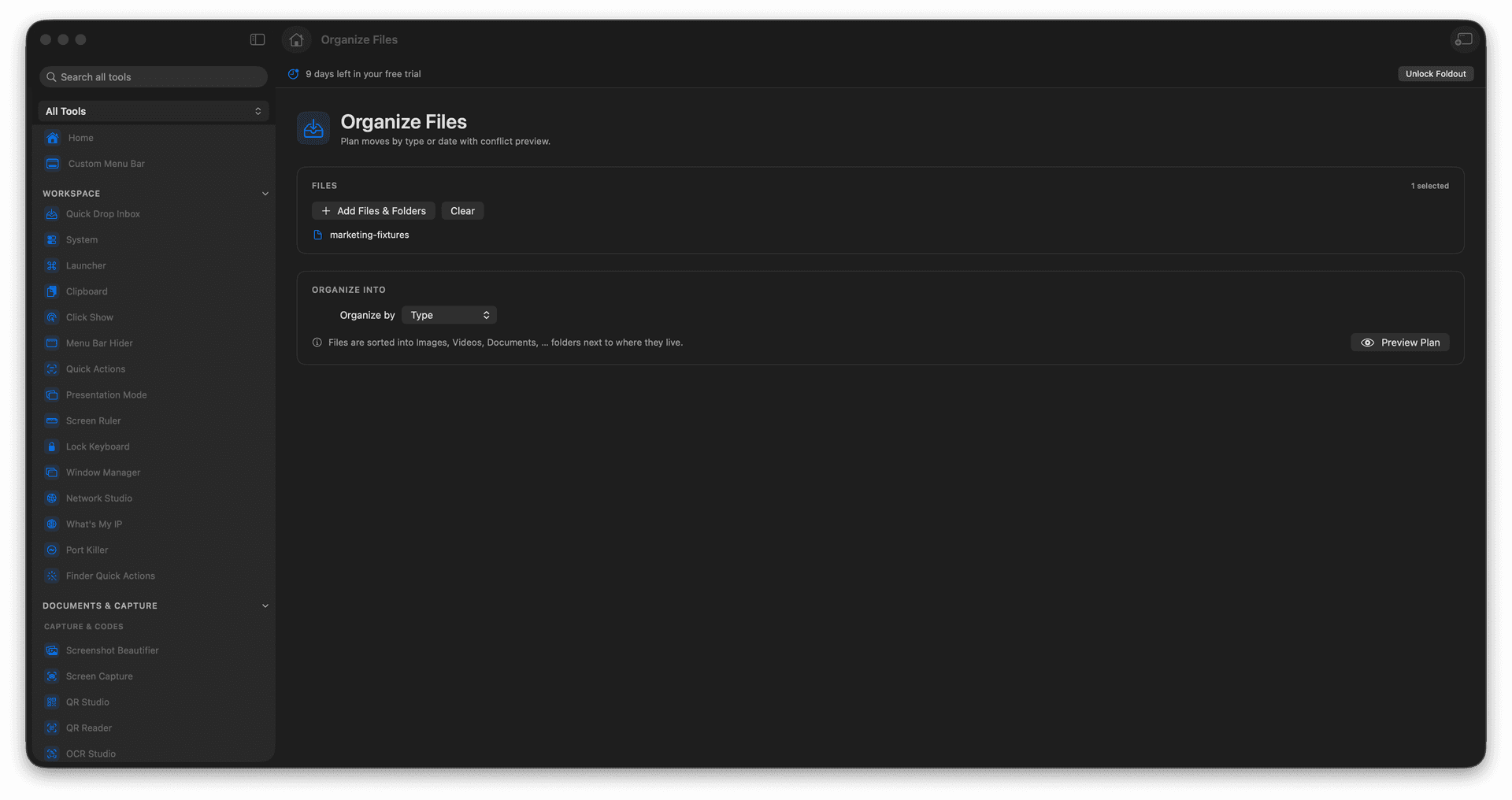
Plan moves by file type or by date.
Preview every destination before applying.
Catch conflicts before anything moves.
Turn a chaotic folder into order, safely.
Concrete features, inputs, and workflow details for this tool.
Group files by type or date and see precisely where each one would go, before a single file moves.
Destination clashes are flagged up front, so nothing quietly overwrites something else.
Review the whole plan, then commit it - cleanup with a safety net.
Add files or a folder.
Choose organization rules.
Review planned moves and conflicts.
Apply the plan when it is correct.
No. It shows a preview first.