Inline an asset
Turn a small icon or logo into a data URI you can paste directly into CSS or HTML, saving a request.
Base64 Image goes both ways between a picture and a data URI - inline a small icon straight into your CSS or HTML, or paste a data URI someone handed you and get the real image back with a preview you can save.
Start the 14-day trial in the app. No payment method is required to try Foldout.
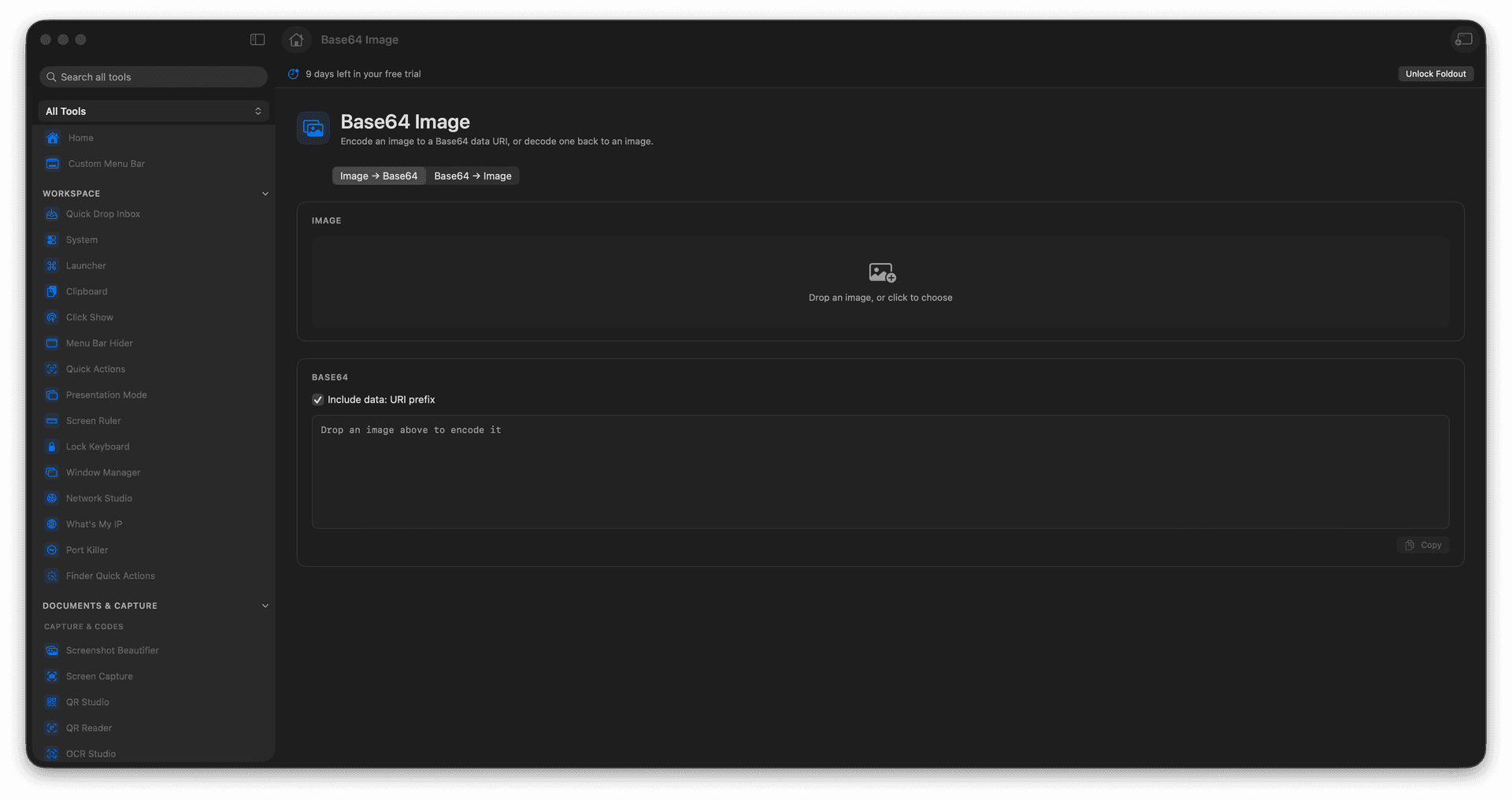
Encode an image into a Base64 data URI.
Decode a data URI back into an image.
Inline small assets into CSS or HTML.
Preview and save the decoded result.
Concrete features, inputs, and workflow details for this tool.
Turn a small icon or logo into a data URI you can paste directly into CSS or HTML, saving a request.
Paste a data URI from code or an email and get the actual image back, previewed and ready to save.
No more bouncing between a website to encode and another to decode.
Add an image or paste image data.
Choose encode or decode.
Review the output or preview.
Copy or save the result.
Use Encode / Decode for plain text Base64.