Foldout in the right-click
Select files in Finder and reach Foldout's actions straight from the context menu, no app switch required.
Finder Quick Actions puts Foldout right in your Finder right-click menu, so you can convert, compress, rename, or zip the files you have selected without ever opening the app - and you choose which actions show up.
Start the 14-day trial in the app. No payment method is required to try Foldout.
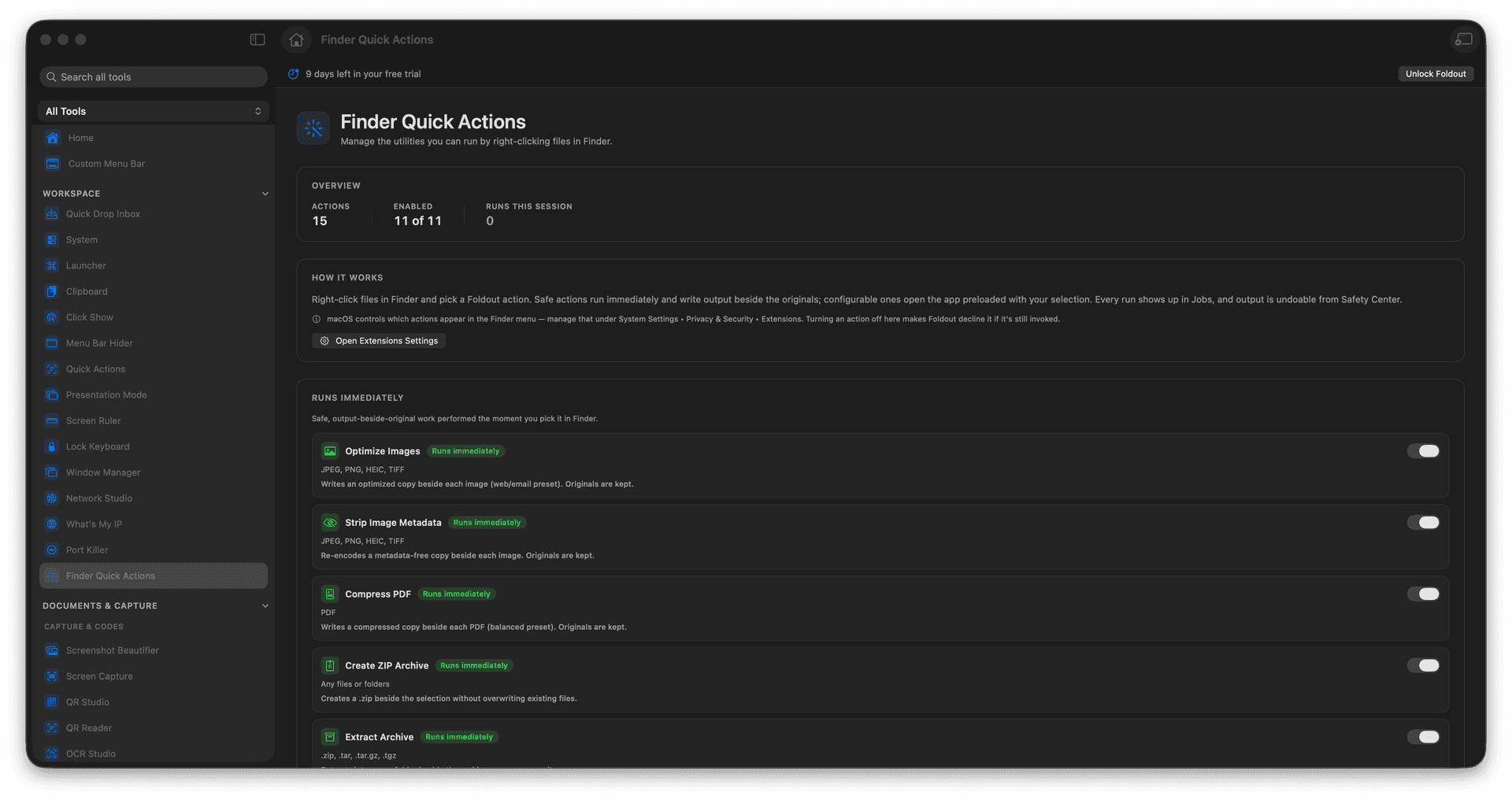
Run Foldout tools from a Finder right-click.
Choose exactly which actions appear.
Act on selected files without opening the app.
Bring batch tools to where your files live.
Concrete features, inputs, and workflow details for this tool.
Select files in Finder and reach Foldout's actions straight from the context menu, no app switch required.
Turn individual actions on or off so the menu shows only the operations you actually use.
Perfect for the convert, compress, rename, and zip jobs that start with a Finder selection.
Open Finder Quick Actions.
Review available actions.
Enable the ones you want.
Use them from Finder on matching files.
No. It manages Foldout Finder extension actions.